Chapter 5 Maintenance
Page 216 of 314 Part Number: 0160-6411, Rev A, 02/2019
Software Release: cOS 5.00
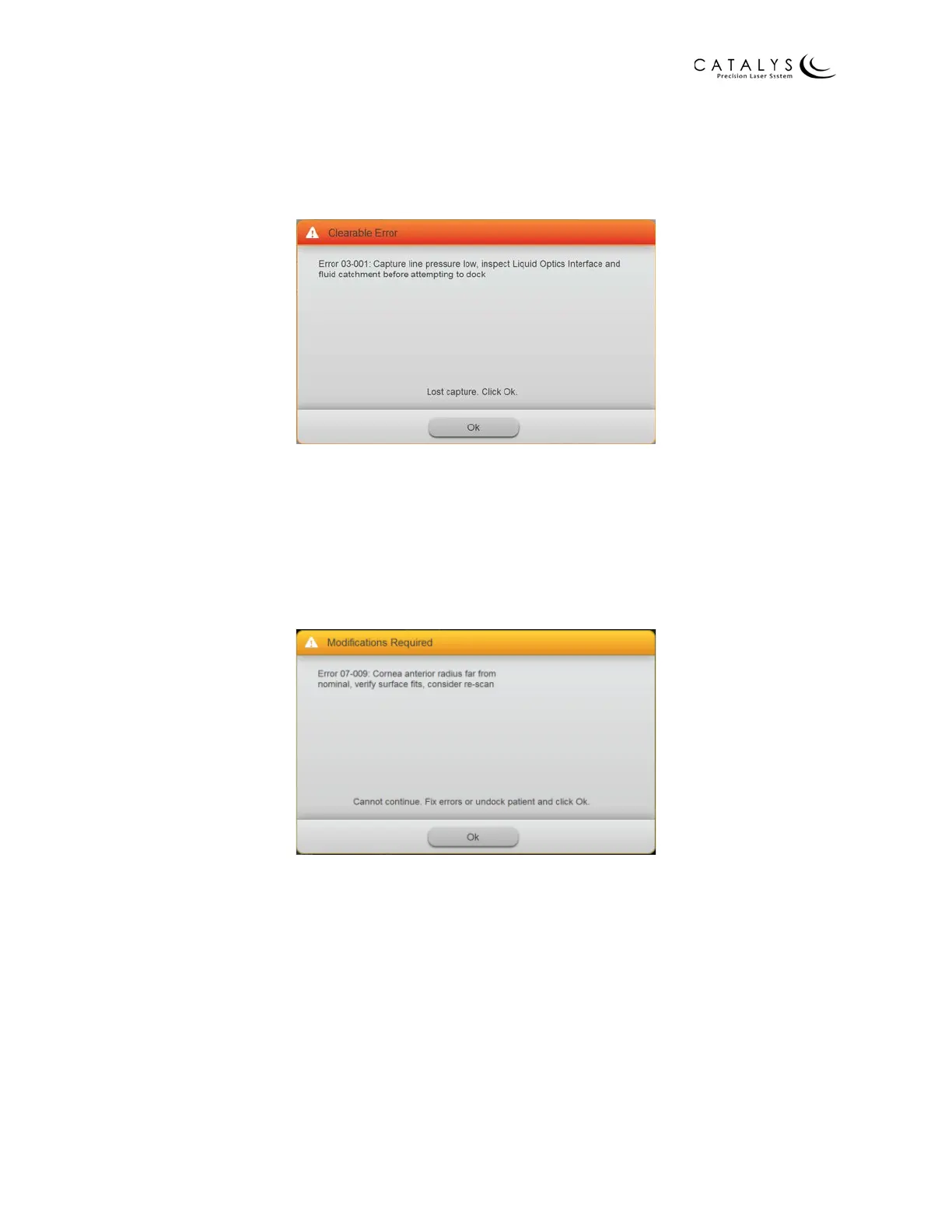
Clearable Errors
Clearable errors are user-correctable and will not cause the system to shut down. Follow the on-
screen prompts to correct and clear the error and proceed with treatment.
Figure 5.4 Sample Clearable Error
No Treat Errors
No Treat errors identify problems with the treatment parameters or INTEGRAL GUIDANCE
System and must be corrected (“Modifications Required”) before proceeding. To correct a No
Treat error, first review the treatment parameters and make adjustments, as necessary. Next,
reinitiate INTEGRAL GUIDANCE System imaging.
Figure 5.5 Sample No Treat Error



 To Next Page