Chapter 2 System Overview
Page 40 of 314 Part Number: 0160-6411, Rev A, 02/2019
Software Release: cOS 5.00
Logging Into the System
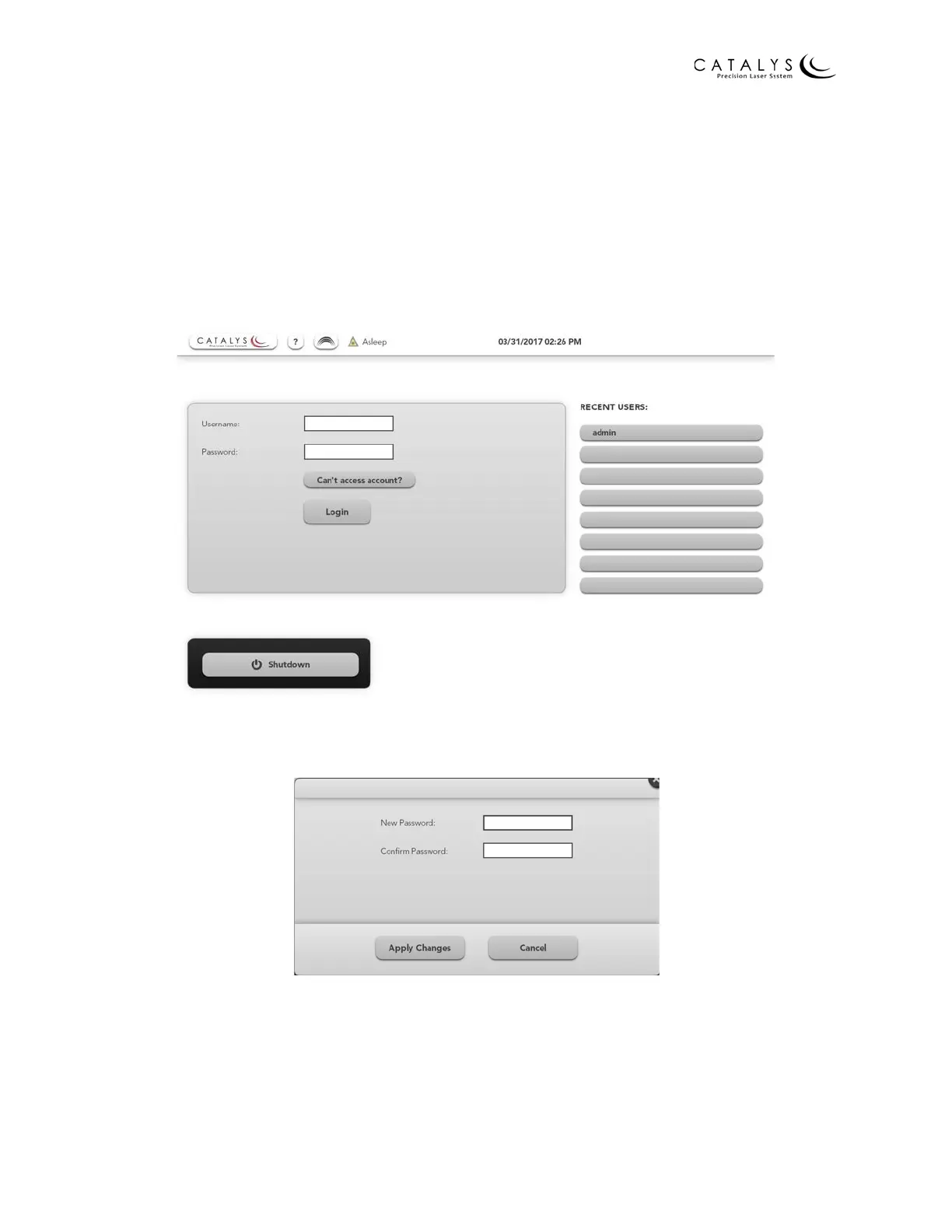
Enter your user name and password on the Login Screen, and then press the LOGIN button to log
into the CATALYS® System. If you cannot remember your user name or password, press the
CAN’T ACCESS ACCOUNT? button to submit a request to your CATALYS® System administrator.
NOTE
During system installation at your facility, one system administrator will be set up to manage
system users. Contact your CATALYS® System administrator to set up additional user accounts.
Figure 2.10 Login Screen
The first time you log into the system, it prompts you to enter a new password.
Figure 2.11 Enter New Password Window
Enter and confirm your new password, then press the ENTER key on the on-screen keyboard or
the APPLY CHANGES button in the Enter New Password window to proceed to the Home Screen.



 To Next Page