Chapter 2 System Overview
Part Number: 0160-6411, Rev A, 02/2019 Page 51 of 314
Software Release: cOS 5.00
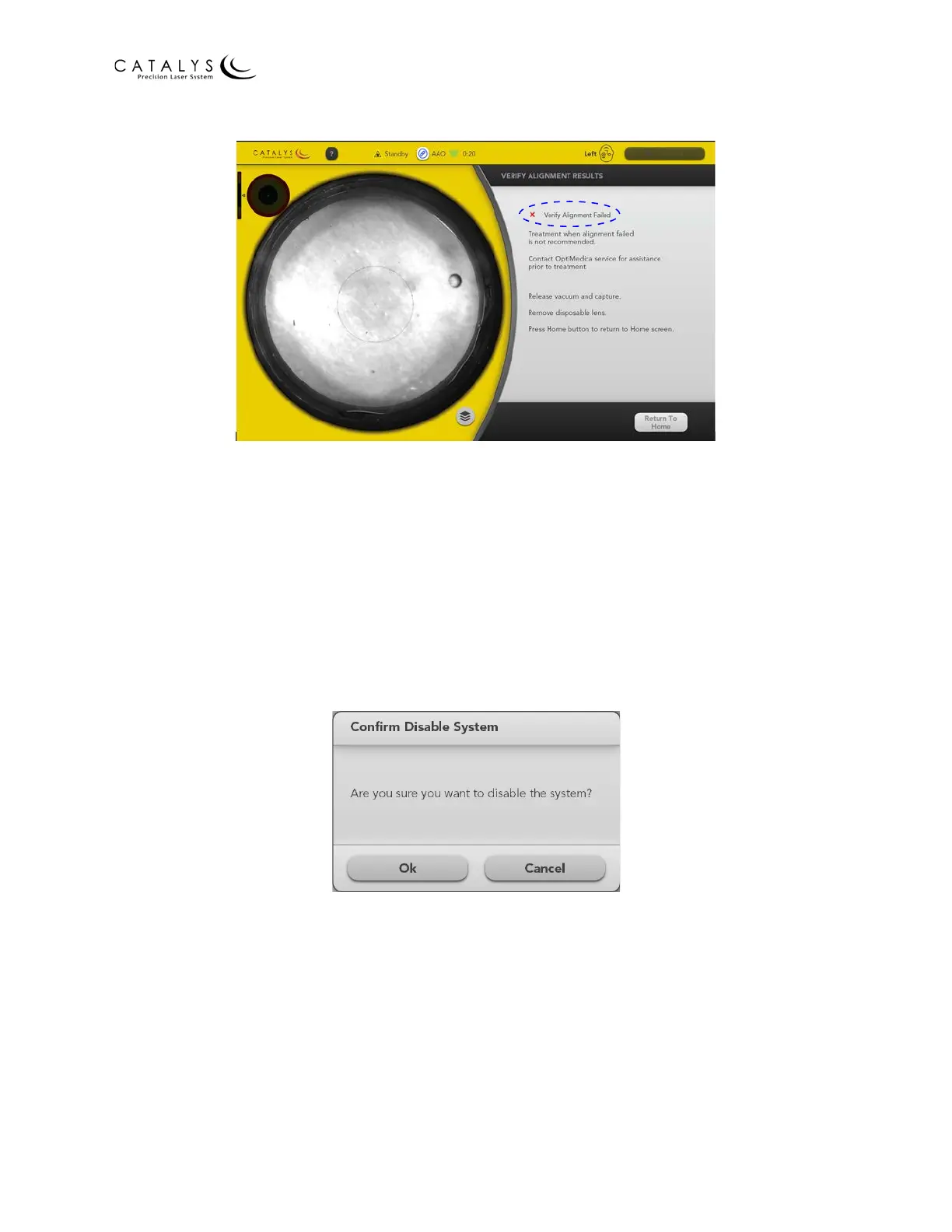
Figure 2.28 Verify Alignment Failed
18. As instructed on the Verify Alignment Results Screen:
a. Release vacuum and capture using the docking keypad.
b. Remove the disposable lens.
Press the RETURN TO HOME button to return to the Home Screen.
Disabling the System
At the end of the treatment day, or if the system will not be used for at least 45-60 minutes
between patients, disable the system by pressing the DISABLE SYSTEM button on the Home
Screen. The Confirm Disable System window displays. Press the OK button to disable the system.
Figure 2.29 Confirm Disable System Window
NOTE
To use the system after disabling it, the system will need to be enabled and will require up to a
45‐minute warm‐up period.



 To Next Page