Chapter 2 System Overview
Page 52 of 314 Part Number: 0160-6411, Rev A, 02/2019
Software Release: cOS 5.00
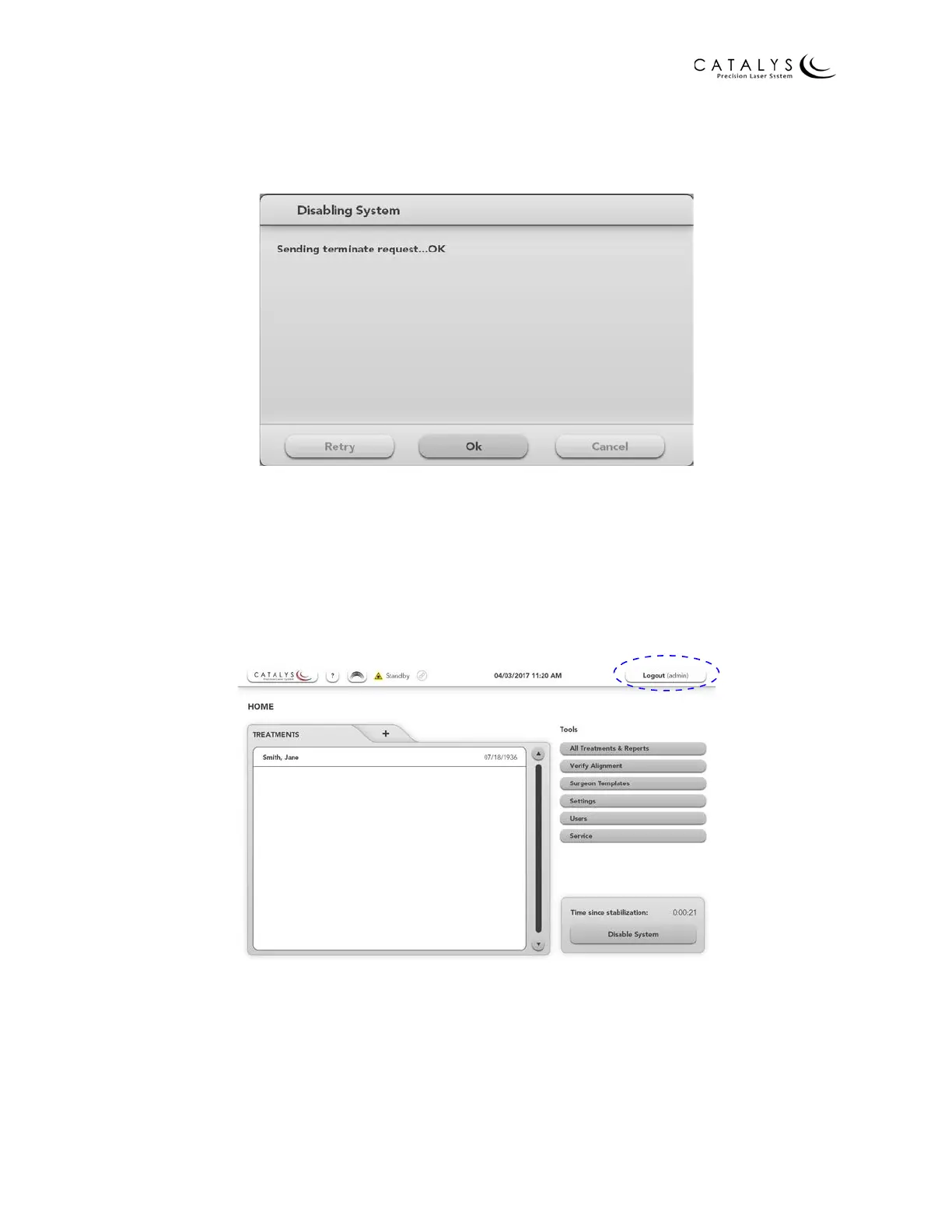
After pressing the OK button, the Disabling System window displays. At the completion of the
system-disabling sequence, press the OK button to close the Disabling System window.
Figure 2.30 Disabling System Window
Shutting Down the System
Except during an emergency, you must shut down the system from the Login Screen. To access
the Login Screen from the Home Screen, press the LOGOUT button in the upper right corner of
the screen.
Figure 2.31 Location of LOGOUT Button on the Home Screen
To access the Login Screen from a Treatment Planning Screen, press the HOME button in the
upper right corner of the screen to go to the Home Screen, and then press the LOGOUT button
on the Home Screen.



 To Next Page