Chapter 3 Software Navigation
Page 80 of 314 Part Number: 0160-6411, Rev A, 02/2019
Software Release: cOS 5.00
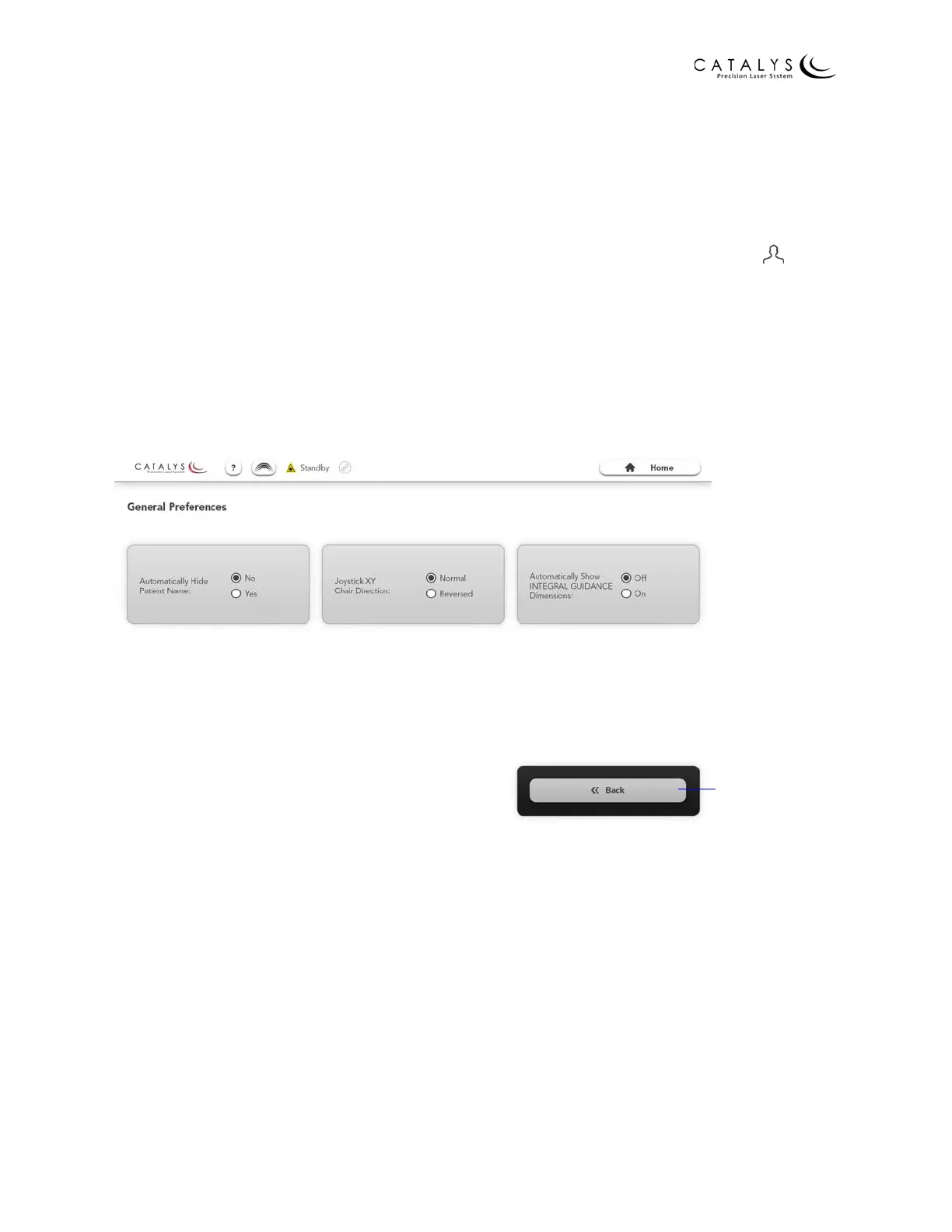
General Preferences Screen
From the Surgeon Template Screen, press the General Preferences button to go to the General
Preferences Screen. From the General Preferences Screen, you can:
• Automatically hide the patient name on treatment screens
NOTE
You can toggle the patient name on/off by pressing the area to the right of the icon at
the top of all treatment screens.
• Adjust the x,y direction in which the joystick control on the Mobile Patient Bed or patient
chair moves the bed/chair
• Automatically display INTEGRAL GUIDANCE System dimensions on the Surface Mapping
Review Screen
Figure 3.31 General Preferences Screen
Return to Surgeon
Template Screen



 To Next Page