Chapter 3 Software Navigation
Page 56 of 314 Part Number: 0160-6411, Rev A, 02/2019
Software Release: cOS 5.00
Control Screen Conventions
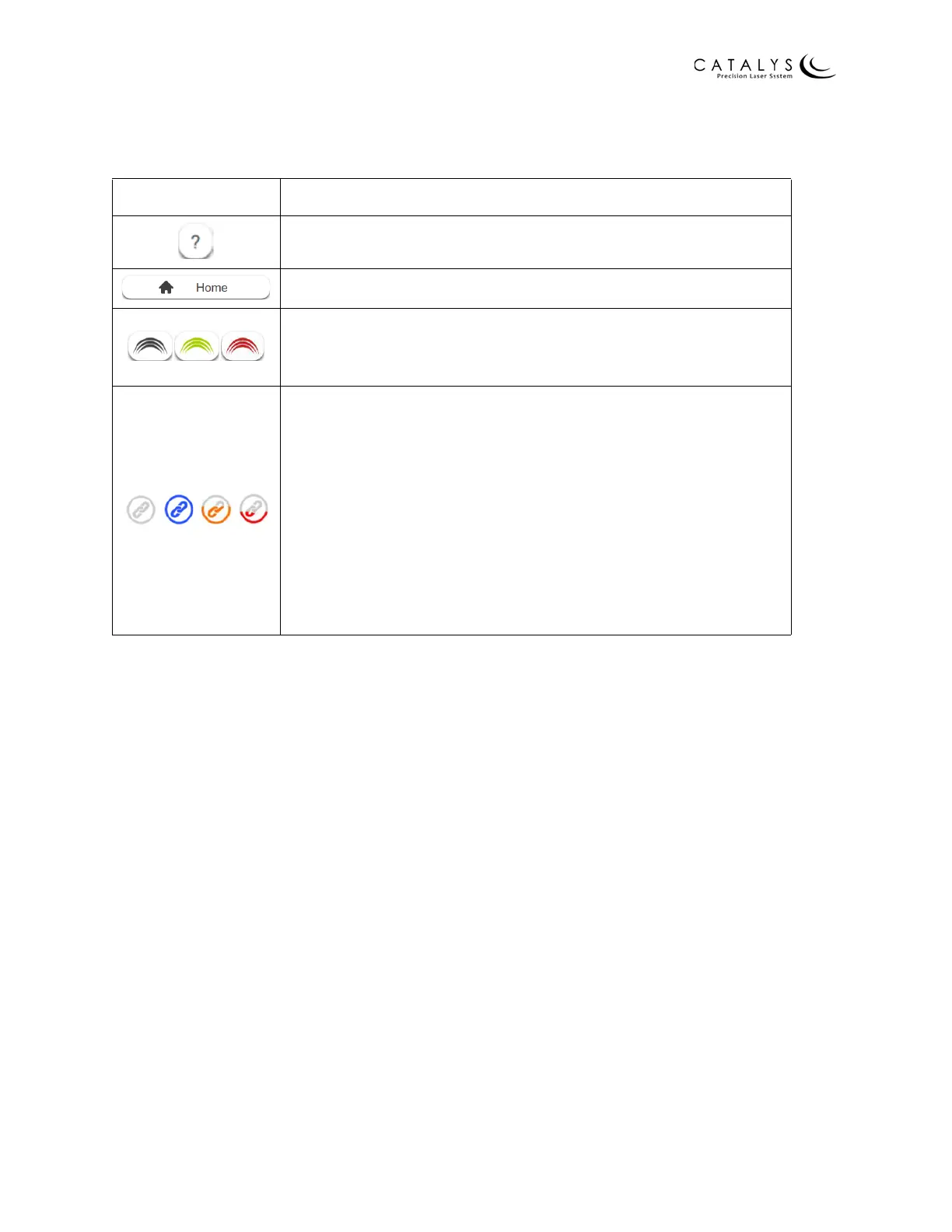
The following buttons and icons display at the top of most screens:
In addition, the laser status icon displays at the top of most screens. Refer to Enabling the
System on page 41 for a description of the laser status icons.
Icon Description/Function
Help—press to view operator manual
Return to Home Screen—press to return to Home Screen
Treatment activation status icon—shows current treatment
activation status (black = not activated; green = activated; red =
LIQUID OPTICS™ Interface already consumed)
Bluetooth connection status icon—shows current Mobile Patient
Bed connection status: gray = not connected; blue = connected;
partially filled orange = connected but battery power low
(sufficient power for one treatment); partially filled red =
connected but battery power critically low (connect Mobile
Patient Bed to AC power source immediately); rapidly blinking
blue = disconnected during procedure
NOTE
The Bluetooth connection status icon is only visible on systems
configured for use with the Mobile Patient Bed.



 To Next Page