Chapter 3 Software Navigation
Page 82 of 314 Part Number: 0160-6411, Rev A, 02/2019
Software Release: cOS 5.00
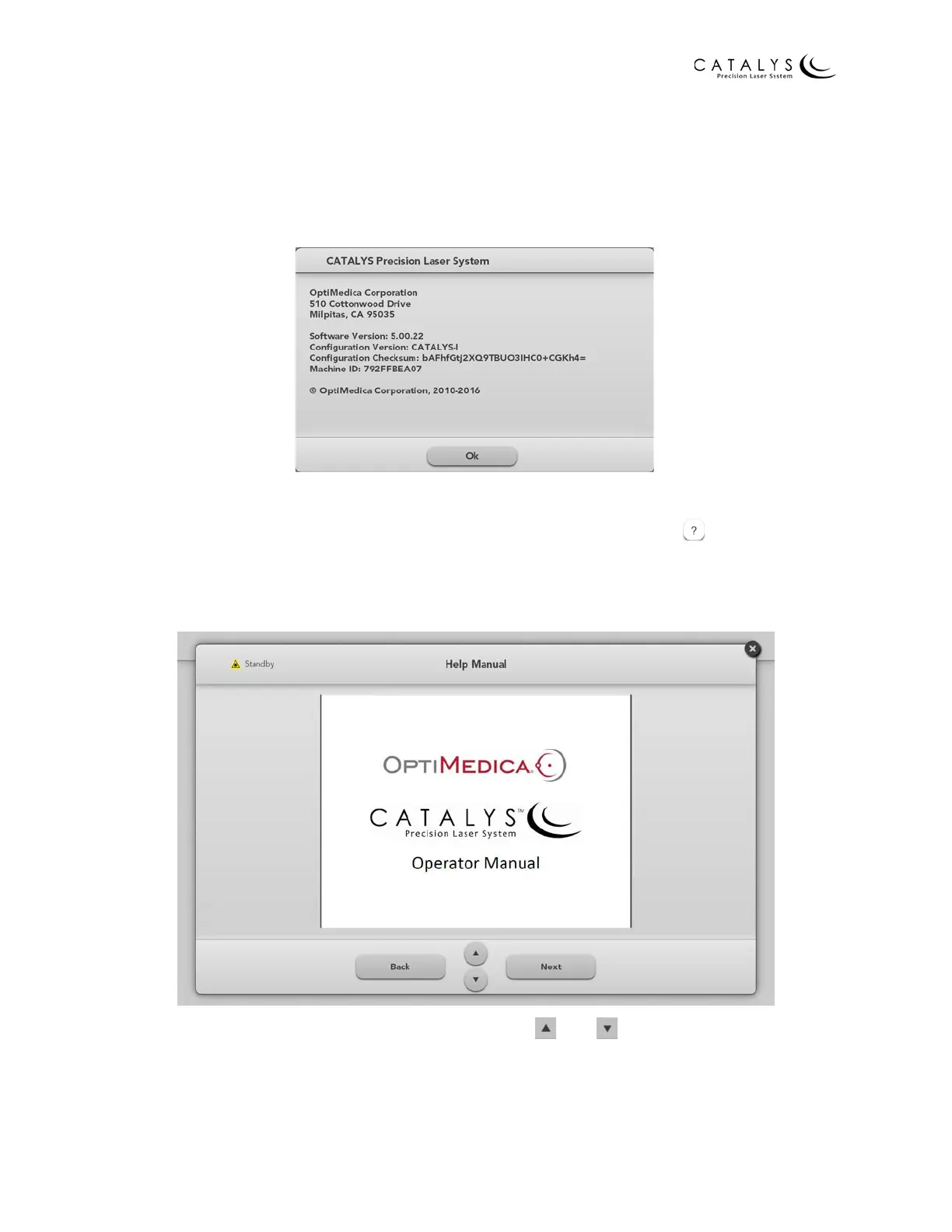
Software Info Window
Press the CATALYS® System button in the upper left corner of the Home Screen or the Login
Screen to open the Software Info window. The company address, as well as the software part
number and version, display in the window. Press OK to close the window.
Figure 3.33 Software Info Window
Help Screen
The operator manual can be accessed from any screen by pressing the button, which is
located at the top of the screen. The operator manual is not accessible during treatment or
when treatment has been paused.
Figure 3.34 Help Screen
To scroll up and down on the current page, press the and buttons. To go back a page,
press the BACK button. To go forward a page, press the NEXT button. Press the X in the upper
right corner to close the Help Screen and return to the previous screen.



 To Next Page