Chapter 4 CATALYS® System Procedure
Part Number: 0160-6411, Rev A, 02/2019 Page 181 of 314
Software Release: cOS 5.00
NOTE
The following three sections pertain only to the Mobile Patient Bed. If using the patient chair,
proceed to Attaching the Suction Ring on page 182.
Connecting the Mobile Patient Bed to the CATALYS® System
After verifying the information on the Surgical Timeout Screen and pressing the APPROVE
button, the Docking Screen guides you through the patient docking procedure. When the initial
Docking Screen displays, the Connection panel is open. Establish Bluetooth wireless connection
between the Mobile Patient Bed and the CATALYS® System, as follows:
1. Line up the Mobile Patient Bed with the CATALYS® System (see Positioning the Bed Next
to the CATALYS® System on page 258 for instructions). The maximum recommended
distance between the bed and the CATALYS® System is 10 ft (3 m) when establishing
Bluetooth connection.
2. Press the (connect) button on the Mobile Patient Bed control pendant to establish
Bluetooth connection between the Mobile Patient Bed and the CATALYS® System. The
button blinks slowly to indicate that the Mobile Patient Bed is attempting to connect to
the CATALYS® System.
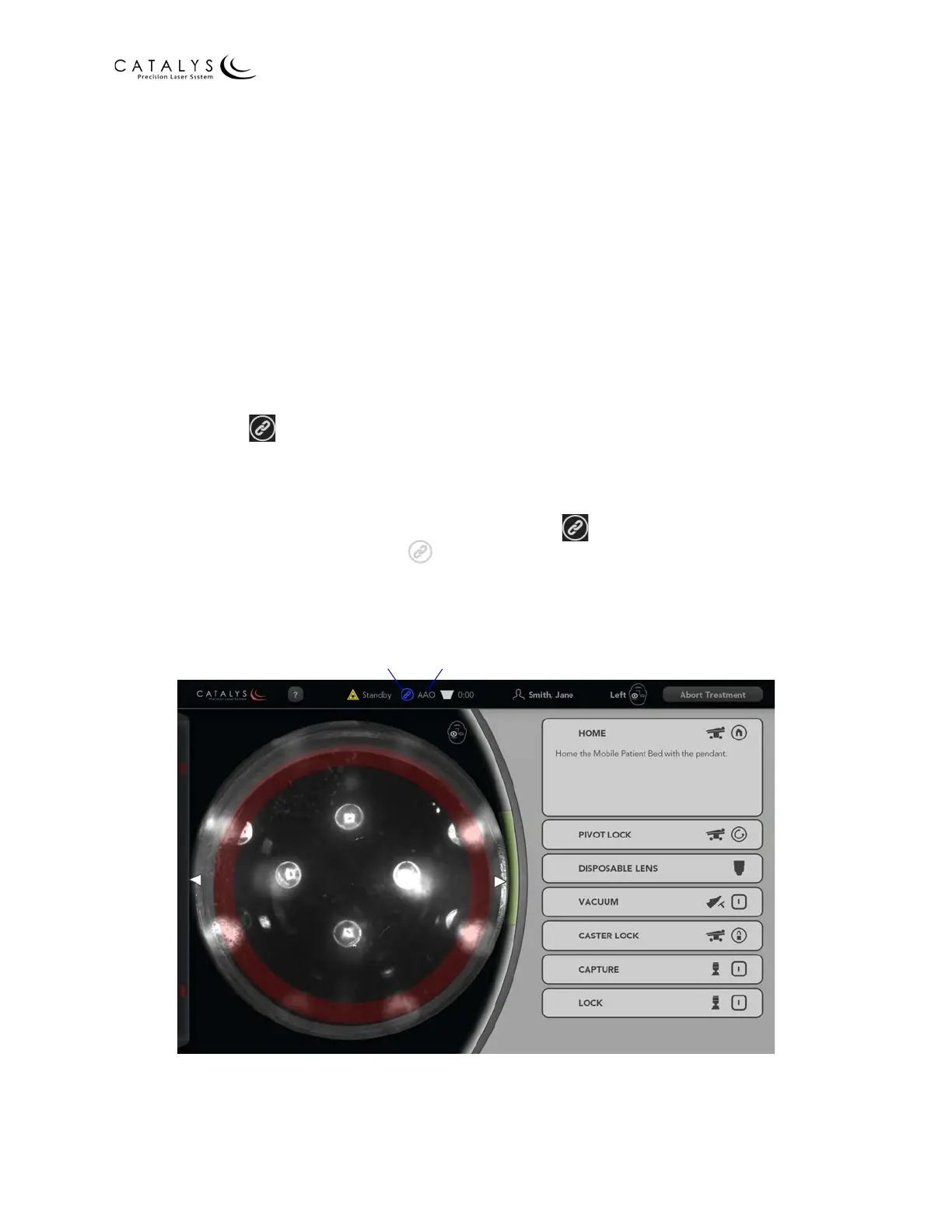
3. When the Bluetooth connection is successful, the (connect) button on the control
pendant illuminates blue; the (Bluetooth connection status) icon at the top of the
CATALYS® System screen turns from gray to blue; and the Mobile Patient Bed name
displays to the right of the icon, as shown in the following figure.
Figure 4.21 Bluetooth Connection Status Icon and Mobile Patient Bed Name
Mobile Patient Bed NameBluetooth Connection Status Icon



 To Next Page