Chapter 3 Software Navigation
Page 86 of 314 Part Number: 0160-6411, Rev A, 02/2019
Software Release: cOS 5.00
Default Details Screens
From the Surgeon Template Screen for the selected surgeon, press the DEFAULT DETAILS button
for the desired treatment. The corresponding Default Details Screen displays. Enter the desired
default parameters and then press the BACK button to return to the Surgeon Template Screen.
If you select a value other than the System Default value for any parameter on a Default Details
Screen, an asterisk displays to the left of the value and a “return-to-default” button displays to
the right. The value of the “return-to-default” button will be populated with the System Default.
The values entered in the Default Details Screens carry over to the Treatment Template and,
potentially, to the Treatment Planning Screens (see the following sections).
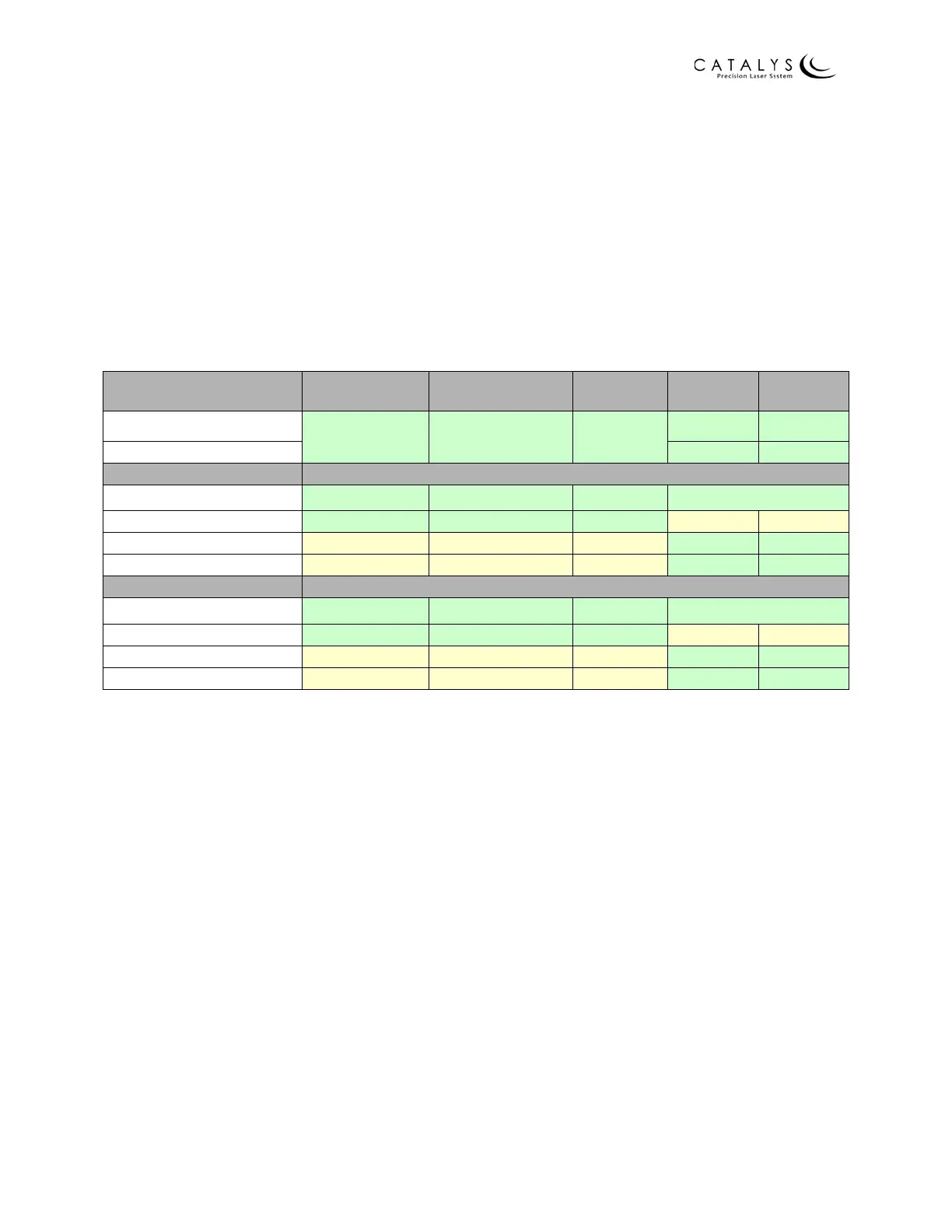
The following table summarizes user-adjustable basic and details parameters.
DEFAULT DETAILS CAPSULOTOMY
LENS
FRAGMENTATION
ARCUATE PRIMARY SIDEPORT
Geometric Default Details
Combined Combined Combined
yes yes
Laser Default Details
yes yes
TREATMENT TEMPLATES
Basic
yes yes yes
yes
a
a.For Cataract Incisions, both primary and sideport incisions are shown on a single basic screen. For left and
right, each value must be filled in for each user‐adjustable parameter.
Details
yes yes yes no no
Geometric Details
no no no yes yes
Laser Details
no no no yes yes
TREATMENT PLANNING
Basic
yes yes yes
yes
b
b.For Cataract Incisions, both primary and sideport incisions are shown on a single basic screen.
Details
yes yes yes no no
Geometric Details
no no no yes yes
Laser Details
no no no yes yes



 To Next Page