Chapter 3 Software Navigation
Part Number: 0160-6411, Rev A, 02/2019 Page 61 of 314
Software Release: cOS 5.00
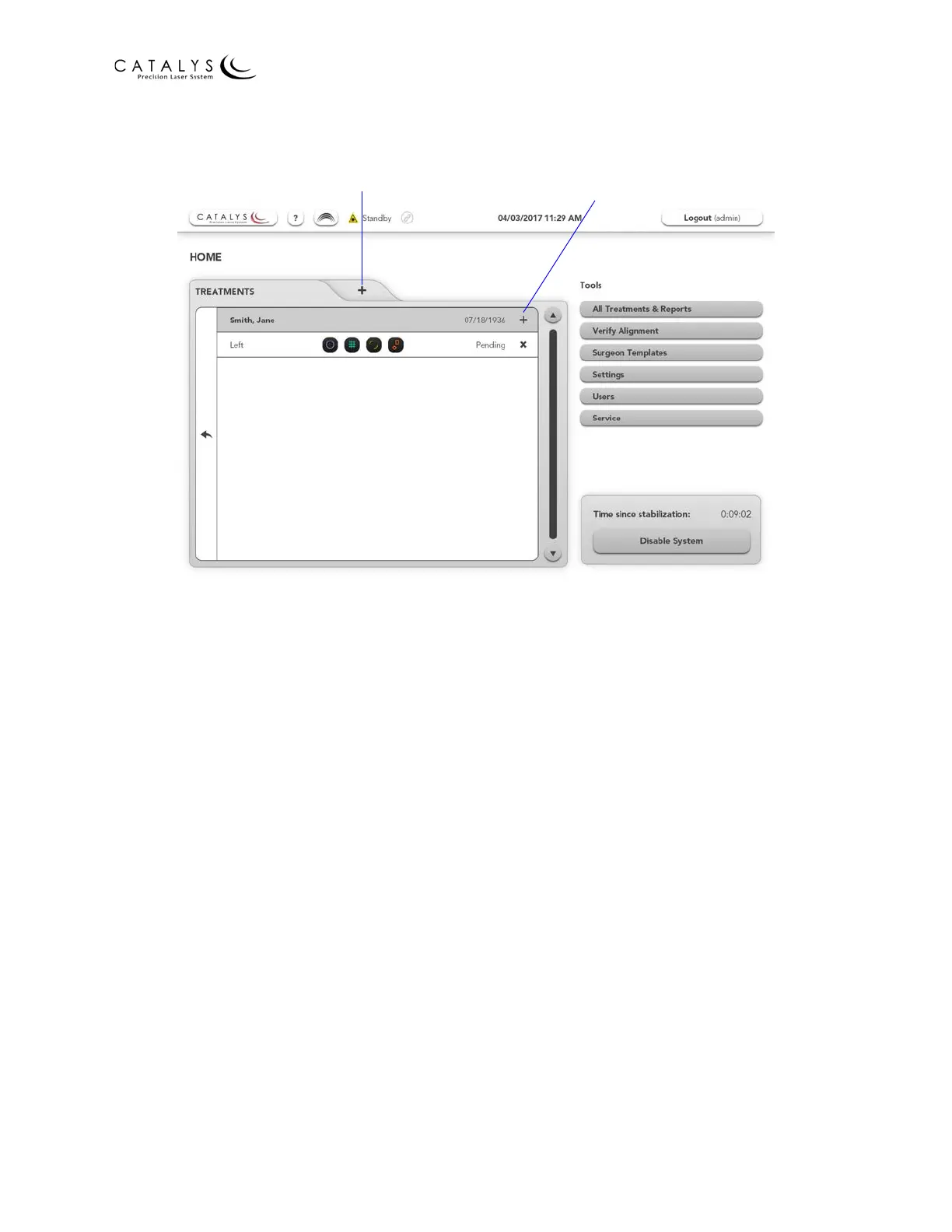
Figure 3.3 Treatment Planning Options on the Home Screen
NOTES
During treatment planning, you can return to the Home Screen at any time by pressing the
HOME button in the upper right corner of the treatment planning screens.
Refer to Planning Screens on page 83 for detailed information on creating and editing treatment
plans.
Users Screen
From the Administrator Home Screen, press the USERS button to go to the Users Screen. From
the Users Screen, the administrator can:
• Add user accounts
• Assign user permission levels
─ Admin—user has administrator privileges, as described in this section
─ General—user can plan and start treatments and perform system calibration and self-
test
─ Disabled—user has no permissions
• Reset user passwords
• View requests for user accounts submitted from the Login Screen
• Sort users by name, requests, or permissions
Add a Treatment Plan
for New Patient
Add a New
Treatment Plan for
This Patient



 To Next Page