Appendix A – Chapter 3 Mobile Patient Bed Maintenance
Part Number: 0160-6411, Rev A, 02/2019 Page 273 of 314
Software Release: cOS 5.00
CATALYS® System Error Messages
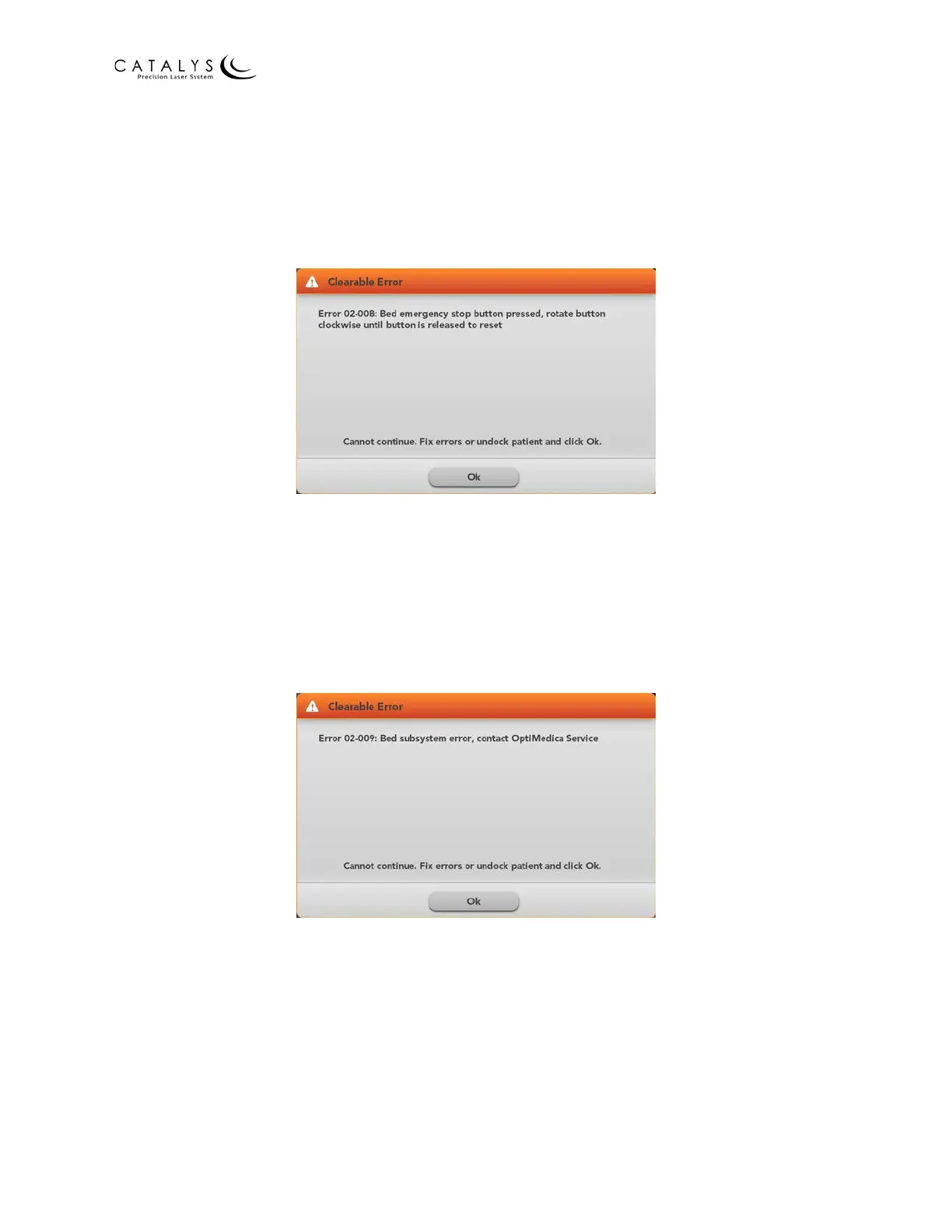
Emergency Stop Error Message
If the Mobile Patient Bed is connected to the CATALYS® System when the bed’s emergency stop
button is pressed, the following error message displays on the CATALYS® System screen:
Figure 3.3 Emergency Stop Error Message
As instructed in the error message, reset the emergency stop button; fix the errors or undock
the patient; and then press OK to clear the message.
Subsystem Error Message
If the Mobile Patient Bed encounters a hardware-related error, the following error message
displays on the CATALYS® System screen:
Figure 3.4 Subsystem Error Message
As instructed in the error message, fix the errors or undock the patient, and then press OK to
clear the message.



 To Next Page