Chapter 2 System Overview
Part Number: 0160-6411, Rev A, 02/2019 Page 41 of 314
Software Release: cOS 5.00
Enabling the System
The CATALYS® System has two operating states:
• Control panel enabled; system and laser disabled
• Control panel, system, and laser enabled
Only the control panel is enabled at system start-up. You can add new treatment plans and edit
previously added treatment plans with only the control panel enabled. However, you cannot
perform laser treatment until the system and laser are also enabled.
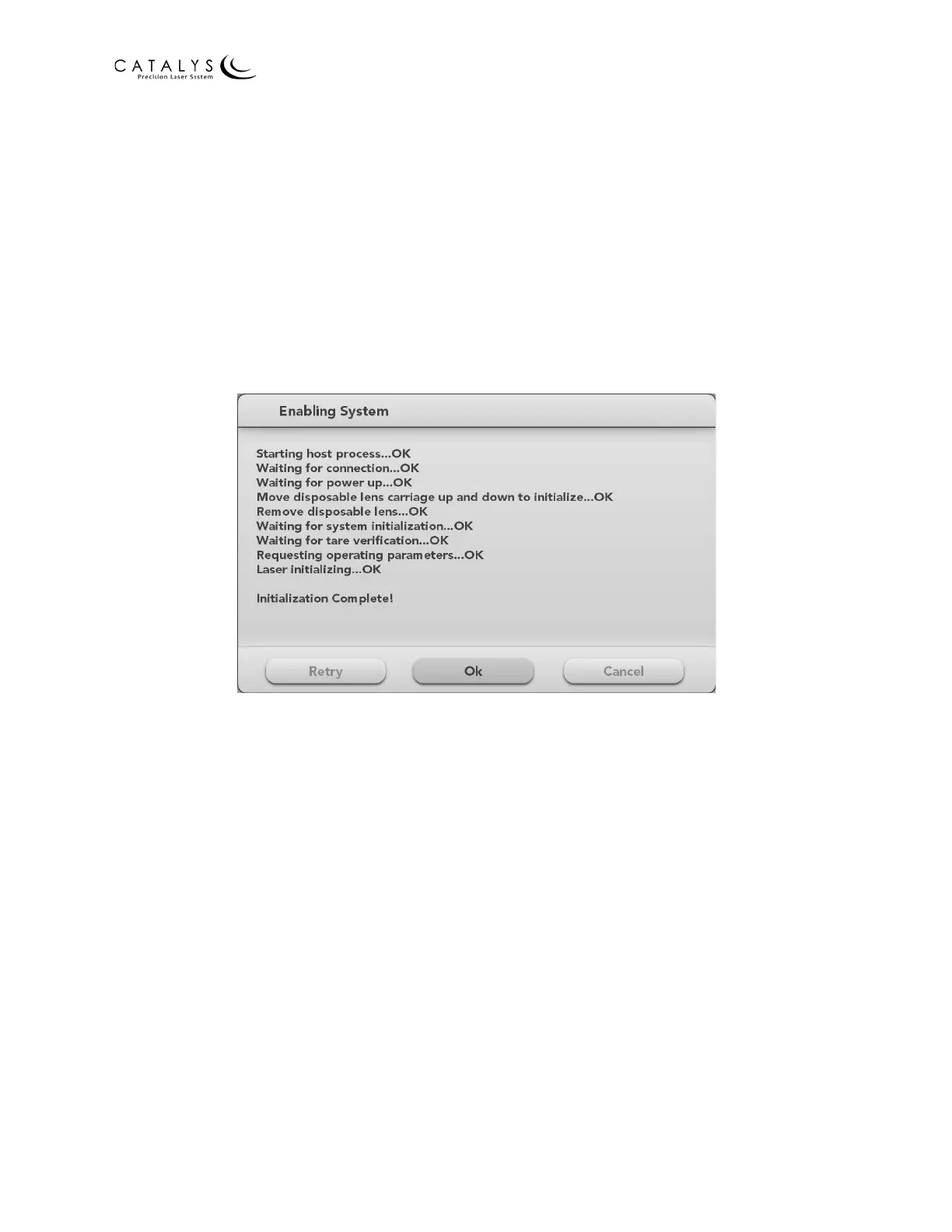
Prior to laser treatment, enable the system by pressing the ENABLE SYSTEM button on the Home
Screen. The Enabling System window displays.
Figure 2.12 Enabling System Window
The system runs a system-wide self-test and safety check, and you are prompted to move the
disposable lens carriage up and down through its full range of travel. Save the red protective
lens cover that is provided with each CATALYS® System.
Next, the system checks for the presence of the disposable lens. If a lens is present, you are
prompted to remove the lens before continuing. At the completion of the system-enabling
sequence, press the OK button to close the Enabling System window.



 To Next Page