Chapter 2 System Overview
Part Number: 0160-6411, Rev A, 02/2019 Page 53 of 314
Software Release: cOS 5.00
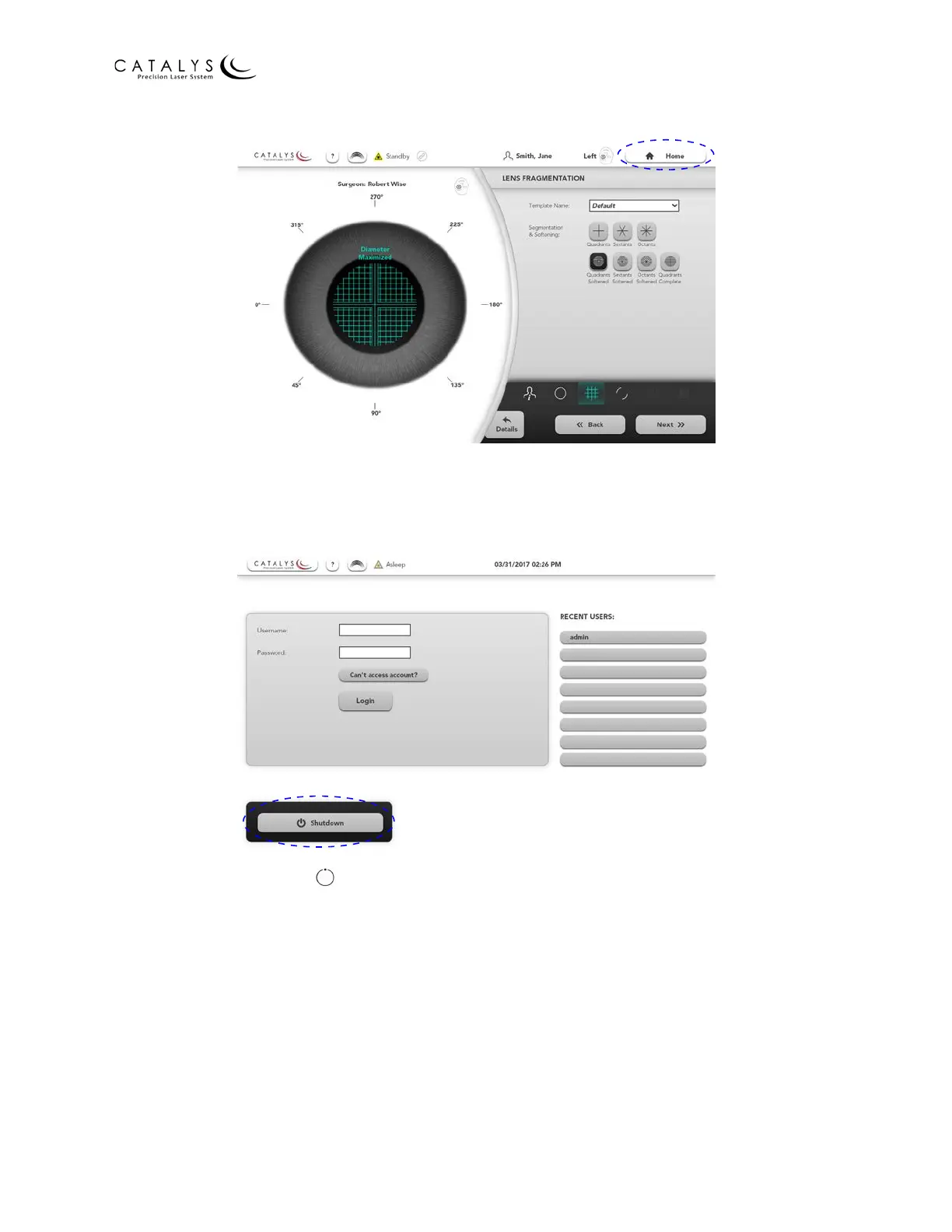
Figure 2.32 Location of HOME Button on the Treatment Planning Screen
From the Login Screen, press the SHUTDOWN button. The Confirm Shutdown window displays in
the center of the screen. Press the OK button, and wait for the system to shut down.
Figure 2.33 Location of SHUTDOWN Button on the Login Screen
Turn the key switch to the (off) position and remove the key to prevent unauthorized use of
the system.
NOTE
If the power cable is still connected to the electrical source, some internal circuits remain
energized. To de‐energize all internal circuits, switch the main system circuit breakers to the OFF
position and unplug the power cable from the wall.



 To Next Page