Chapter 5 Maintenance
Part Number: 0160-6411, Rev A, 02/209 Page 215 of 314
Software Release: cOS 5.00
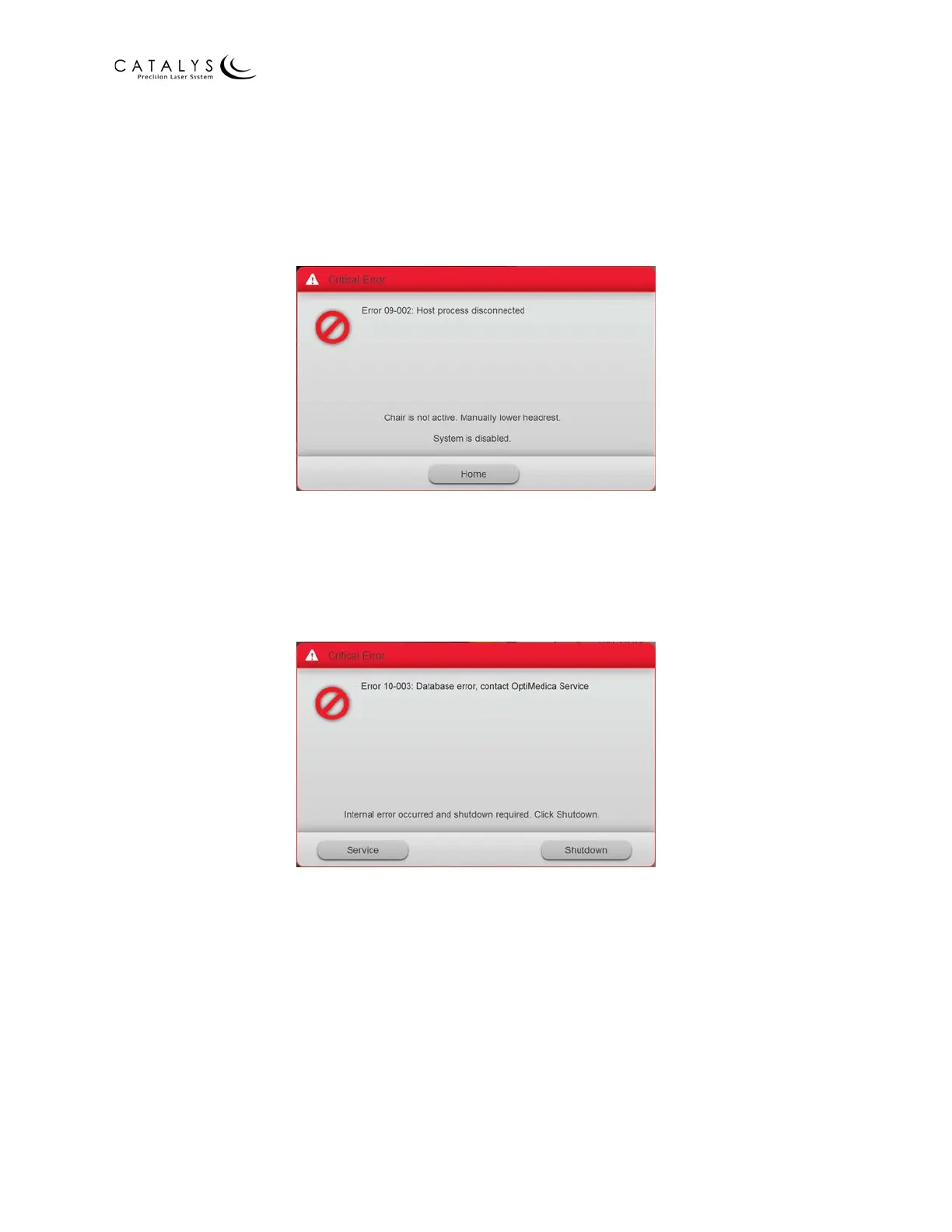
The bed/chair is completely disabled. To release the patient, you must manually lower the
headrest by pulling out the headrest frame tilt locking lever and pressing down on the headrest
frame (if using the Mobile Patient Bed) or by rotating the headrest vertical adjustment knob (if
using the patient chair). If you do not take one of the preceding actions, the system
automatically logs you out after 30 seconds and returns to the Login Screen.
Figure 5.2 Sample Critical Error – Bed/Chair Inactive
When a Critical Error – Shutdown occurs, the only option is to press the SHUTDOWN button to
shut down the system. The error screen continues to display until you press the SHUTDOWN
button. If the error is due to a problem with the touchscreen, the system will have to be shut
down by turning the key to the start position and holding it in that position for 10 seconds.
Figure 5.3 Sample Critical Error – Shutdown



 To Next Page