Chapter 2 System Overview
Part Number: 0160-6411, Rev A, 02/2019 Page 43 of 314
Software Release: cOS 5.00
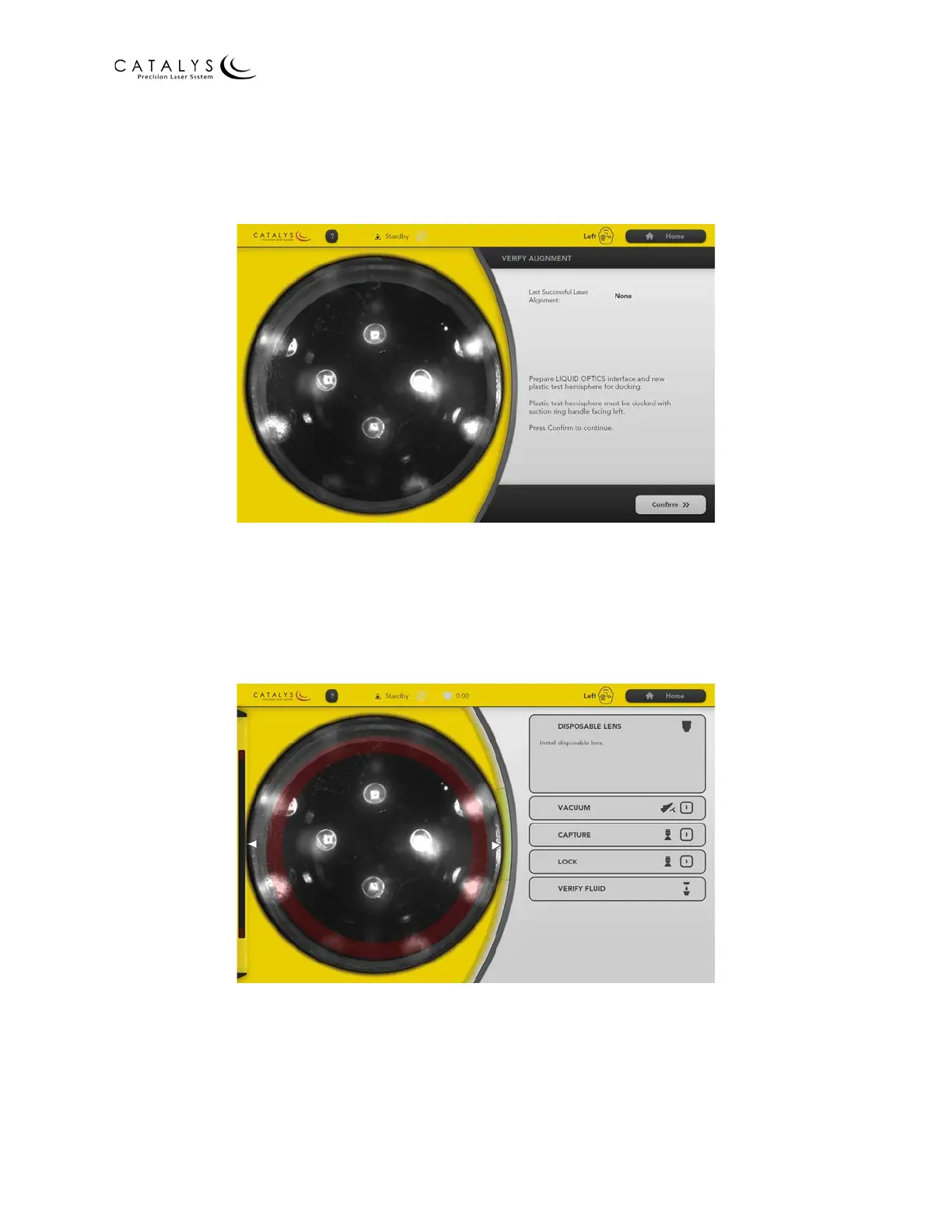
To verify the system alignment:
1. From the Home Screen or the Administrator Home Screen, press the VERIFY ALIGNMENT
button to go to the Verify Alignment Screen.
Figure 2.13 Verify Alignment Screen
2. As instructed on the screen, prepare the LIQUID OPTICS™ Interface and a new plastic
test hemisphere for docking. Ensure that the suction ring handle is facing left.
3. Press the CONFIRM button to continue to the Verify Alignment Docking Screen.
4. As instructed in the Disposable Lens panel, install the disposable lens.
Figure 2.14 Disposable Lens Panel



 To Next Page