Chapter 3 Software Navigation
Page 130 of 314 Part Number: 0160-6411, Rev A, 02/2019
Software Release: cOS 5.00
NOTE
Small air bubbles are normal during the creation of the capsulotomy; towards the end of the lens
fragmentation and anterior penetrating arcuate incisions; and at the beginning and end of
cataract incisions.
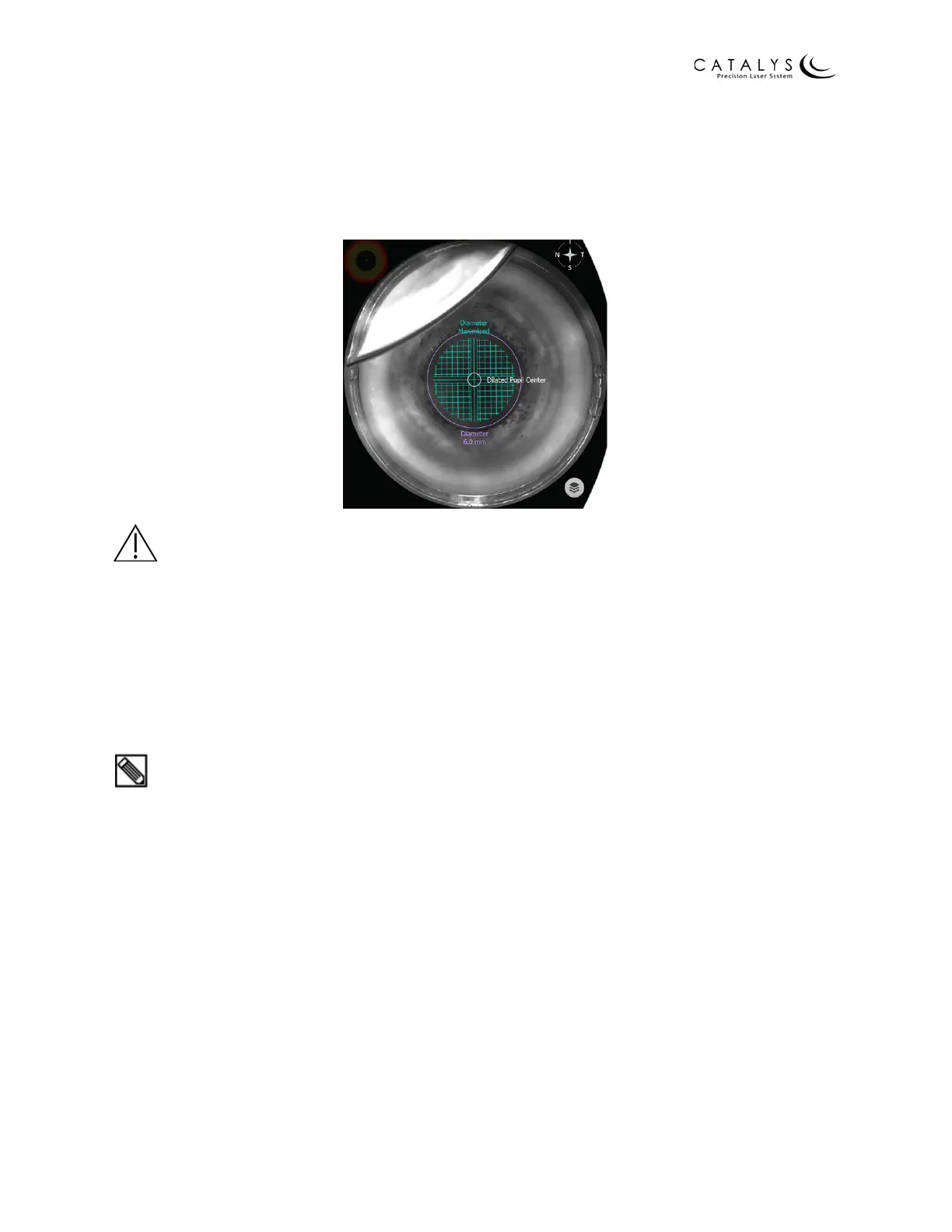
Figure 3.84 Meniscus on Video Image
WARNING
Continuously verify that the eye has not moved with respect to its initial presentation at the time
of fluid confirmation. If the eye moves during INTEGRAL GUIDANCE System imaging, press the
RESCAN EYE button. If the eye moves during laser treatment, terminate the laser treatment by
immediately releasing the laser footswitch.
NOTE
Refer to Capturing the Suction Ring on page 186 for detailed instructions on filling the suction
ring with sterile buffered saline solution.
TIP
If your finger is wet from the docking procedure, wipe it dry before using the touchscreen. Drops
of fluid on the touchscreen may act like a finger touch. If there is fluid on the touchscreen,
carefully wipe the touchscreen dry. Depending on the location of the fluid, wiping the
touchscreen may cause the screen to change. Verify that the correct screen displays before
proceeding.



 To Next Page