Chapter 3 Software Navigation
Part Number: 0160-6411, Rev A, 02/2019 Page 137 of 314
Software Release: cOS 5.00
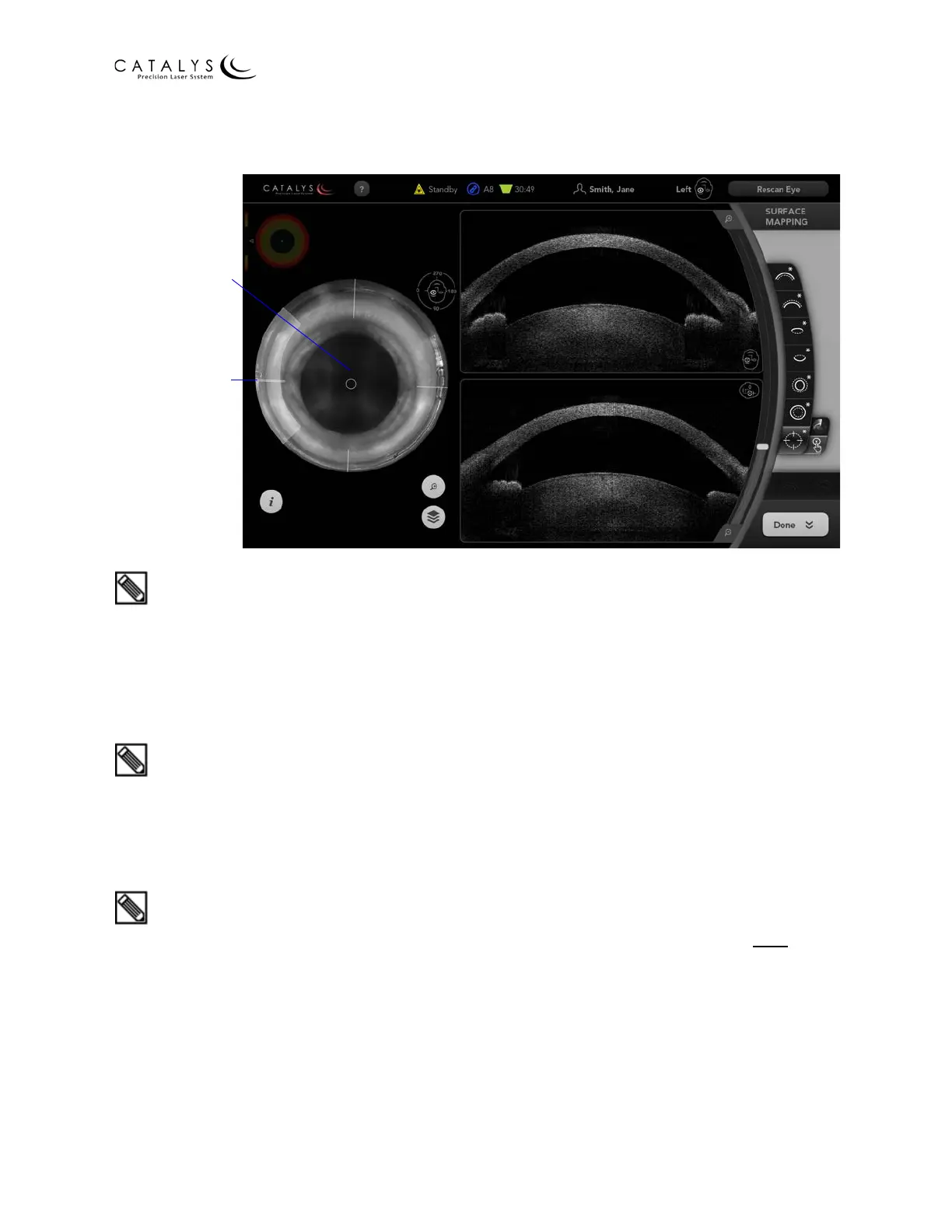
Figure 3.93 Surface Mapping Review Screen with Custom Cyclorotation
Compensation Selected
QUICK TIP: VERIFYING AND CUSTOMIZING SURFACE FITS
If you determine that the pupil fit does not match the underlying image, then press the RESCAN
EYE button and confirm the new pupil fit. If you still determine that the fit does not match the
underlying image, adjust the pupil fit size and centration as described in Customizing Surface Fits
on page 133. Once the pupil fit is properly adjusted, confirm the surface fits and, after the
surgical timeout, start treatment.
QUICK TIP: VERIFYING AND CUSTOMIZING SURFACE FITS
Take your time when confirming the surface fits! This is not the time to speed up the treatment.
Always confirm pupil first then axial and sagittal views (cornea anterior/posterior and lens
anterior/posterior). Consider saying the following out loud as you walk through this confirmation
process: “Anterior/posterior; anterior, posterior”.
QUICK TIP: VERIFYING AND CUSTOMIZING SURFACE FITS
If you are adjusting surface fits with the sliders, always fit the center sliders first on both
views,
then fit the side sliders to the surface.
Drag Circle to
Adjust Centration
of Cyclorotation
Drag Arc to Adjust
Cyclorotation



 To Next Page