Chapter 3 Software Navigation
Part Number: 0160-6411, Rev A, 02/2019 Page 143 of 314
Software Release: cOS 5.00
NOTE
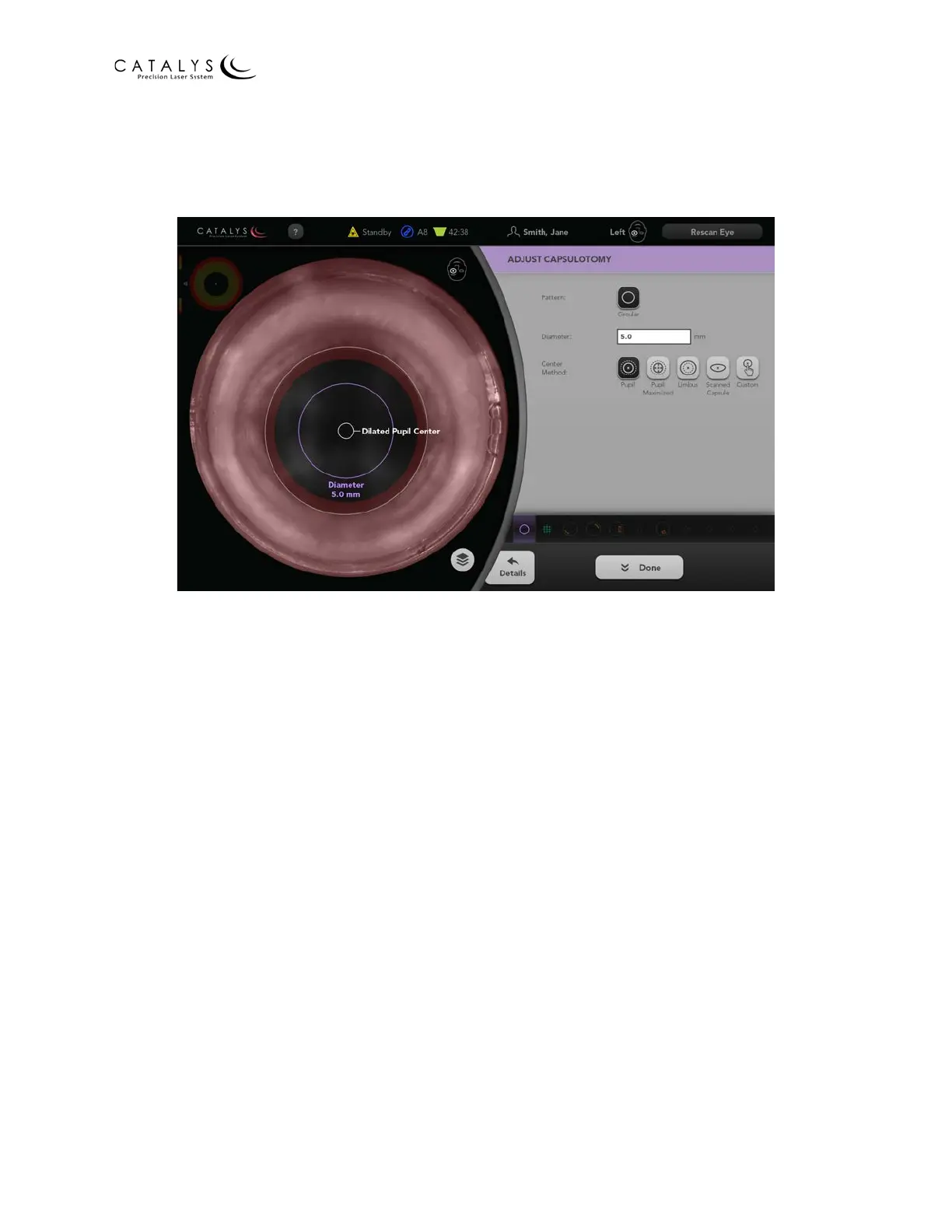
If you drag the capsulotomy outside of the capsulotomy iris safety zone, the system will not allow
treatment. The Diameter value will update automatically to reflect the overlay size.
Figure 3.100 Red Area Represents Capsulotomy Iris Safety Zone
Adjust the desired parameters on the Adjust Capsulotomy (Basic) Screen, and then press the
DETAILS button to proceed to the Adjust Capsulotomy Details Screen. Alternatively, you can
select an icon from the Quick Navigation Bar to go to the Incision Adjustment Screens for the
corresponding incision or press the DONE button to return to the Capsulotomy Incision Review
Screen.



 To Next Page