Chapter 3 Software Navigation
Part Number: 0160-6411, Rev A, 02/2019 Page 65 of 314
Software Release: cOS 5.00
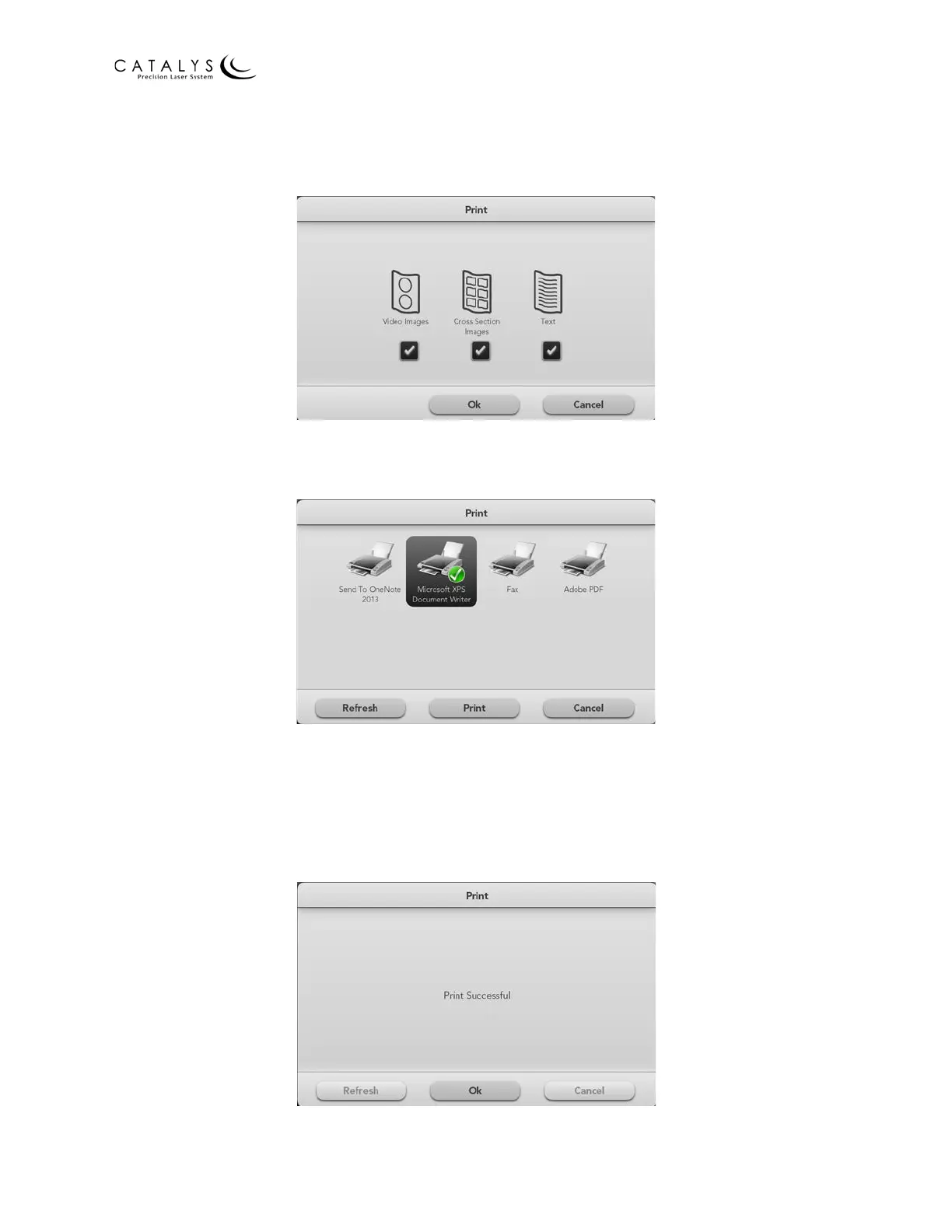
3. Select the report type (Video Images, Cross Section Images, and/or Text), and press the
OK button.
Figure 3.9 Print Window: Select Report Type
4. Select the target printer, and press the PRINT button.
Figure 3.10 Print Window: Select Printer
NOTE
If the target printer does not display on the screen, press the REFRESH button.
5. After printing, press the OK button to return to the All Treatments & Reports or
Treatment Results Screen.
Figure 3.11 Print Window: “Print Successful” Message



 To Next Page