Chapter 3 Software Navigation
Part Number: 0160-6411, Rev A, 02/2019 Page 67 of 314
Software Release: cOS 5.00
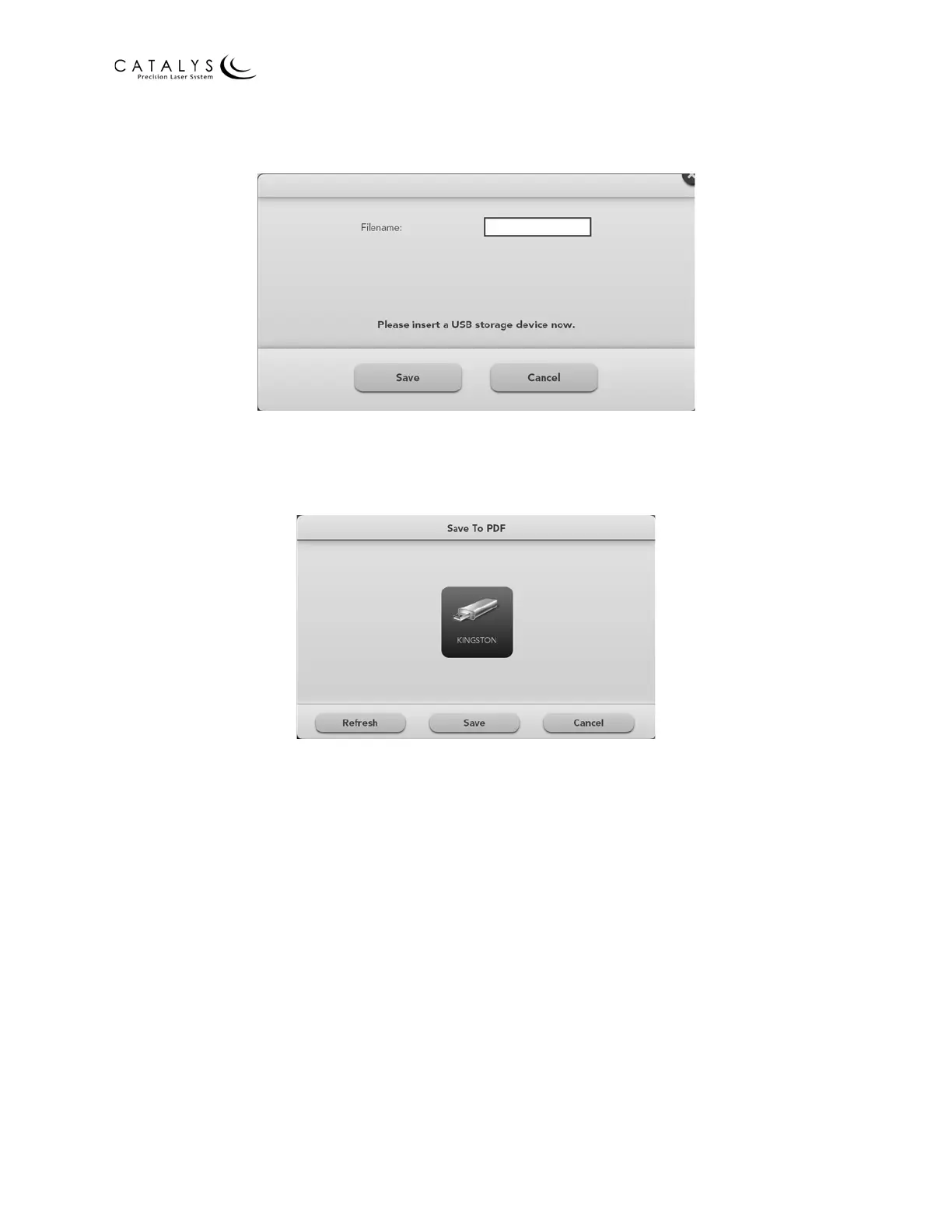
3. Enter a file name in the window, and press the SAVE button.
Figure 3.15 Save to PDF Window: Enter File Name
4. Verify that the target USB storage device displays on the screen, and press the SAVE
button.
Figure 3.16 Save to PDF Window: Select Storage Device
NOTE
If the target USB storage device does not display on the screen, press the REFRESH button. If
more than one storage device is connected to the system, then press the icon for the target
device.



 To Next Page