1-17 Tilt Bail Stand General Information
1-10 PN: 10580-00250 Rev. K Cell Master UG
The soft carrying case includes a detachable shoulder strap, which can be connected to the
D-rings of the case.
1-17 Tilt Bail Stand
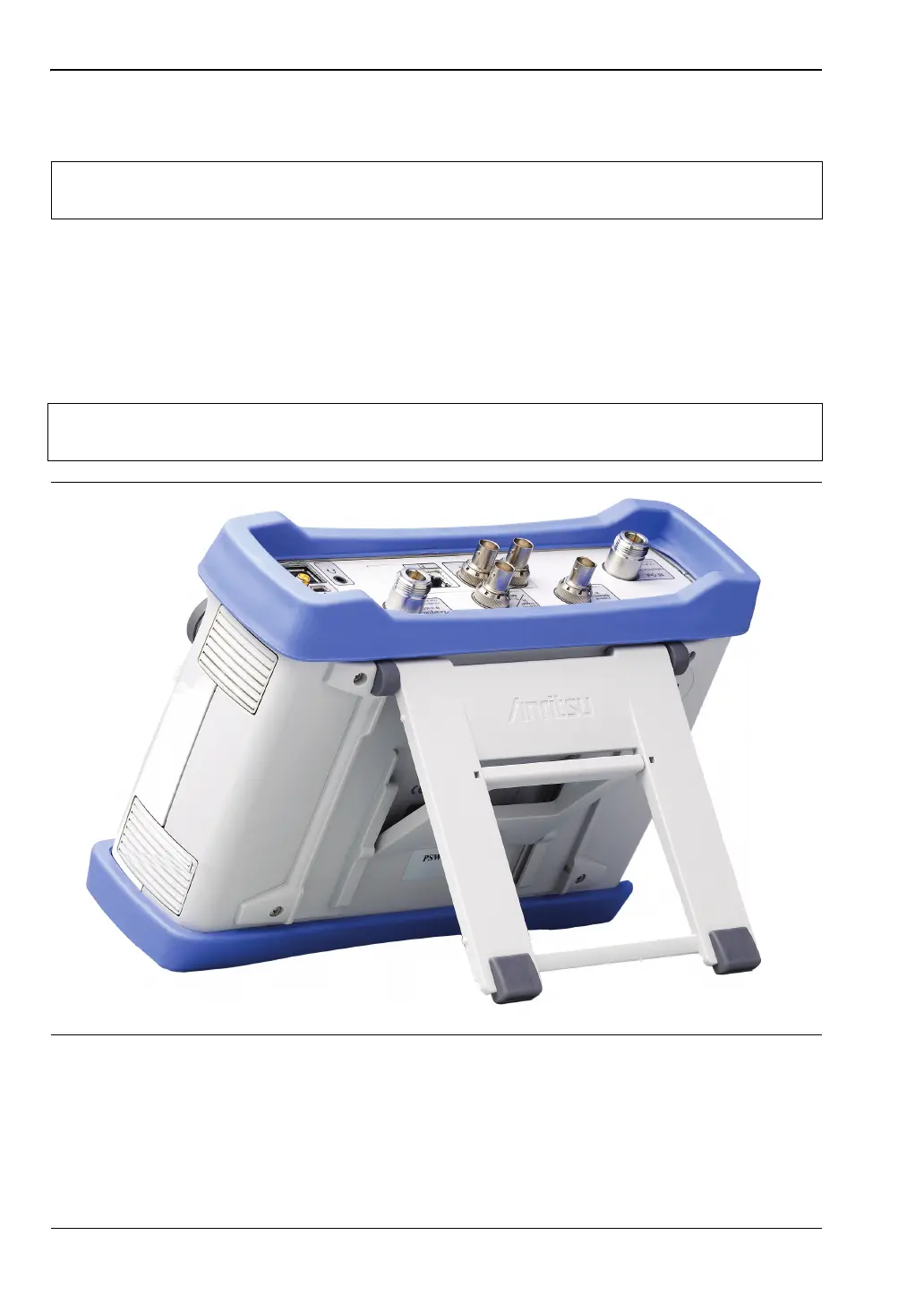
A Tilt Bail is attached to the back of the Cell Master for desktop operation. The tilt bail
provides two settings of backward tilt for improved stability. To deploy the tilt bail, pull the
bottom of the tilt bail away from the back of the instrument. To store the tilt bail, push the
bottom of the bail towards the back of the instrument until it attaches to the Cell Master.
Caution
The soft case has panel openings for the fan inlet and exhaust ports. Do not block
the air flow through the panels when the unit is operating.
Note
Do not use the tilt bail while the instrument is in the soft case. The soft case has an
adjustable support panel in the back zipper.
Figure 1-3. Tilt Bail Extended














 To Next Page