2-9 Data Entry Instrument Overview
2-14 PN: 10580-00250 Rev. K Cell Master UG
The green Charge LED flashes when the battery is charging, and remains on steady when the
battery is fully charged.
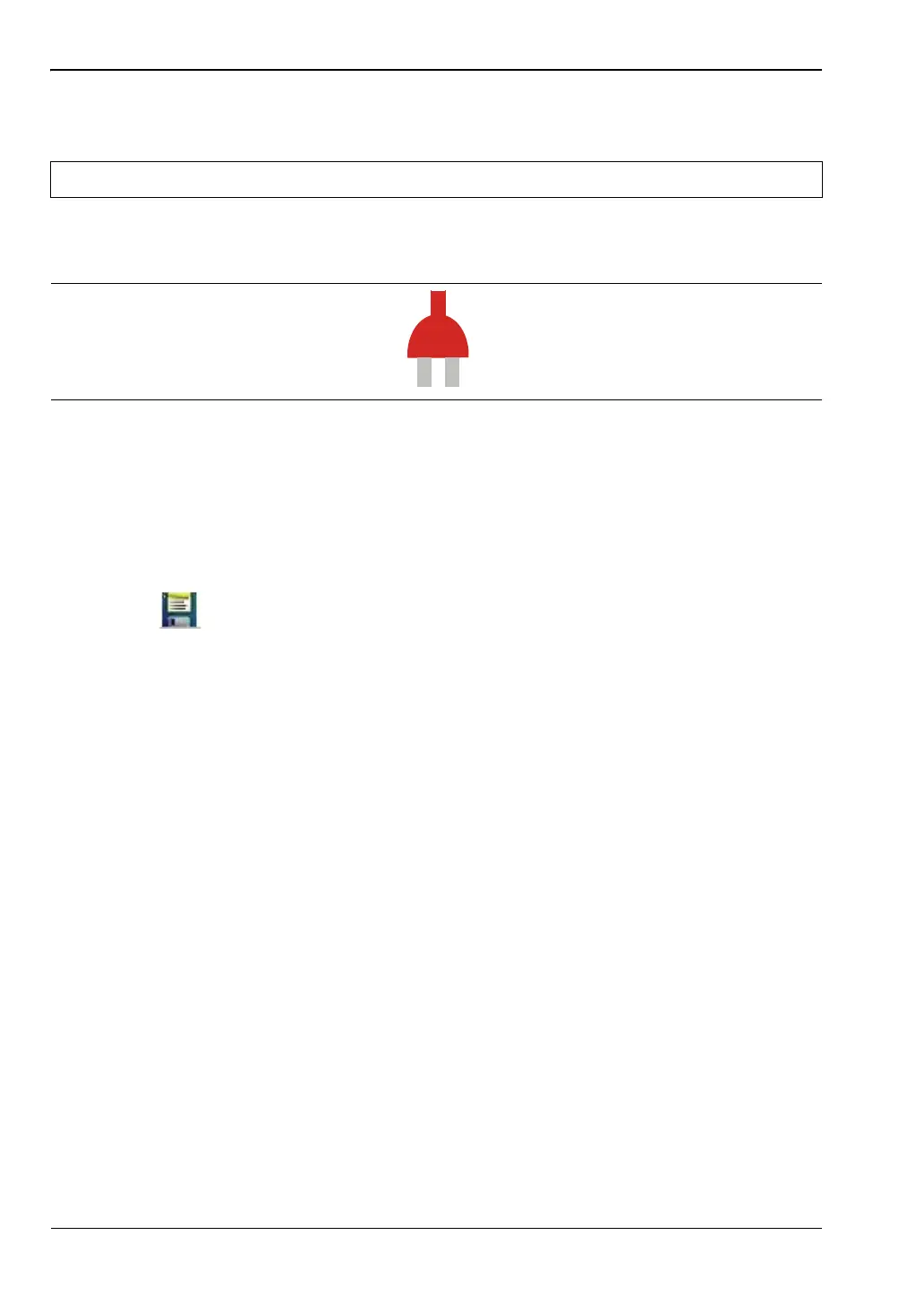
When operating from external power without a battery installed, the battery symbol is
replaced by a red plug body (Figure 2-11).
Additional Symbols
Single Sweep
Single Sweep is selected. Press Continuous in the Sweep menu to resume continuous
sweeping.
Floppy Icon
Shortcut to the Save submenu. Touch the icon to open the touch screen keyboard for saving
measurements, setups, or screen displays.
2-9 Data Entry
Numeric Values
Numeric values are changed using the rotary knob, arrow keys, or the keypad. Pressing one
of the main menu keys will display a list of submenus on the right side of the touch screen.
When the value on a submenu key is displayed in red, it is ready for changing. When using
the rotary knob or arrow keys the changing value is shown on the submenu and in red on the
graticule. When using the keypad, the new value is shown in red on the graticule and the
submenu changes to Units. Selecting a unit for the new value completes the entry.
Parameter Setting
Pop-up list boxes or edit boxes are used to provide selection lists and selection editors. Scroll
through a list of items or parameters with the arrow keys, the rotary knob, or the touch
screen. These list boxes and edit boxes frequently display a range of possible values or limits
for possible values.
Finalize the input by pressing the Enter key. At any time before finalizing the input, press the
escape (Esc) key to abort the change and retain the previously existing setting.
Caution Use only Anritsu-approved batteries, adapters, and chargers with this instrument.
Figure 2-11. Battery Not Installed














 To Next Page