Quick Start Guide 3-2 Measurement Mode Selection
Cell Master UG PN: 10580-00250 Rev. K 3-1
Chapter 3 — Quick Start Guide
3-1 Introduction
This chapter provides a brief overview of basic measurement setups. For detailed
measurement information, refer to a specific measurement guide listed in
Appendix A, “Measurement Guides”. This chapter provides quick start measurement
information for the following measurement modes:
• Section 3-3 “Cable & Antenna Analyzer” on page 3-2
• Section 3-4 “Spectrum Analyzer” on page 3-8
3-2 Measurement Mode Selection
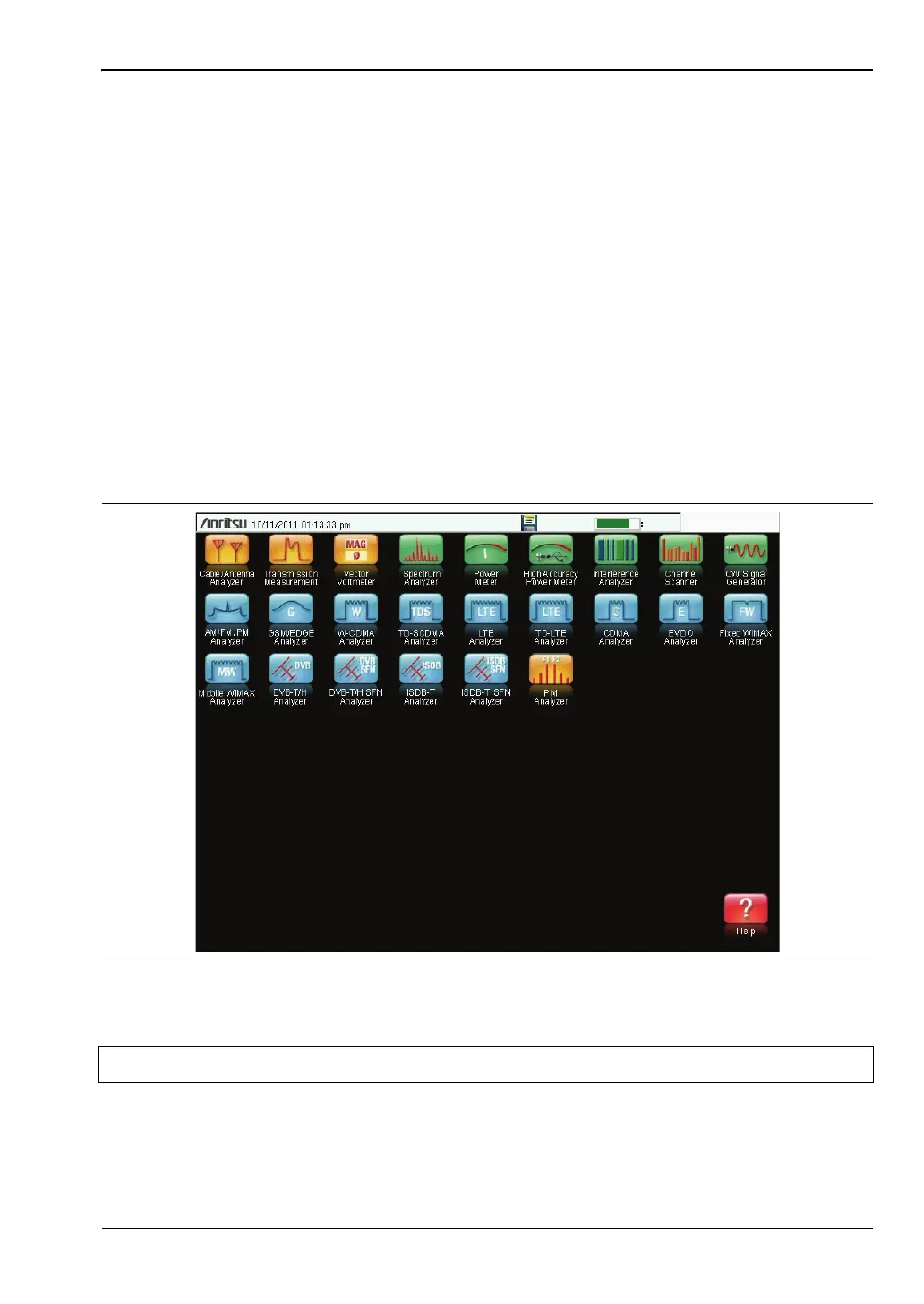
Press the Menu key and use the touch screen to select the appropriate measurement icon.
Figure 3-1. Menu Screen with Icons for Installed Measurement Modes
Note The display of the Menu screen will vary depending on installed options.














 To Next Page