4-4 File Menu File Management
4-12 PN: 10580-00250 Rev. K Cell Master UG
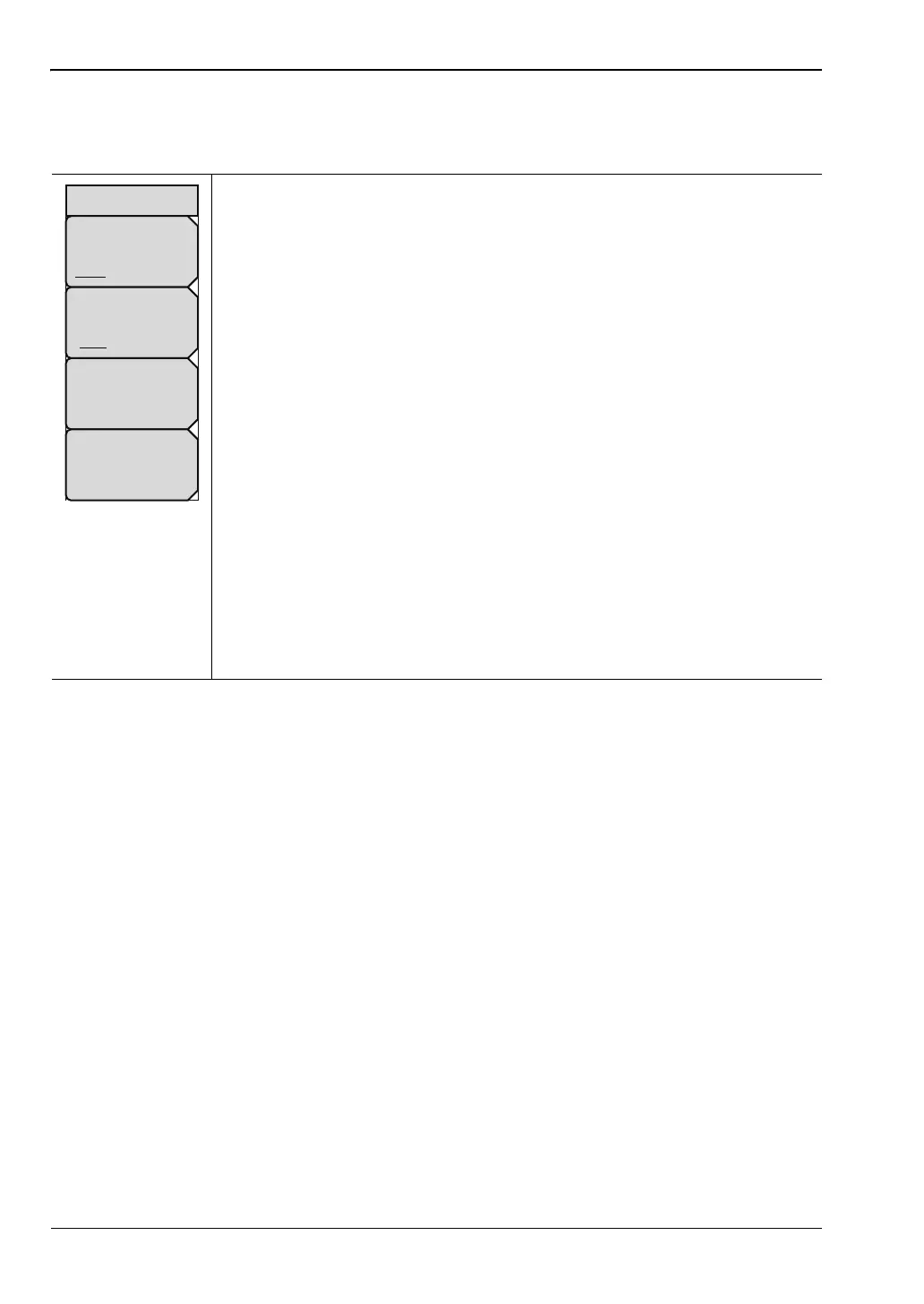
Recall Menu
Key Sequence: File > Recall
This menu and dialog box is used to create folders and select where the
Cell Master will save the current file. Select folders or drives with the
Up/Down keys, the rotary knob or the touch screen.
Sort By: Press this submenu key to sort file and folders by the
file name, by the type of file, or by the date that the file or folder was
saved.
Sort Order: Displays the folder or file in ascending or descending order
based on the selection in the Sort By key.
File Type: Press this submenu key to select what type of file is viewed. The
options are the ALL, Measurement, or Setup. The file type can be changed
with the Up/Down keys, the rotary knob, or the touch screen. Press Enter to
make the selection.
Setup: Setup files contain basic instrument information,
measurement mode setup details, measurement marker data, and
limit data.
Measurement: Measurement files contain all of the information in the
setup files and the measurement data.
Limit Lines (.lim): The Limit line file contains limit line data details.
ALL: Displays all file types.
Refresh Directories: Press this key to update the display.
Figure 4-13. Recall Menu
Sort By
Name Type Date
Sort Order
Asc Desc
File Type
ALL
Refresh
Directories
Recall














 To Next Page