Instrument Overview 2-8 Symbols and Indicators
Cell Master UG PN: 10580-00250 Rev. K 2-13
Cal Status: ON, Standard
The Cell Master has been calibrated with discrete Open, Short, and Load components. This is
a Standard calibration indicating it is not possible to change the frequency range after
calibration without performing another calibration.
Cal Status: ON, Flex, Insta
The Cell Master has been calibrated with the InstaCal module. This is a FlexCal calibration
indicating it is possible to change the frequency range after calibration.
Cal Status: ON, Standard, Insta
The Cell Master has been calibrated with the InstaCal module. The Cell Master has been
calibrated with discrete Open, Short, and Load components. This is a Standard calibration
indicating it is not possible to change the frequency range after calibration without
performing another calibration.
Cal Status Off:
The Cell Master has not been calibrated.
For calibration procedures refer to the Cable & Antenna Measurement Guide
(PN: 10580-00241) listed in Appendix A.
Battery Symbols
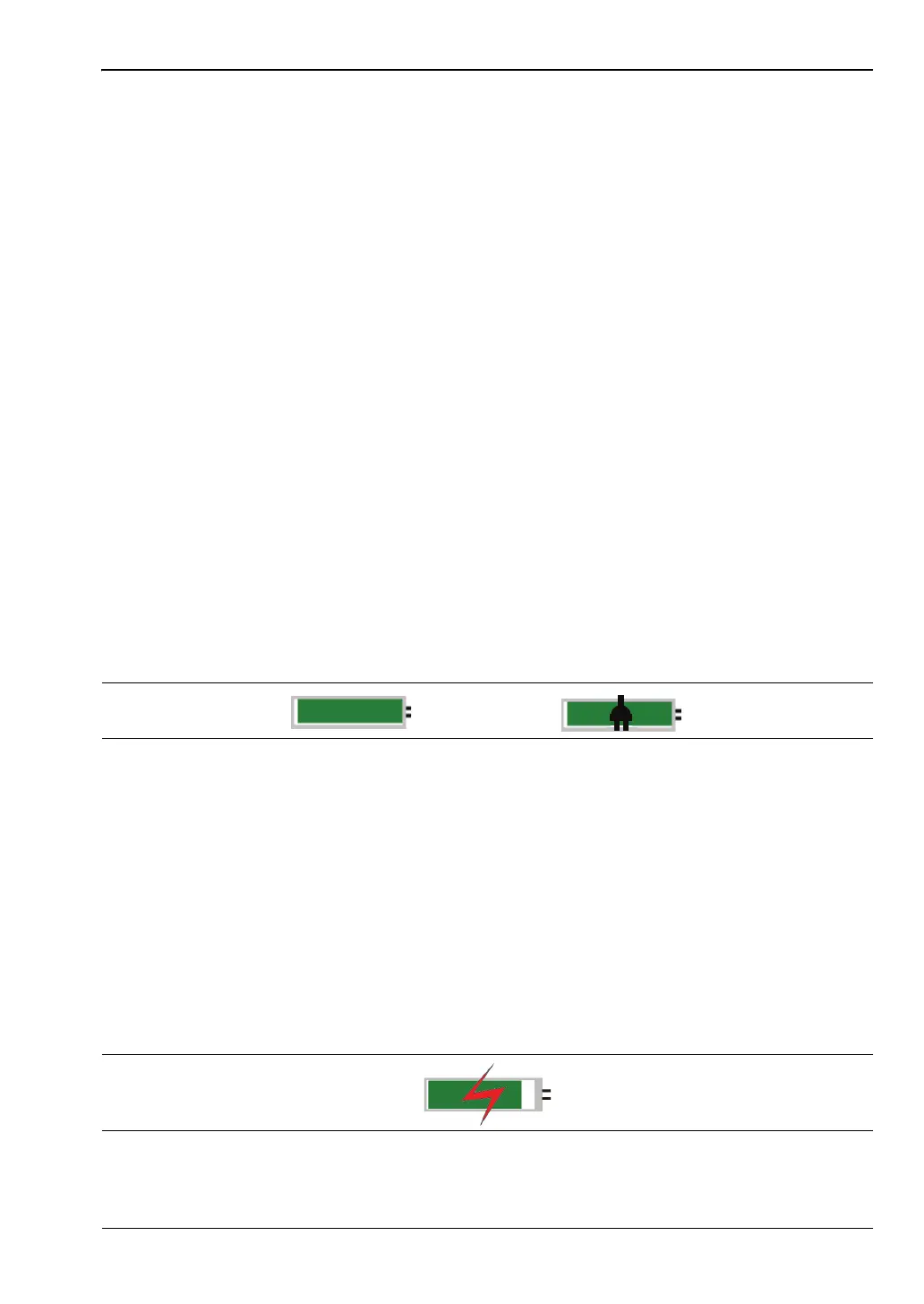
The battery symbol above the display indicates the charge remaining in the battery. The
colored section inside the symbol changes size and color with the charge level.
Green with Black Plug body: Battery is fully charged and external power is applied
Green: Battery is 30% to 100% charged
Yellow: Battery is 10% to 30% charged
Red: Battery 0% to 10% charged
Lightning Bolt: Battery is being charged (any color symbol)
Detailed battery information is also available in the Status dialog box (System > Status).
When either the AC-DC Adapter or the Automotive Cigarette Lighter Adapter is connected,
the battery automatically receives a charge, and the battery symbol with the lightning bolt is
displayed (Figure 2-10).
Figure 2-9. Battery Status
Figure 2-10. Battery Charging Icon














 To Next Page