3-4 Spectrum Analyzer Quick Start Guide
3-10 PN: 10580-00250 Rev. K Cell Master UG
Single Limit Line
Press the Limit menu key to display the Limit menu.
1. Press the Limit (Upper / Lower) submenu key to select the desired limit line,
Upper or Lower.
2. Activate the selected limit line by pressing the On Off submenu key so that On is
underlined.
3. Press the Limit Move submenu key to display the Limit Move menu. Press the first
Move Limit submenu key and use the arrows keys, rotary knob, or keypad to change the
dBm level of the limit line.
4. Press the Back submenu key to return to the Limit menu.
5. If necessary, press the Set Default Limit submenu key to redraw the limit line in view.
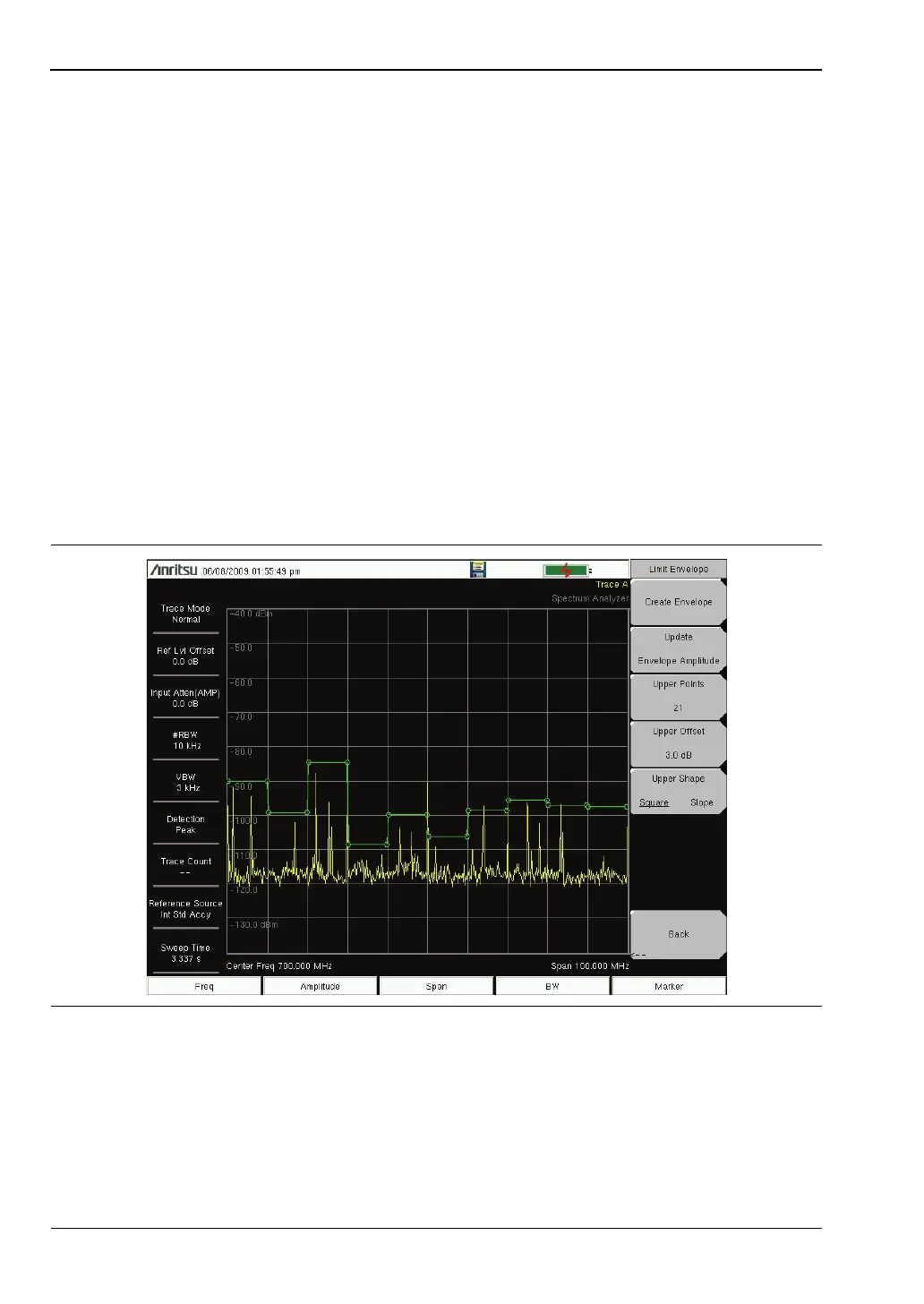
Create a Limit Envelope
1. Press Shift then Limit (6) to open the Limit menu.
2. Select Limit Envelope.
3. Press the Create Envelope key.
Figure 3-6. Limit Envelope














 To Next Page