5-3 System Menu System Operations
5-4 PN: 10580-00250 Rev. K Cell Master UG
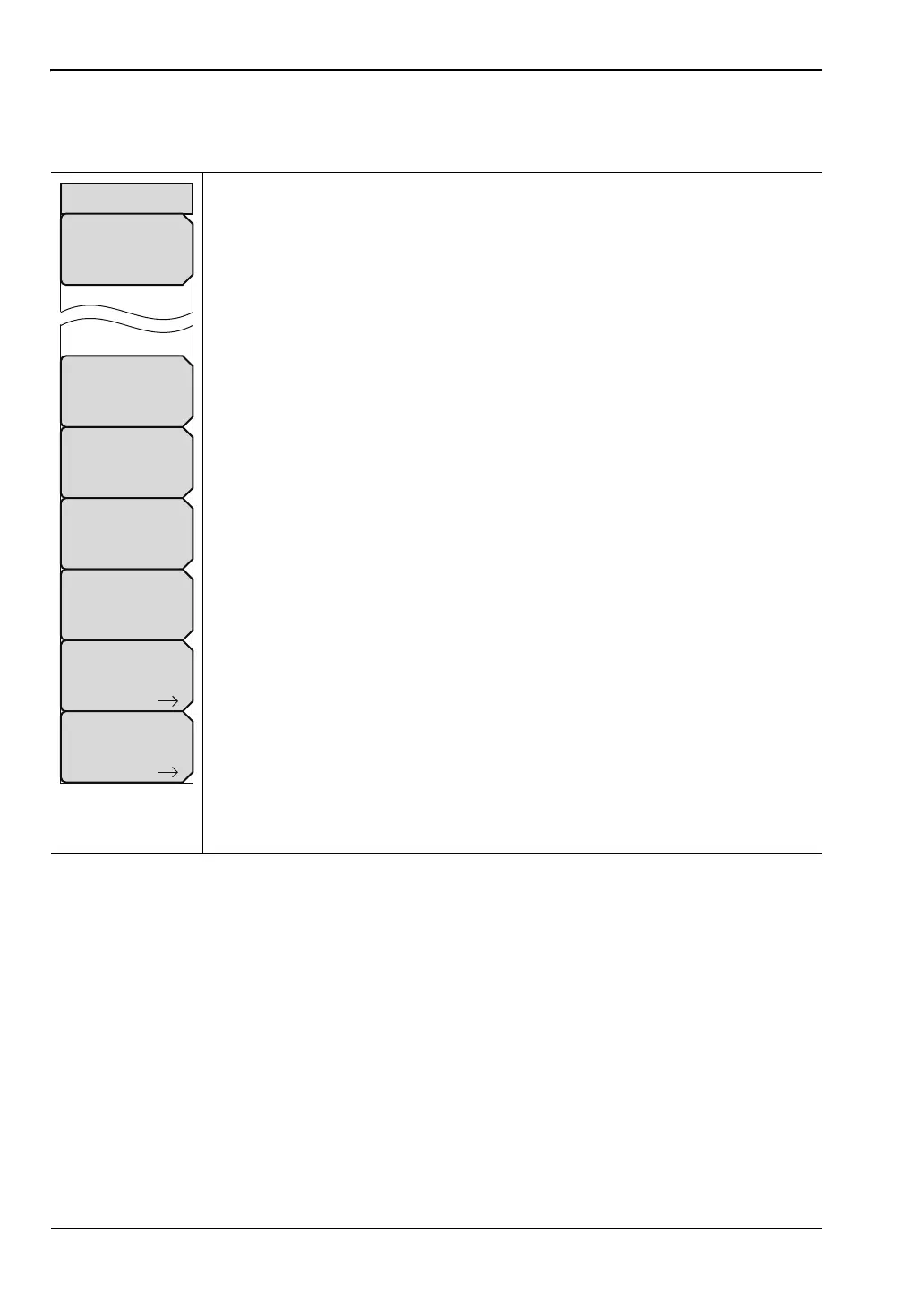
System Options Menu
Key Sequence: Shift, System (8) > System Options
Date and Time: This key brings up a dialog box for setting the current date
and time. Use the submenu keys or the Left/Right arrow keys to select the
field to be modified. Use the keypad, the Up/Down arrow keys or the rotary
knob to select the date and time. Press Enter to accept the changes, or press
the Esc key to return to normal operation without changing anything.
Language: This submenu key brings up a selection box allowing selection
from a list of built-in languages for the Cell Master displays. The languages
currently available are English, French, German, Spanish, Japanese,
Chinese, Korean, and Italian. In addition, up to two custom languages may be
loaded into the instrument if they have been defined using the Master
Software Tools. If a mode does not have language translations available,
English is the default language. Press Enter to accept the change, or press
the Esc key to return to normal operation without changing the setting.
Brightness: Press this submenu key to adjust the brightness of the display.
This adjustment allows you to optimize viewing under a wide variety of lighting
conditions. Use the keypad, the Up/Down arrow keys, or the rotary knob to
select a brightness level from 1 to 9, where 9 is the brightest. Press Enter to
accept the change.
Name: Opens a dialog box to name the instrument. The unit can be named
using the keypad to select numbers and the touch screen keys to select letter
groups. Use the Shift key to select an upper case letter. Use the Left/Right
directional arrows to move the cursor position. The Back Space key will
remove the last character entered. Press Enter to save the name.
Volume: The current volume setting is displayed on the screen. Use the
keypad, the Up/Down arrow keys or the rotary knob to change the volume
and press the Enter key to accept the change.
Reset: Press this submenu key to open the “Reset Menu” on page 5-6.
More: Press this submenu key to open the “System Options 2/2 Menu”
on page 5-5.
Figure 5-3. System Options Menu
Reset
System Options
Date
&
Time
Language
Brightness
Name
Volume
More














 To Next Page