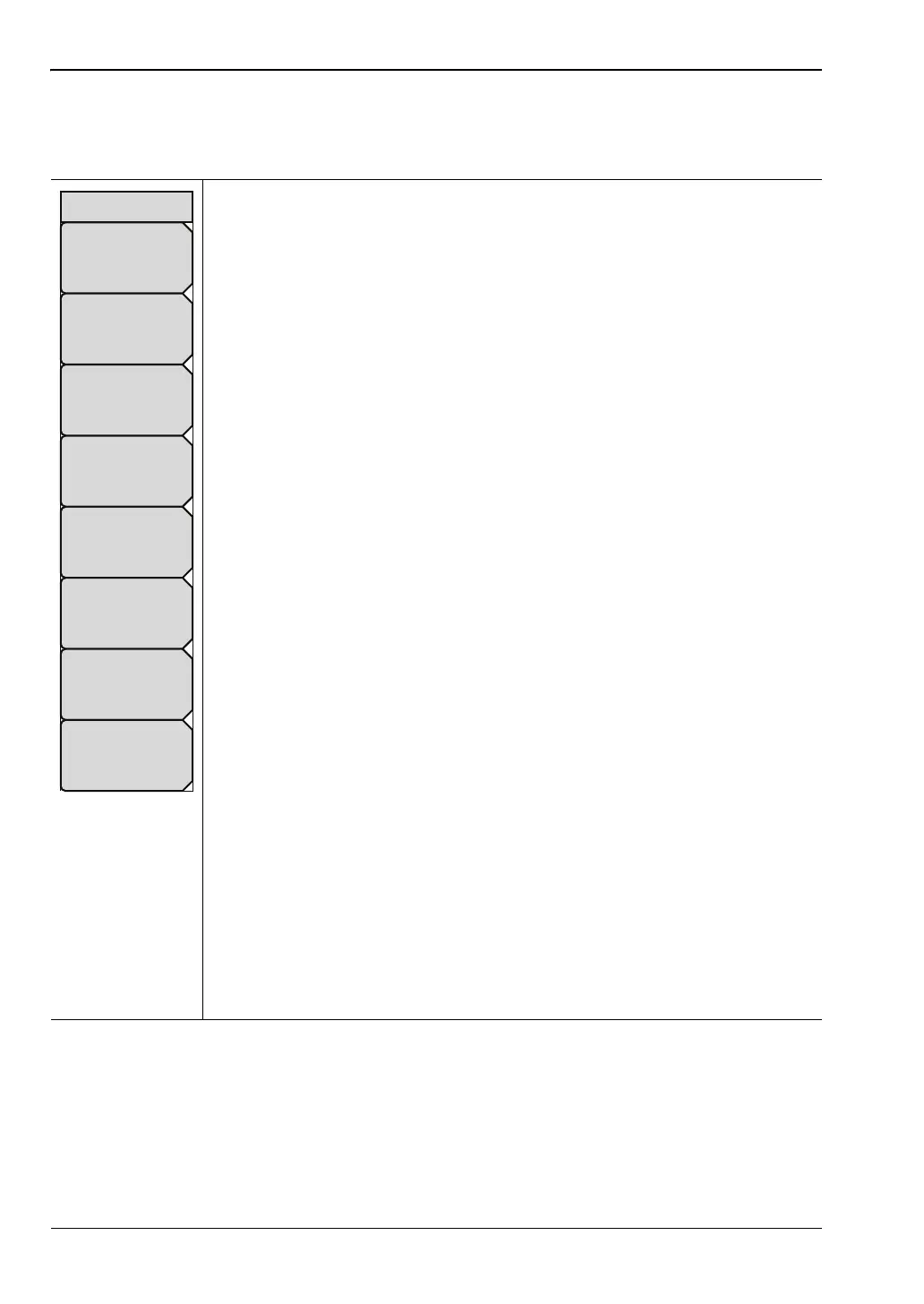
4-4 File Menu File Management
4-8 PN: 10580-00250 Rev. K Cell Master UG
4-4 File Menu
Key Sequence: File
Save Measurement As: This key will save the current setup with a user
defined file name. The default file name is changed using the Save submenu.
To change the default file name, type in a new file with the touch screen
keyboard and press Enter. After a few seconds the screen with return to File
menu. Press the Save Measurement As key again and the new file name will
be used. Measurement files names have a .rl extension.
Save Measurement: Press this submenu key to display the “Save Dialog
Box” on page 4-2 with the touch screen keyboard. Measurements can be
saved to internal memory or to a USB flash drive. The saved measurement
can be named by using touch screen keyboard. By default, measurements
are saved in a directory named /user to internal memory. The save destination
is set with the “Save Location Menu” on page 4-10.
Save: Press this submenu key to display the “Save Dialog Box” on page 4-2
with the touch screen keyboard. Measurements can be saved to internal
memory or to a USB flash drive. The saved setup, measurement, or JPEG file
can be named by using touch screen keyboard. By default, measurements
are saved in a directory named /user to internal memory. The save destination
can be changed by pressing the Change Save Location submenu key and
then using the “Save Location Menu” on page 4-10.
Save on Event (Spectrum Analyzer mode only): Press this submenu key to
display the “Save On... Menu” on page 4-11.
Recall Measurement: Press this submenu key to display the “Recall Menu”
on page 4-12. This menu is for recalling measurements from internal memory
or a USB flash drive.
Recall: Press this submenu key to display the “Recall Menu” on page 4-12.
This menu is for recalling measurement or setup data from internal memory or
a USB flash drive.
Copy: Press this submenu key to display the “Copy Menu” on page 4-13.
This submenu is for copying files or folders from internal memory or a USB
flash drive.
Delete: Press this submenu key to display the “Delete Menu” on page 4-14
and a selection box that shows the setup and measurement names, the type
and the date and time that the information was saved. Use the rotary knob or
the Up/Down arrow keys to highlight the file that is to be deleted and press
the Delete submenu key, then Enter. Press the Esc key to cancel the
operation. Note that deleted files cannot be recovered.
Figure 4-7. File Menu
File
Copy
Recall
Recall
Measurement
Recall
Save
On
Event
Save
Save Measurement As
FileName.vna
Save
Measurement
Delete














 To Next Page