System Operations 5-3 System Menu
Cell Master UG PN: 10580-00250 Rev. K 5-3
5-3 System Menu
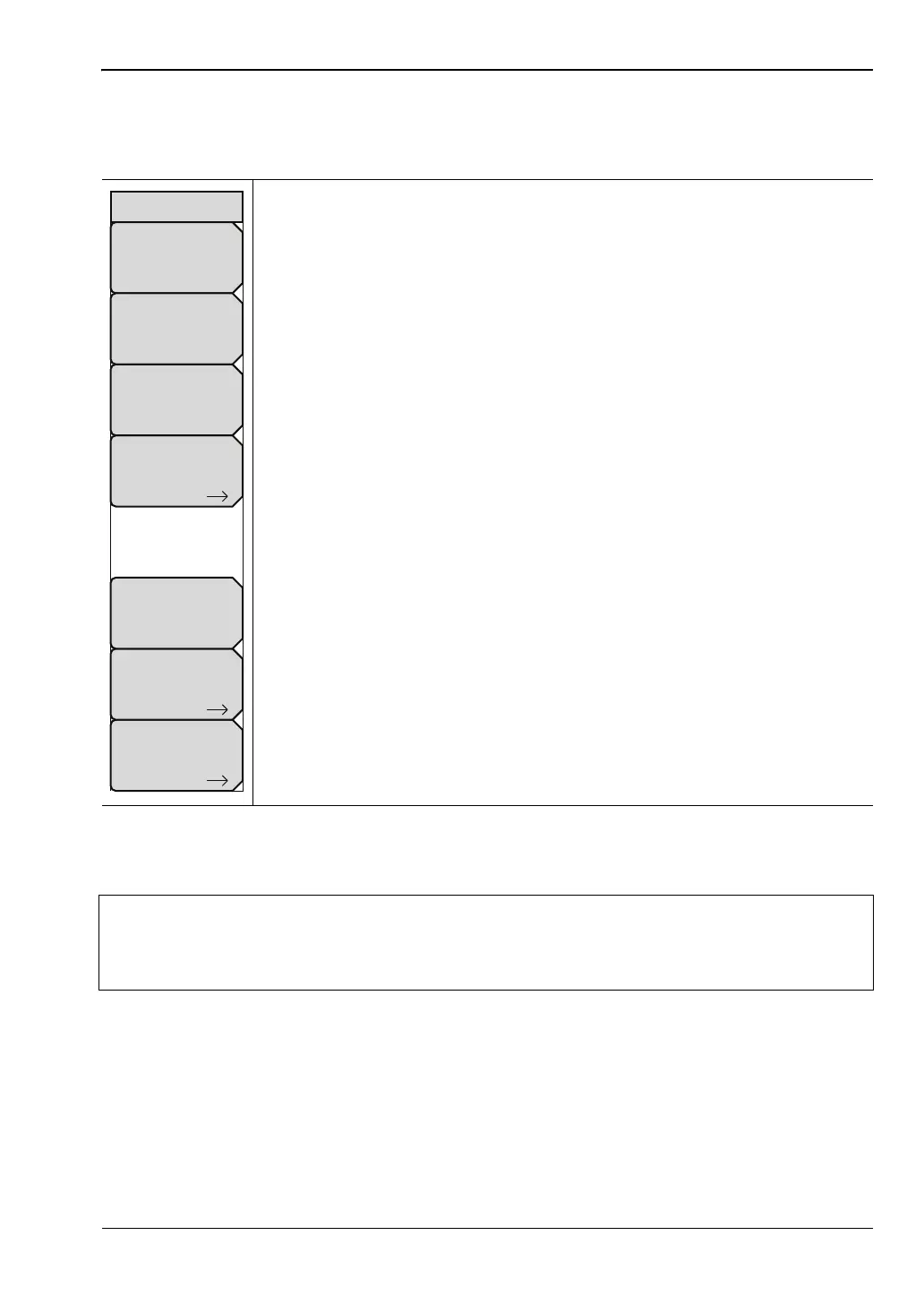
Key Sequence: Shift, System (8)
Status: Pressing this submenu key displays the current system status,
including the operating system and firmware versions, temperatures and
other details such as current battery information. Press Esc or Enter to return
to normal operation.
Self Test: This key initiates a series of diagnostic tests that check the
components of the instrument. A display will list the individual tests with a
pass or fail indication. Press Esc or Enter to return to normal operation.
Application Self Test: This key initiates a series of diagnostic tests related
to the performance of the instrument for specific applications. A display will list
the individual tests with a pass or fail indication. Press Esc or Enter to return
to normal operation.
GPS : Opens the “GPS Menu” on page 6-4.
Calibrate Touch Screen: Start the touch screen calibration. Run the
calibration procedure when instrument is not responding to your screen taps
as expected.
Application Options: This submenu key presents a menu to select
application options. This will vary depending upon the measurement mode.
System Options: This key opens the “System Options Menu” on page 5-4.
Figure 5-2. System Menu
Note
Calibrate Touch Screen Shortcut
Press Shift then 0 to open the Calibrate Touch Screen display. Press Enter to start
the calibration or Esc to cancel.
System
System
Options
Application
Options
GPS
Status
Self
Test
Application
Self
Test
Calibrate
Touch
Screen














 To Next Page