3-3 Cable & Antenna Analyzer Quick Start Guide
3-4 PN: 10580-00250 Rev. K Cell Master UG
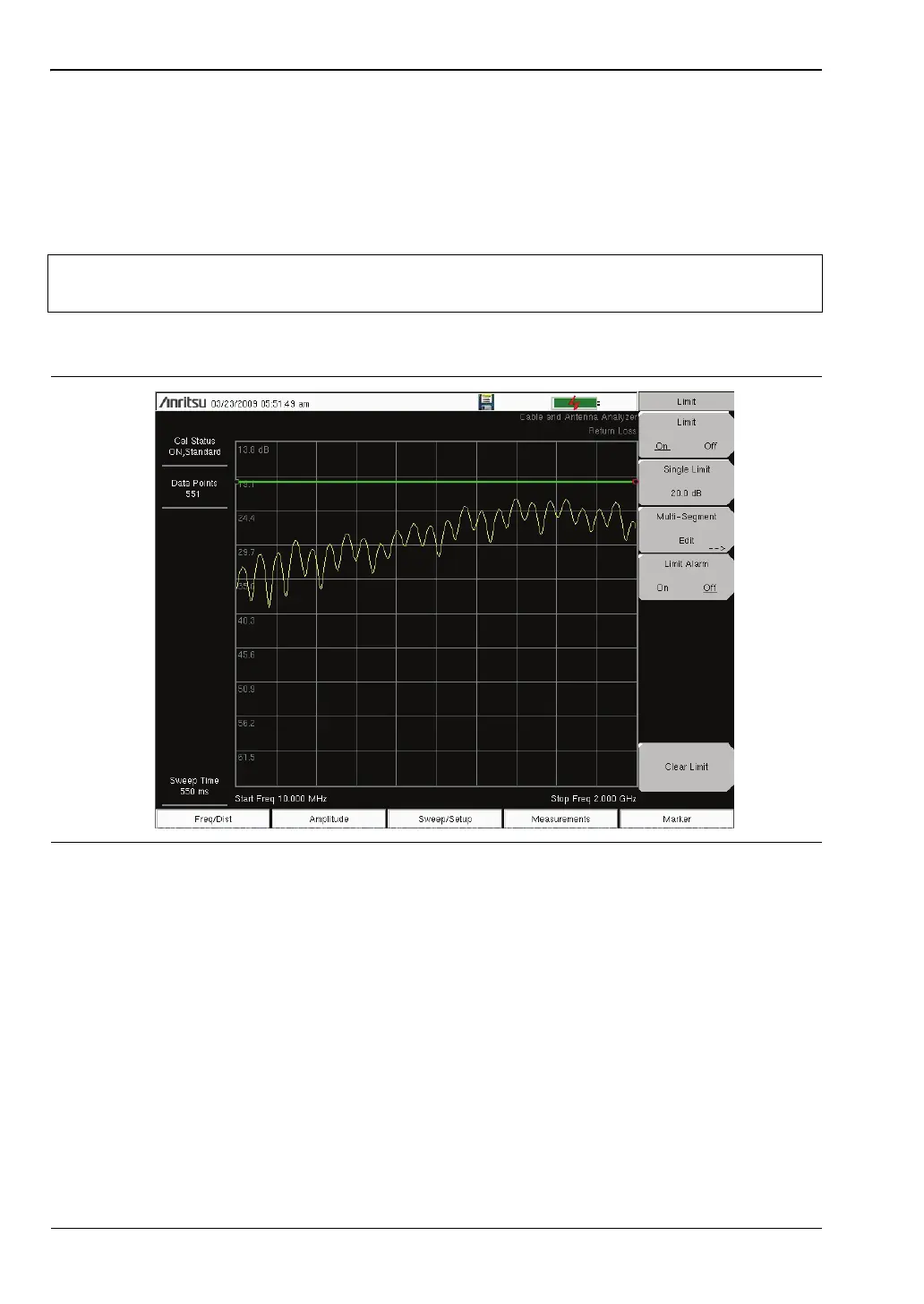
Single Limit Line
1. Press Shift and then Limit (6) to enter the Limit menu.
2. Press the Limit On/Off key to turn on the Limit.
3. Press Single Limit and then use the numeric keypad, the arrow keys, or the rotary knob
to change the limit value and then press Enter.
4. Press the Limit Alarm key to turn on or off the Limit Alarm.
Note
Refer to the Cable & Antenna Measurement Guide listed in Appendix A for
creating multi-segment limit lines.
Figure 3-3. Single Limit Lines














 To Next Page