3-3 Cable & Antenna Analyzer Quick Start Guide
3-2 PN: 10580-00250 Rev. K Cell Master UG
3-3 Cable & Antenna Analyzer
Set the instrument to Cable & Antenna Analyzer mode as described in the previous section.
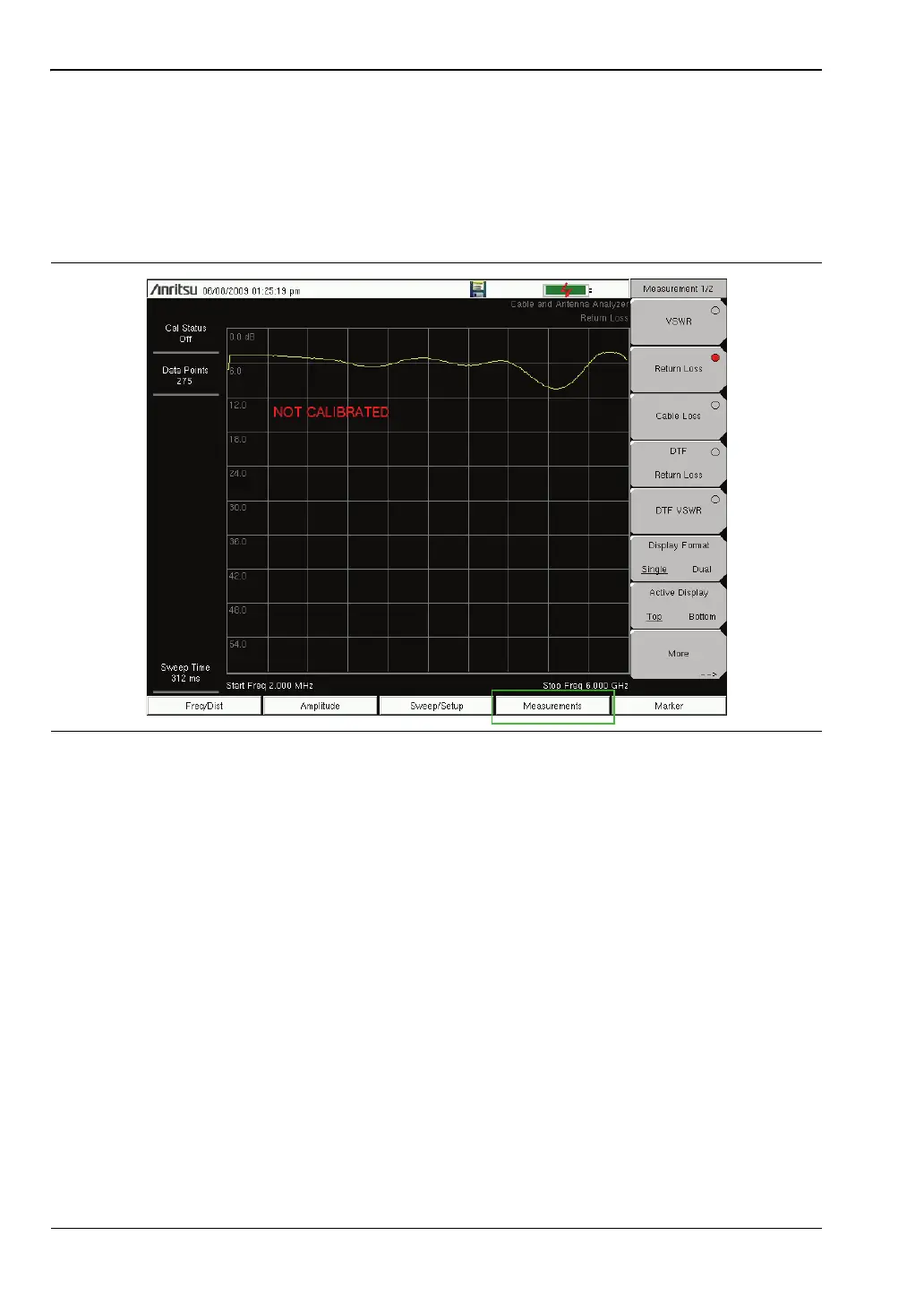
Select the Measurement Type
Press the Measurement main menu key and select the appropriate measurement.
Set the Frequency
1. Press the Freq/Dist main menu key.
2. Press the Start Freq submenu key and use the keypad, rotary knob, or the arrow keys to
enter the start frequency.
3. Press the Stop Freq submenu key and use the keypad, rotary knob, or the arrow keys to
enter the stop frequency.
Set the Amplitude
1. Press the Amplitude main menu key.
2. Press the Top submenu key and use the keypad, rotary knob, or the arrow keys to edit
the top scale value. Press Enter to set.
Figure 3-2. Measurement Menu














 To Next Page