5-13 Marker Menu LTE Signal Analyzer
5-44 PN: 10580-00234 Rev. T 3GPP MG
5-13 Marker Menu
Key Sequence: Marker
Available for Channel Spectrum measurements. When making Power vs Resource Block
measurements, refer to “Power vs Resource Block Marker Menu” on page 5-45.
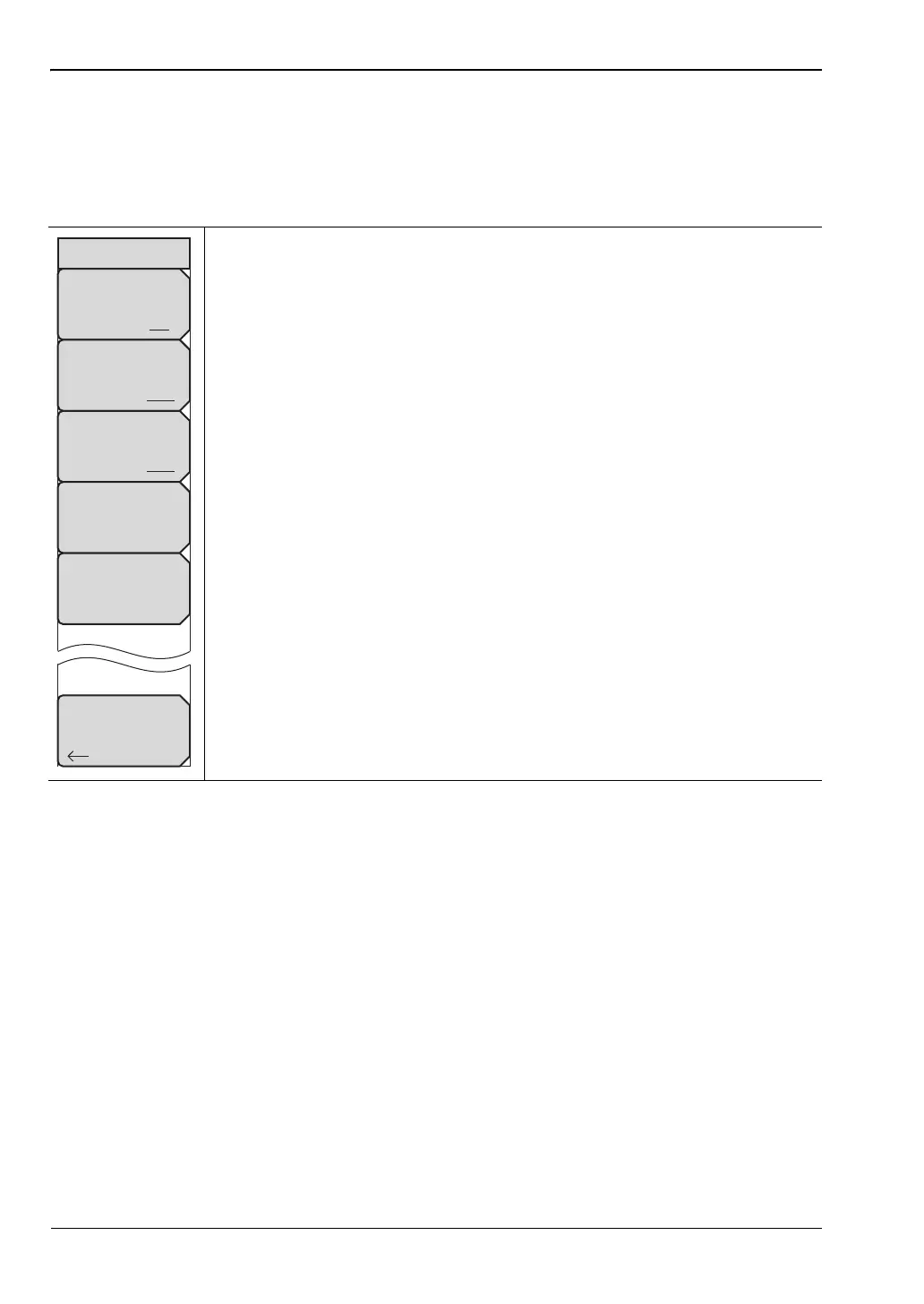
Marker Select: Selects the active marker M1 or M2. The underlined marker
is active marker. Each press of the submenu key moves the underline to the
other marker.
Marker State: Sets the state of the selected marker underlined in the
Marker Select submenu.
Marker Edit: Displays when the Market State submenu is set to Delta.
Toggles between activating the Reference or Delta marker.
Peak Search: Moves the selected marker to the trace peak.
Markers Off: Turns off all markers.
Back: Press this submenu key to return to “Measurements Menu” on
page 5-31.
Figure 5-36. LTE Marker Menu
Back
Marker
Marker Select
M1 M2
Marker State
Off On Delta
Marker Edit
Reference Delta
Peak Search
Markers Off














 To Next Page