TD-LTE Signal Analyzer 6-15 Sweep Menu
3GPP MG PN: 10580-00234 Rev. T 6-49
Power vs Resource Block Marker Menu
Key Sequence: Marker (When Power vs. Resource Block measurement is selected).
6-14 Calibrate Menu
This menu is not available in TD-LTE measurement mode.
6-15 Sweep Menu
Key Sequence: Shift > Sweep (3) key
Marker Select: Selects the active marker M1 or M2. The underlined marker
is active marker. Each press of the submenu key moves the underline to the
other marker.
Marker State: Sets the state of the selected marker underlined in the
Marker Select submenu.
Marker Edit: Displays when the Market State submenu is set to Delta.
Toggles between activating the Reference or Delta marker.
Peak Search: Moves the selected marker to the trace peak.
Markers Off: Turns off all markers.
Back: Press this submenu key to return to “Measurements Menu” on
page 6-33.
Figure 6-43. TD-LTE Resource Block Marker Menu
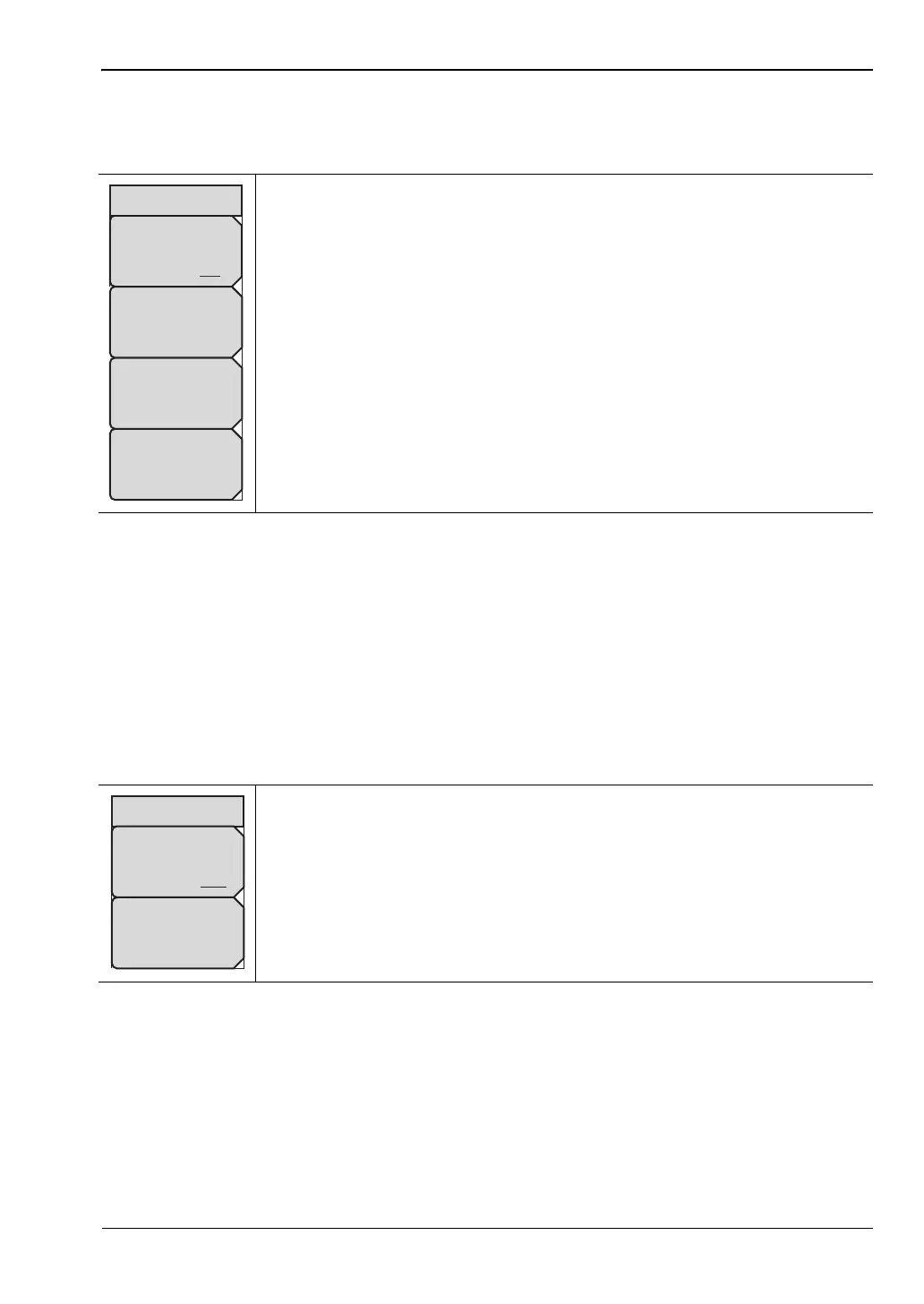
Sweep Single/Continuous: This submenu key toggles between
continuous sweep and single sweep. In single sweep mode, the results of a
sweep are displayed on the screen while the instrument awaits a trigger
event to start a new sweep.
Trigger Sweep: Pressing this submenu key causes the instrument to make
a single sweep when the instrument is in single sweep mode. This key has
no function when the instrument is in continuous sweep mode.
Figure 6-44. TD-LTE Sweep Menu
Marker State
Off On
Marker
Peak Search
Marker Sub-frame
0
Marker RB #
0
Sweep
Trigger
Sweep
Sweep
Hold Run














 To Next Page