2-12 Sweep/Setup Menu Cable and Antenna Analyzer
2-32 PN: 10580-00241 Rev. B Cable & Antenna Analyzer MG
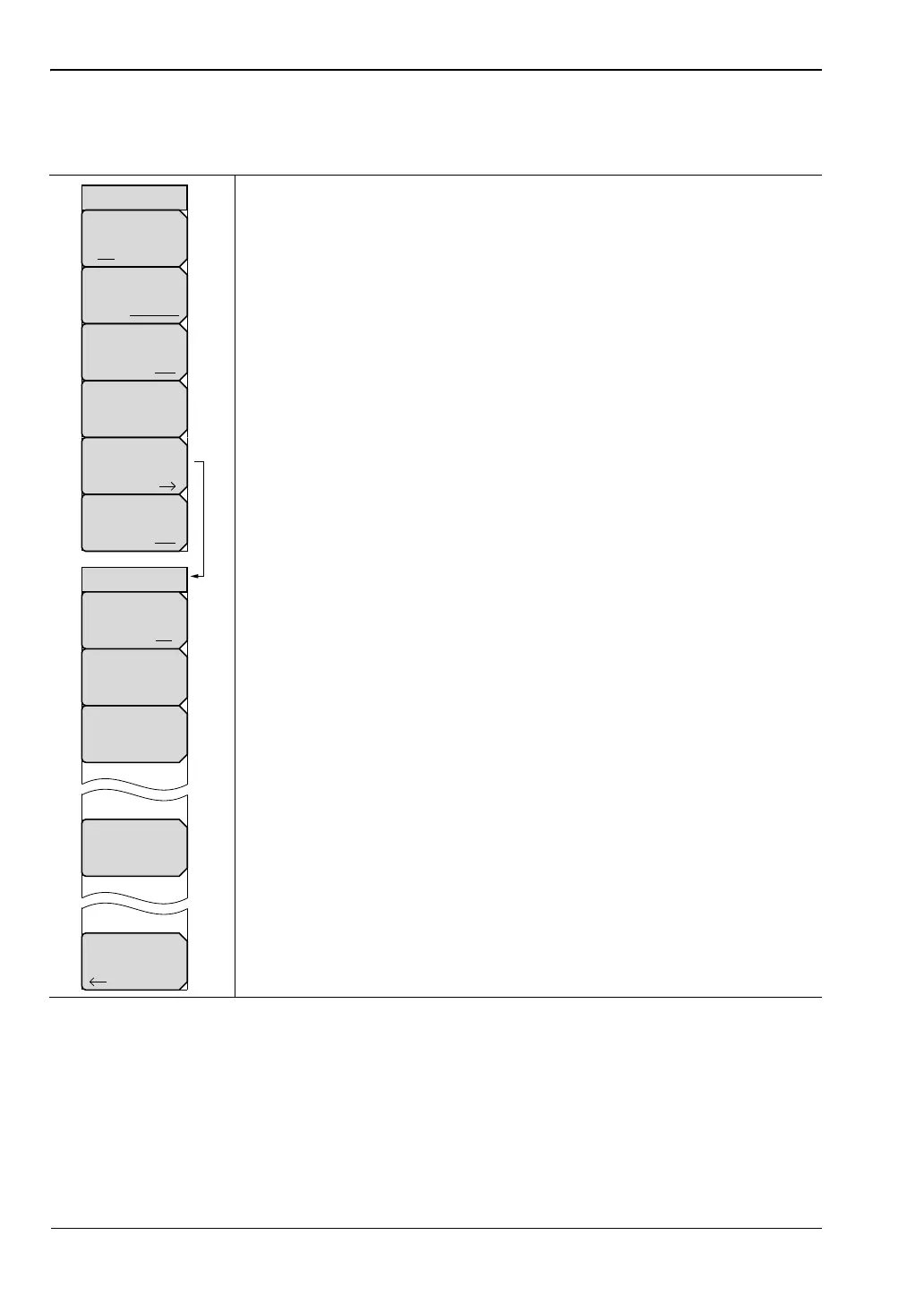
2-12 Sweep/Setup Menu
Key Sequence: Sweep/Setup
Run/Hold: Toggles between Run and Hold. When in Hold mode,
pressing this key starts the sweeping and provides a trigger. When in the
Run mode, pressing this key pauses the sweep.
Sweep Type: This toggles the sweep between single sweep and
continuous sweep. In single sweep mode, each sweep must be activated
by the Run/Hold key.
RF Immunity, High / Low: The instrument defaults to RF Immunity
High and is the suggested setting. See “RF Immunity High / Low”
on page 2-4 for details.
Data Points: Opens the data points dialog box. Use the touch screen to
set the number of data points: 137, 275, 551, 1102, or 2204.
Average/Smoothing: Opens the Average/Smoothing submenu.
Averaging: Toggles Averaging on or off.
Averaging Factor: Enter the number of running averages using
the arrow keys, rotary knob, or the keypad.
Restart: Press the Restart key to start the averaging sequence
from the beginning.
Smoothing %: Smoothing calculates a rolling average of the
trace data. Valid entries range from 0 % (no smoothing) to 10 %
(max. smoothing).
Back: Returns to the Sweep/Setup menu.
Output Power: The power level defaults to High for all 1-port
measurements (approximately 0 dBm). It can be changed to Low
(approximately –35 dBm) if needed.
Figure 2-26. Sweep/Setup Menu
Data Points
275
Average
Smoothing
Sweep Type
Single Continuous
Sweep/Setup
Run/Hold
Run Hold
RF Immunity
High Low
Output Power
Low High
Smoothing %
0
Restart
Averaging Factor
10
Averaging/Smoothing
Back
Averaging
On Off














 To Next Page