6-3 Activating the GPS Feature GPS (Option 31)
6-2 PN: 10580-00250 Rev. K Cell Master UG
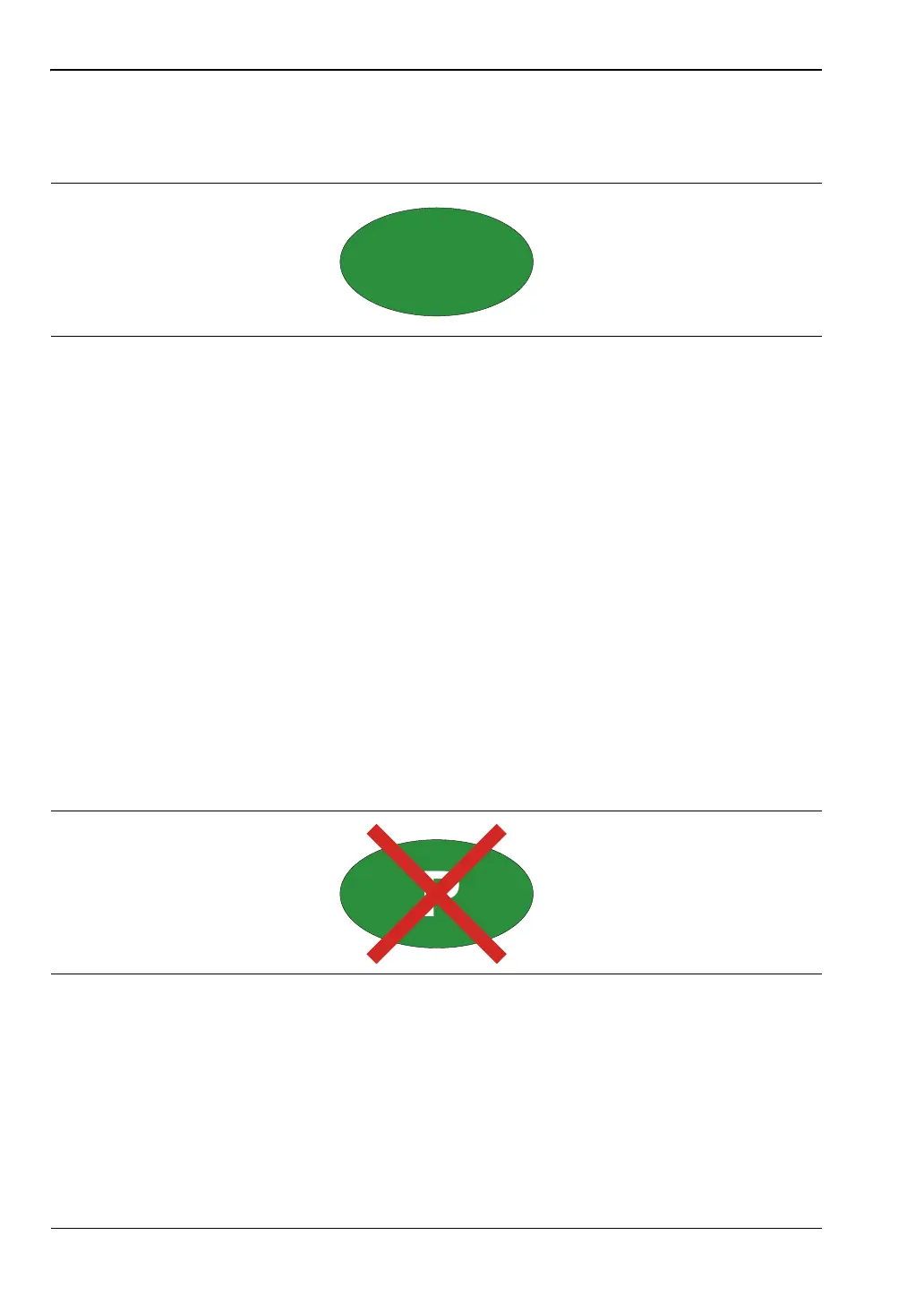
4. When the GPS receiver has tracked at least three satellites, the GPS icon will change to
GREEN. Latitude and Longitude information is displayed in the white bar on top of the
display. Acquiring satellites may take as long as three minutes.
5. Press the GPS Info submenu key to view information about:
• Tracked Satellites
• Latitude and Longitude
• Altitude
• UTC
• Fix Available
• Almanac complete
• Antenna and Receiver Status
• GPS Antenna Voltage and Current
See Section 6-5 “GPS Menu” on page 6-4 for details about the GPS Info dialog box.
6. Press the Reset submenu key to reset the GPS.
7. The GREEN GPS icon with a RED CROSS through it, as shown below, appears when
GPS satellite tracking is lost (after actively tracking 3 or more satellites). The GPS
longitude and latitude are saved in the instrument memory until the Cell Master is
turned off or until GPS is turned off by using the GPS On/Off key.
Figure 6-2. GPS Icon, Green
Figure 6-3. GPS Icon, Tracking Lost














 To Next Page