ANSER CODING INC. 3 A1 User Interface
1.2 A1 Wizard Setup
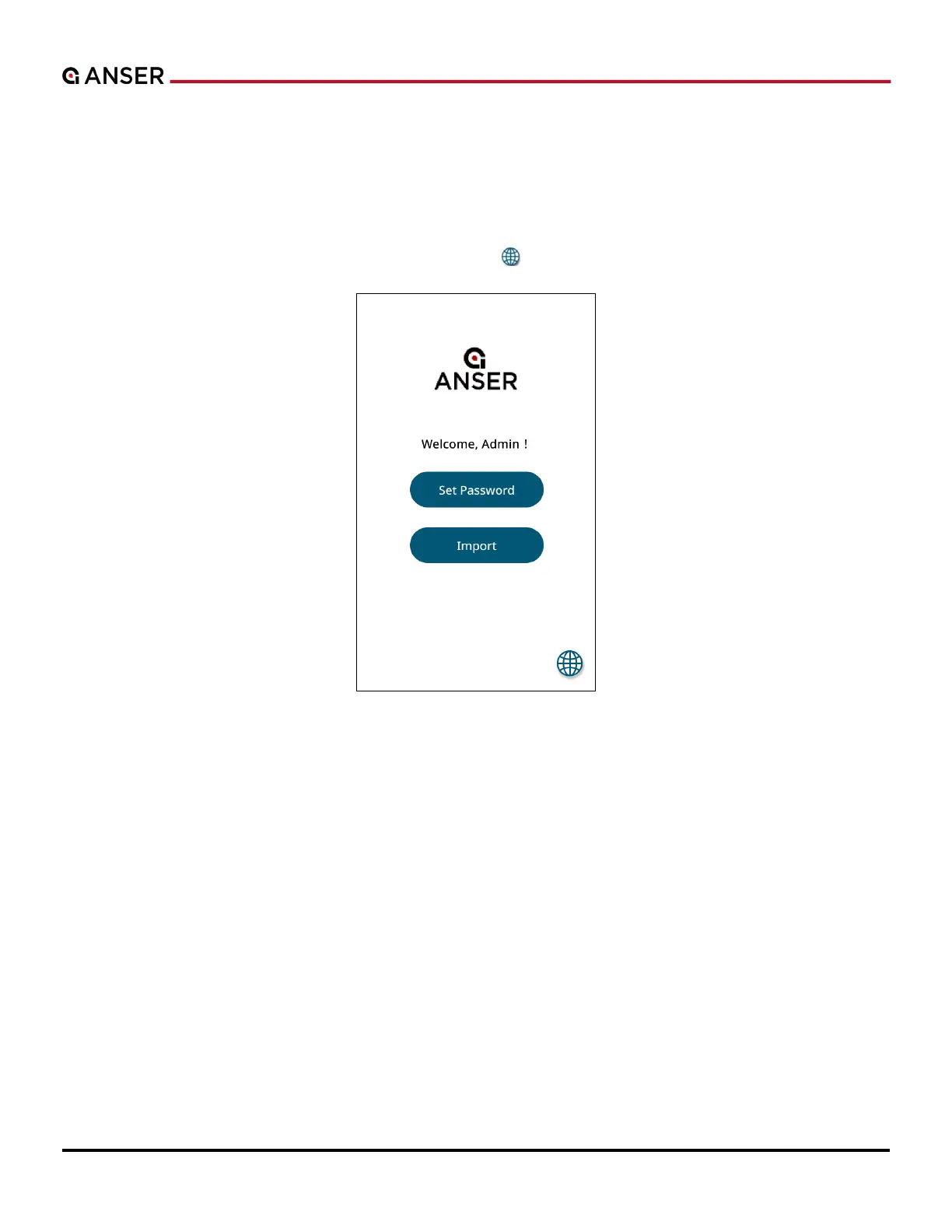
Upon powering up A1 for the first time, the system will prompt a login page (see Figure 1-2 below) where users can set
up an administrator account. Users can also import settings directly from another A1 printer using a USB drive.
Press Set Password to create the admin account; press Import and connect a USB drive with backup files to restore A1
printer settings; press the globe icon in the lower right corner “ ” to select a language.
Figure 1-2. A1 System Login Page



 To Next Page