ANSER CODING INC. 11 A1 User Interface
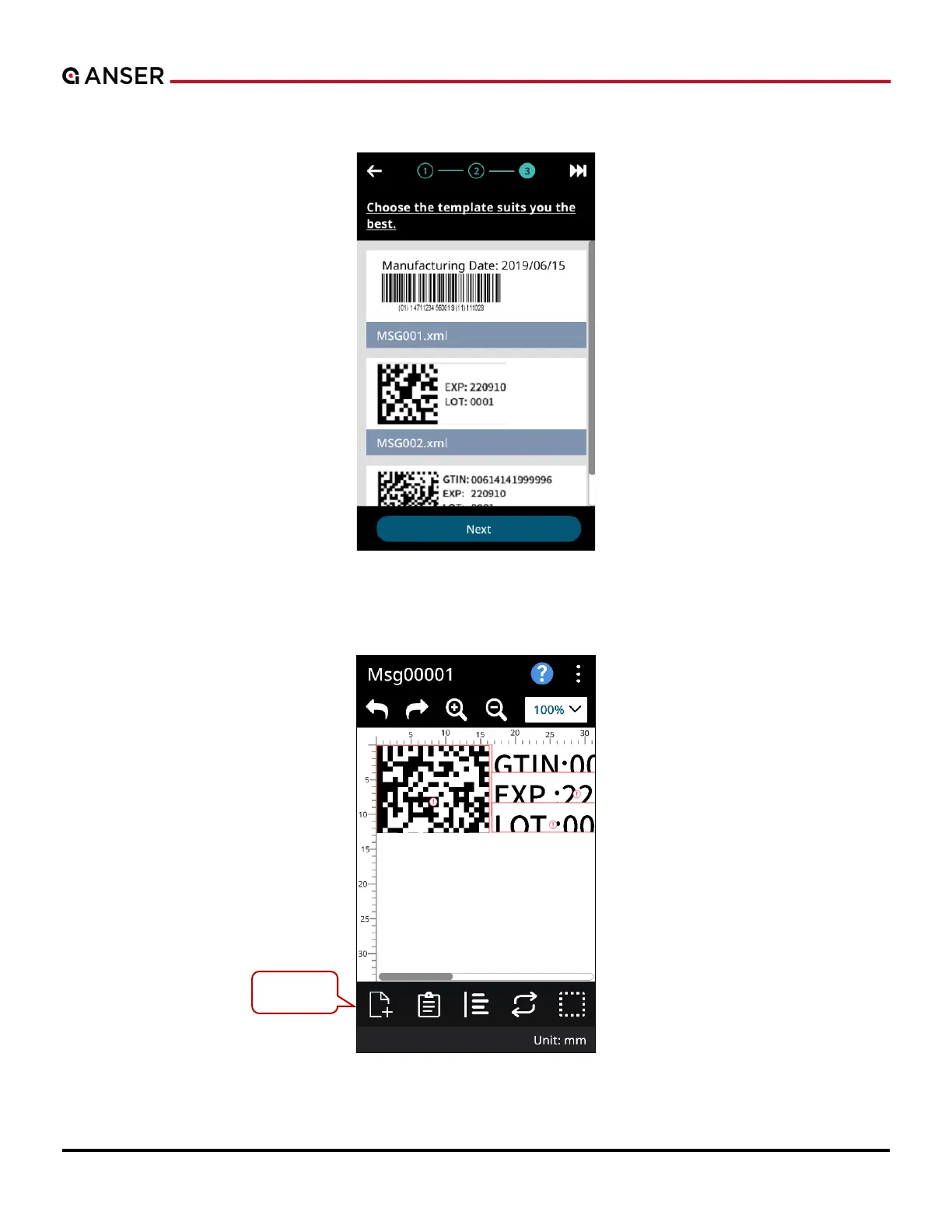
STEP 2: Roll and choose a template with selected objects. Press Next to go to Message Editor.
Figure 1-12. Initial Setup – Select from Template (2)
STEP 3: In Message Editor, use tool bar to adjust objects and message settings. Please see Section 1.4.1 for more details.
Figure 1-13. Initial Setup – Select from Template (3)
Tool bar.



 To Next Page