ANSER CODING INC. 23 A1 User Interface
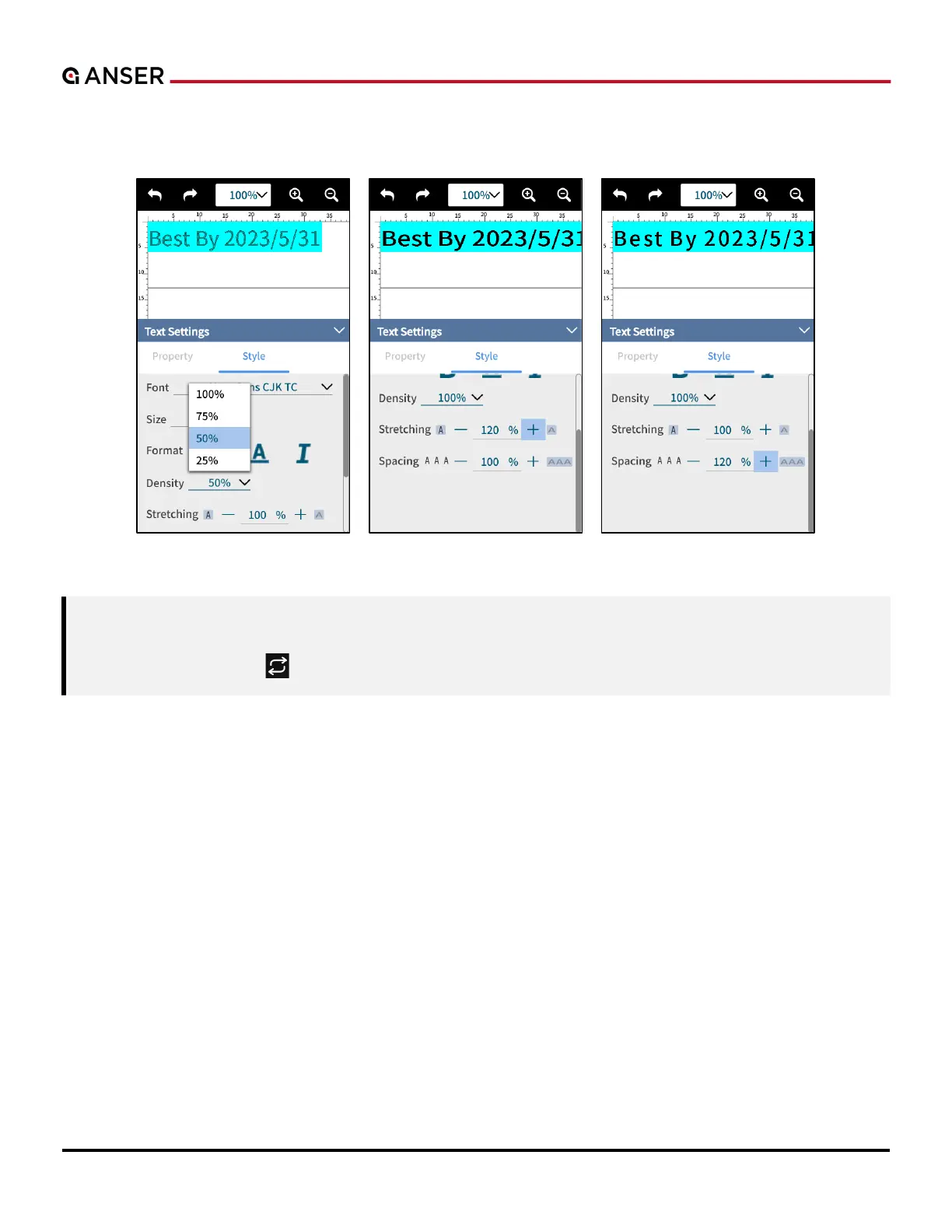
STEP 4: In the Text Settings page, different styles are provided including Density, Stretching and Spacing. Various layouts
can be done and ink usage can be adjusted accordingly. Please refer to the following figure for illustration.
Figure 1-24. Add Object – Edit Text Styles
Note: 1. The direction of stretching is the same as reading direction. Thus, in a 90-degree angled English text,
stretching over 100% will go down vertically instead of up.
2. Press Rotation “ ” in the edit tool bar to key in the desired angle of a selected text/object.



 To Next Page