ANSER CODING INC. 14 A1 User Interface
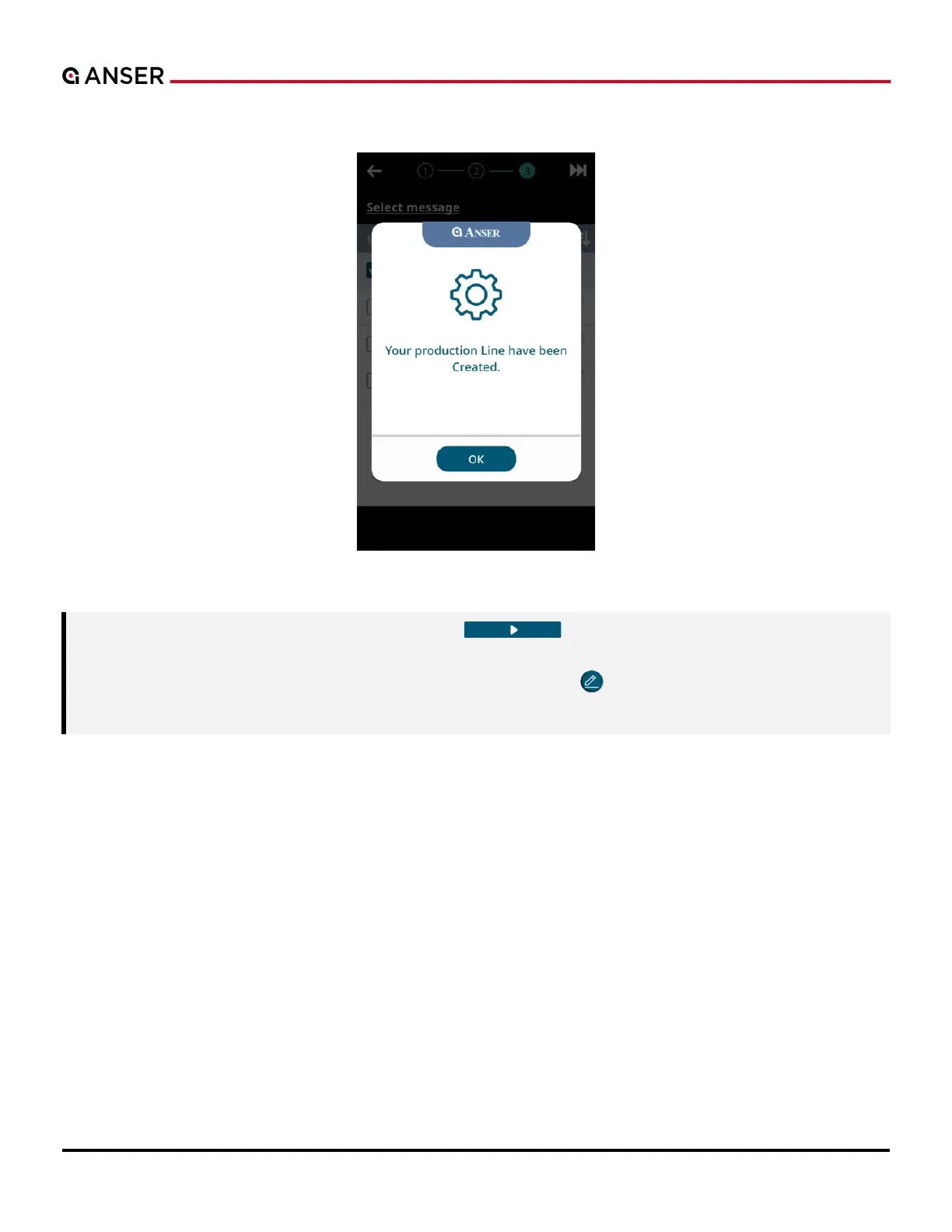
STEP 3: Press OK and start printing.
Figure 1-17. Initial Setup – Import File (3)
Note: 1. Close A1 dust cover before hitting the Start “ ” botton to ensure that cartridge latch
remains closed.
2. If you’d like to edit message after importing from USB, press “ ” in homepage. Please see Section
1.3 or Table 1-2 for more details.



 To Next Page