ANSER CODING INC. 59 A1 User Interface
1.6.5 Report
Navigate to Menu “
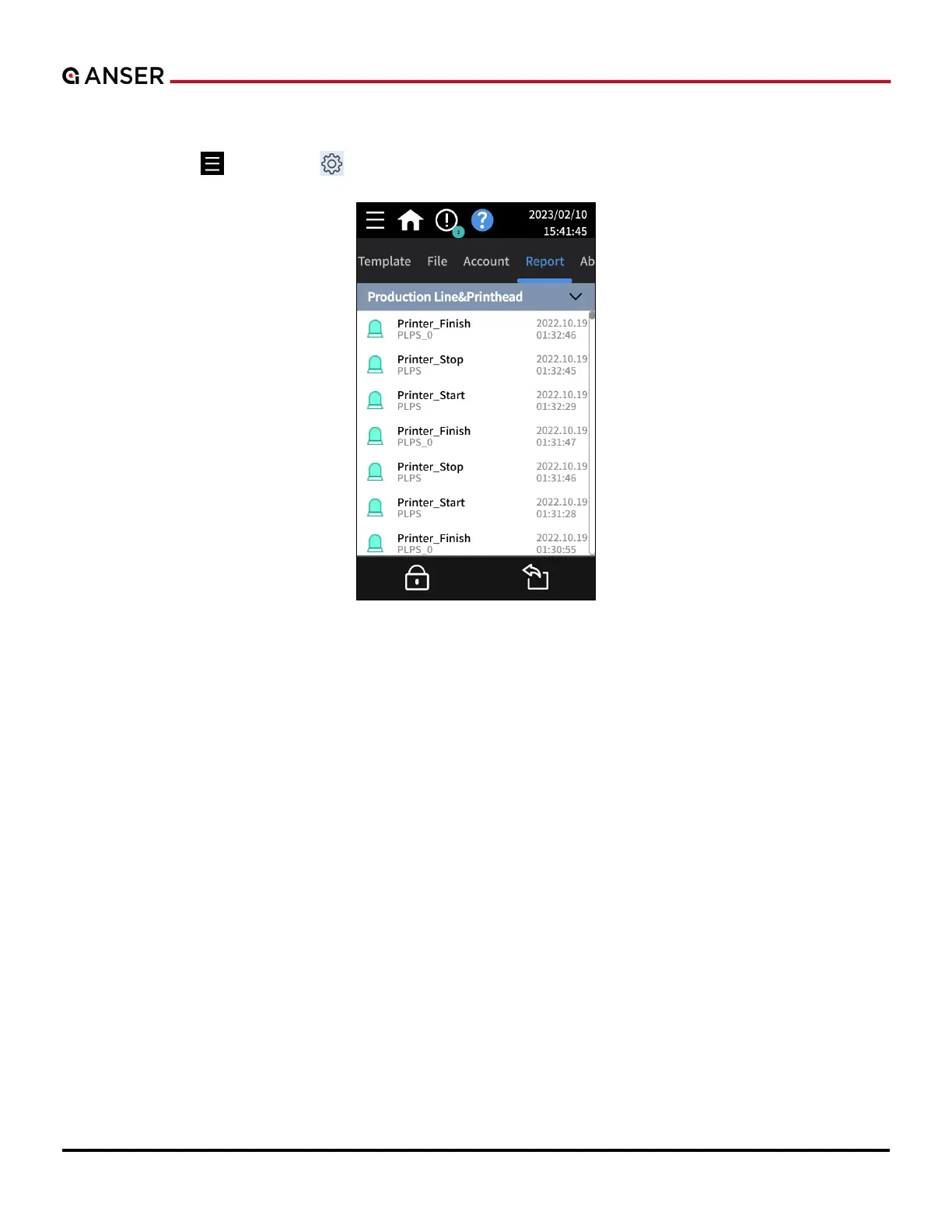
” > Settings “ ” > Report. (Please see Figure 1-62 below.)
Figure 1-62. The Report Page
The Report page provides information and logs of Production Line & Printhead, System, Connection and Ink Operation.
Press Export in the lower right corner to copy these operation reports to a USB drive connected to the printer.



 To Next Page