ANSER CODING INC. 33 A1 User Interface
1.4.1.4 Add Object: Variables
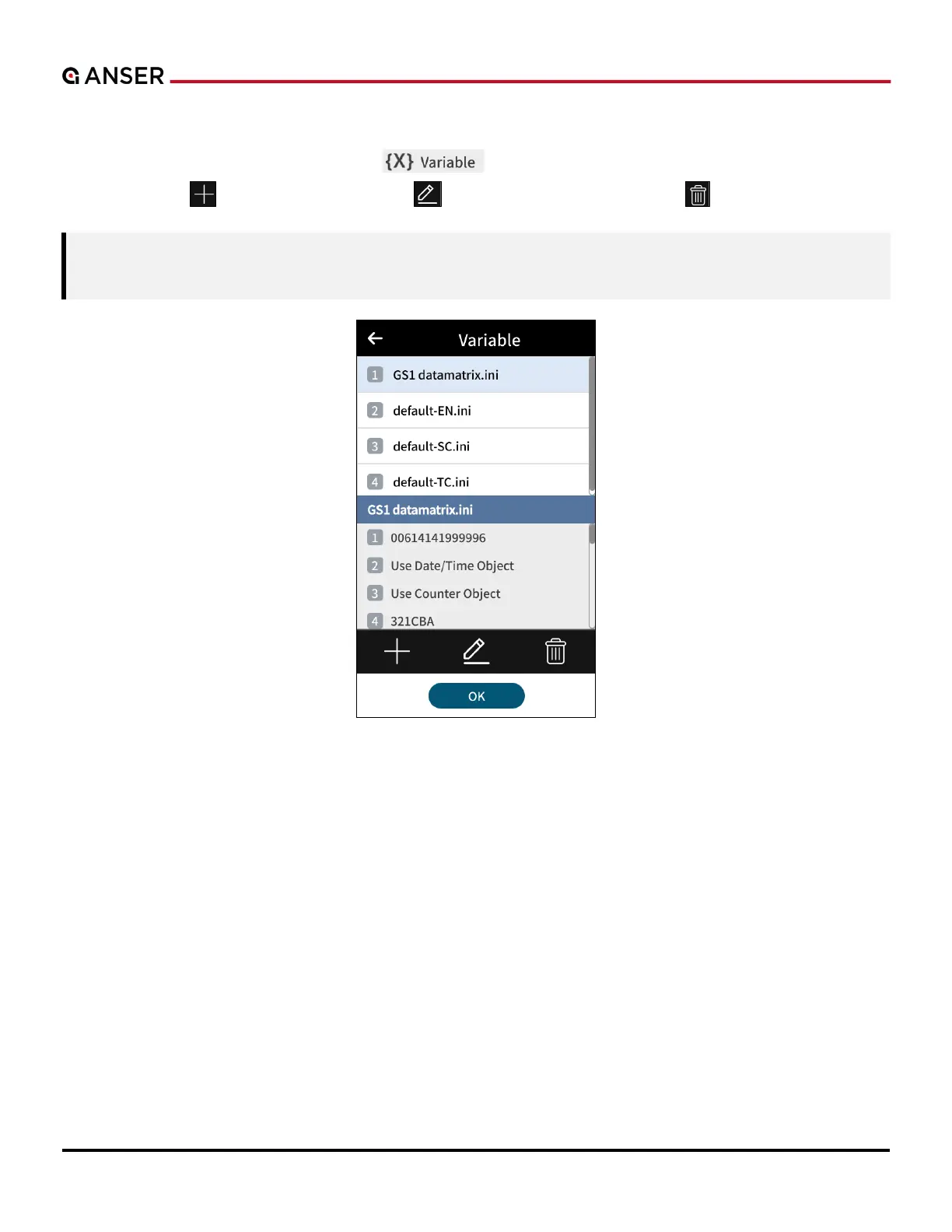
STEP 1: In Add Object page, press Variables “ ” and the following page will show. Use buttons below to
create a variable “ ”, to edit selected variable “ ”, or to delete a selected variable “ ”. After editing, press OK.
Note: Please refer to Section 3.1 Usage of the Variable Object for more details. Sources of Variables can be
Internal, External, or Database (when importing an Excel file).
Figure 1-36. Add Object – Variables



 To Next Page