ANSER CODING INC. 55 A1 User Interface
1.6.2 Template Management
Go to Menu “
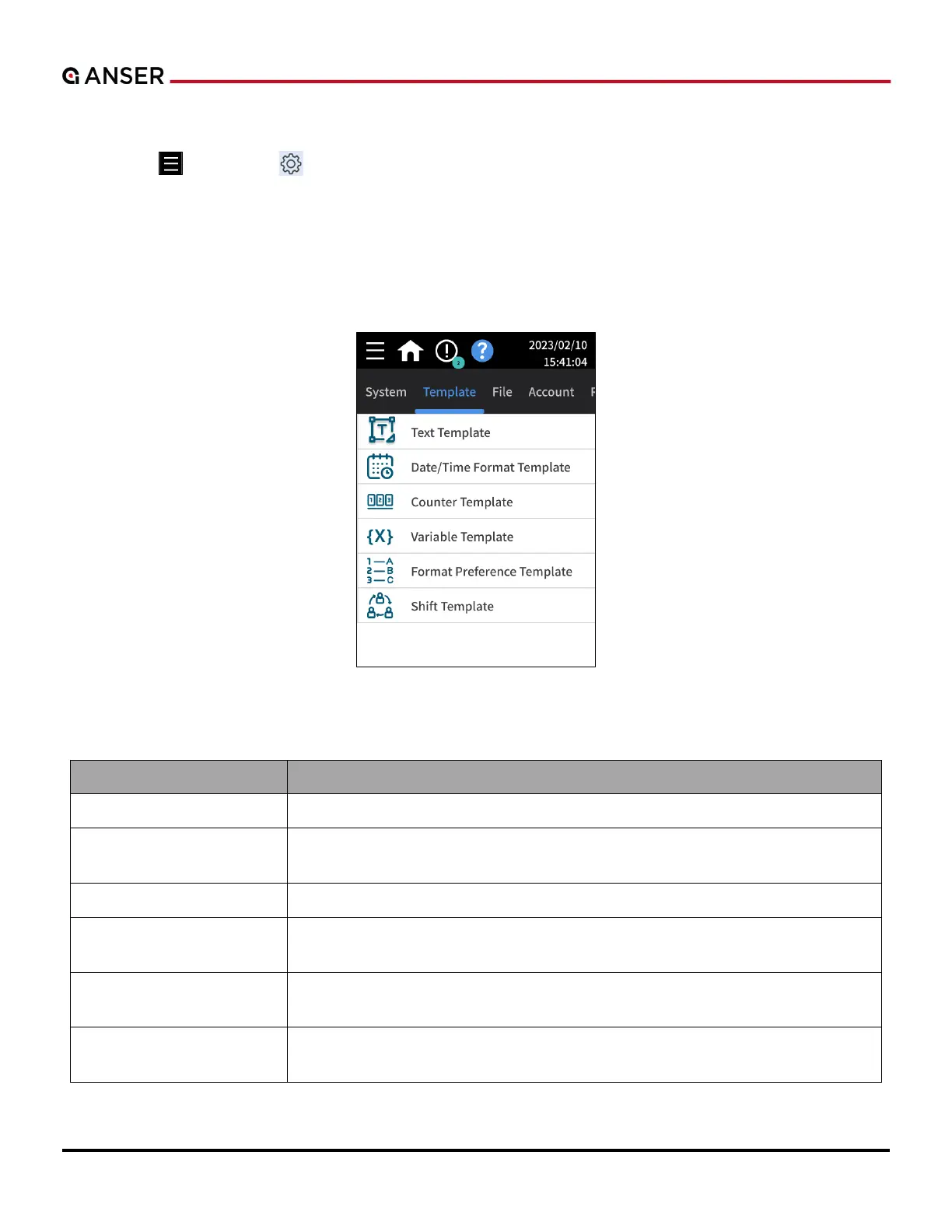
” > Settings “ ” > Template (see Figure 1-59).
Using templates is a good way to facilitate message creation for users. One or multiple templates for a specific object
can be defined and used throughout all messages.
When a template is imported into a message, a copy is created of that template. Even if the template were deleted, it
won’t affect the copy contained within the messages.
Figure 1-59. The Template Management Page
Table 1-12. Detailed Descriptions in Template Manage Settings
Option Description
Text Template Allows users to create text objects that contained pre-fixed content.
Date/Time Format
Template
Allows users to create custom template formats for date and time objects.
Counter Template Allows users to create templates for counter objects.
Variable Template
Allows users to create a table of variable objects containing pre-defined content.
Can be used to store data sent by external devices.
Format Preference
Template
Customize the name of the months used in production and expiry date objects.
Shift Template
Allow users to create a table of work shifts for different operators and hourly
periods.



 To Next Page