ANSER CODING INC. 9 A1 User Interface
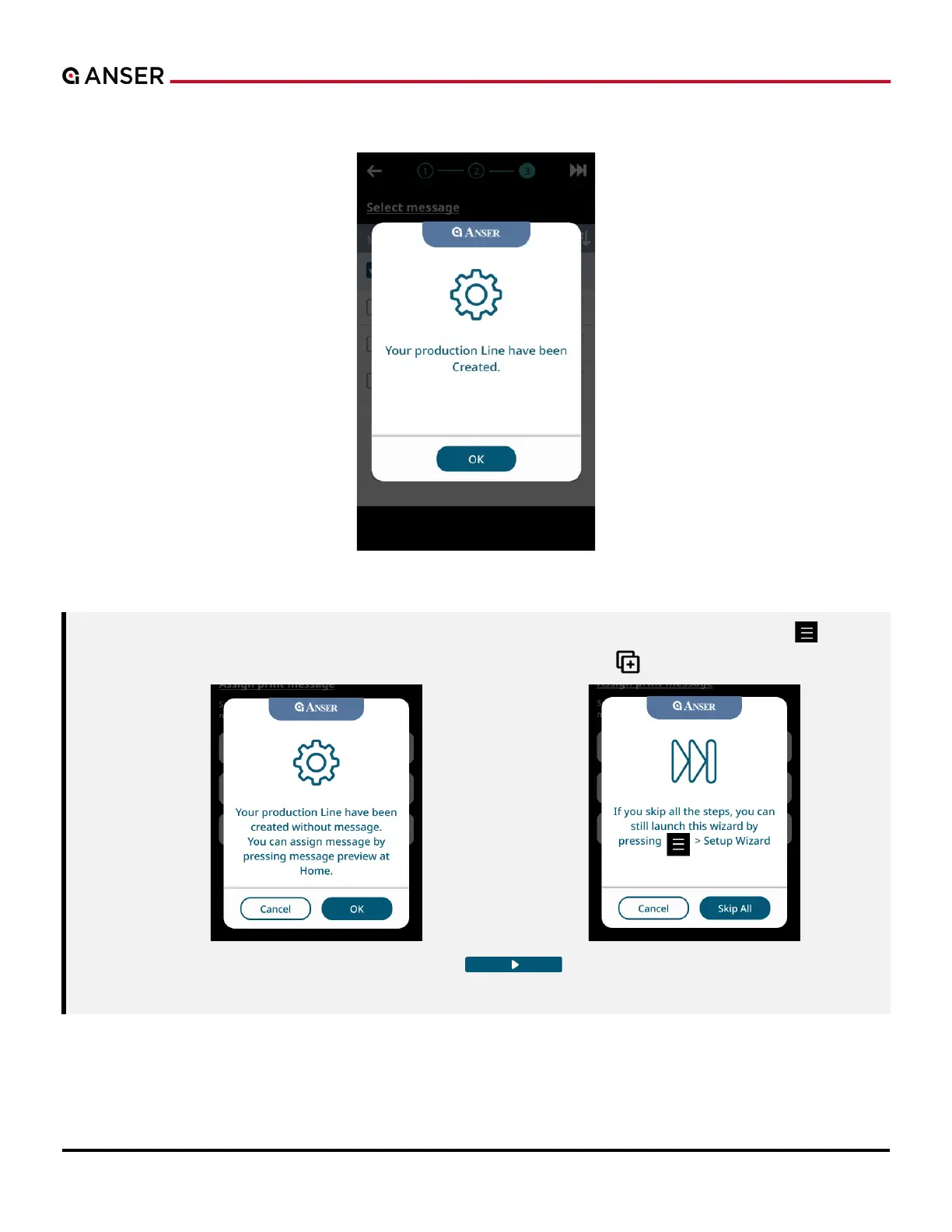
STEP 3: Once your message is saved, production line is ready. Press OK and start printing.
Figure 1-10. Initial Setup – Create Message (3)
Note:
1. If no message is created or saved, a
notification
will show. press OK and create message later.
. Skip steps for now and use Menu “ ” >
Wizard “ ” to go back later.
. Close A1 dust cover before hitting the Start “ ” botton to ensure that cartridge latch
remains closed.



 To Next Page