ANSER CODING INC. 7 A1 User Interface
Option Description
Station Delay The distance (unit: mm or inch) from the sensor trigger to the location on the product
where the print starts. Please refer to Figure 1-47 for more details.
Trigger Block Set a distance to temporarily disable sensor trigger from ink firing and printing.
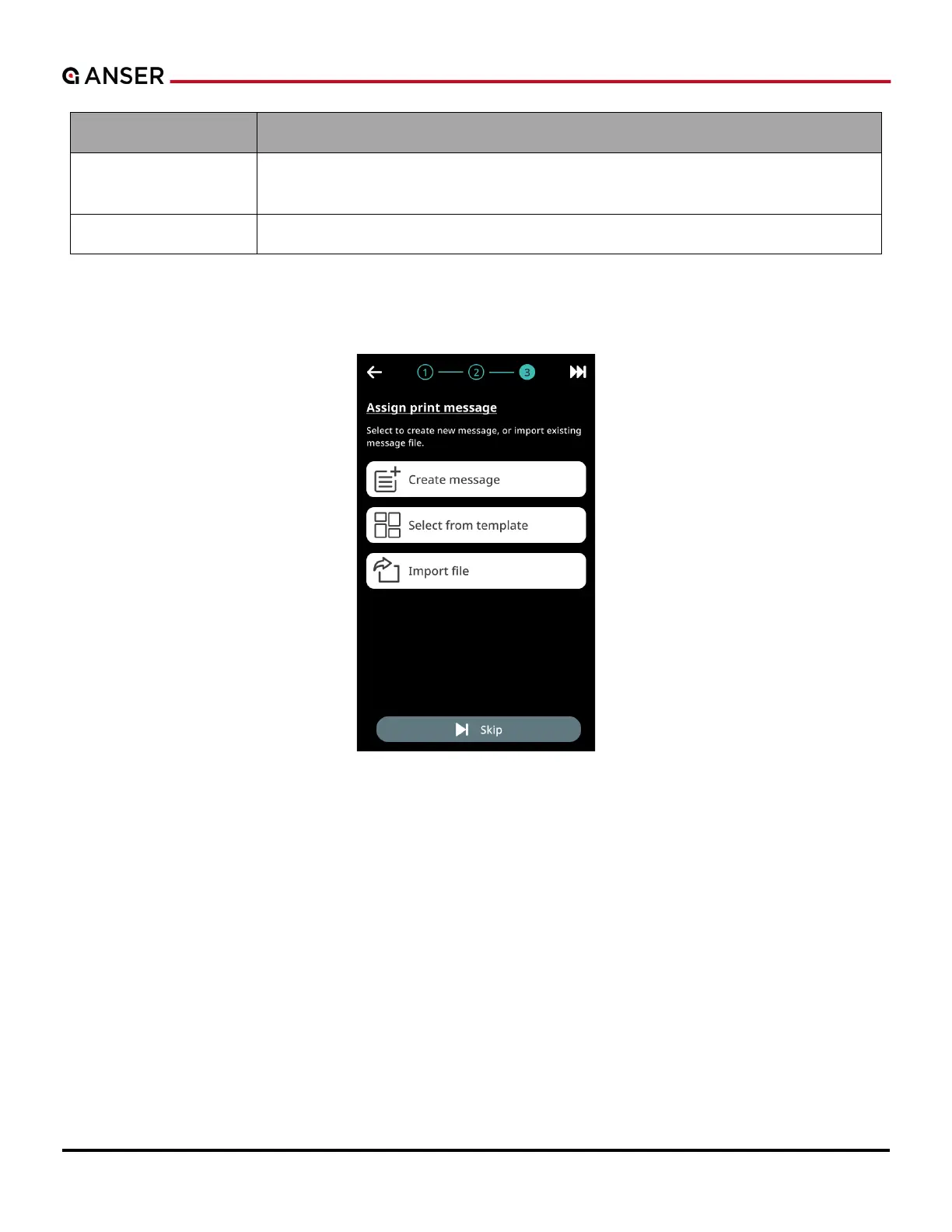
STEP 3: The last step in the initial setup wizard is to create a message to be printed thru one of the following three
methods: Create Message, Select from Template, or Import File.
Figure 1-7. Initial Setup – Production Line Settings (3)



 To Next Page