ANSER CODING INC. 51 A1 User Interface
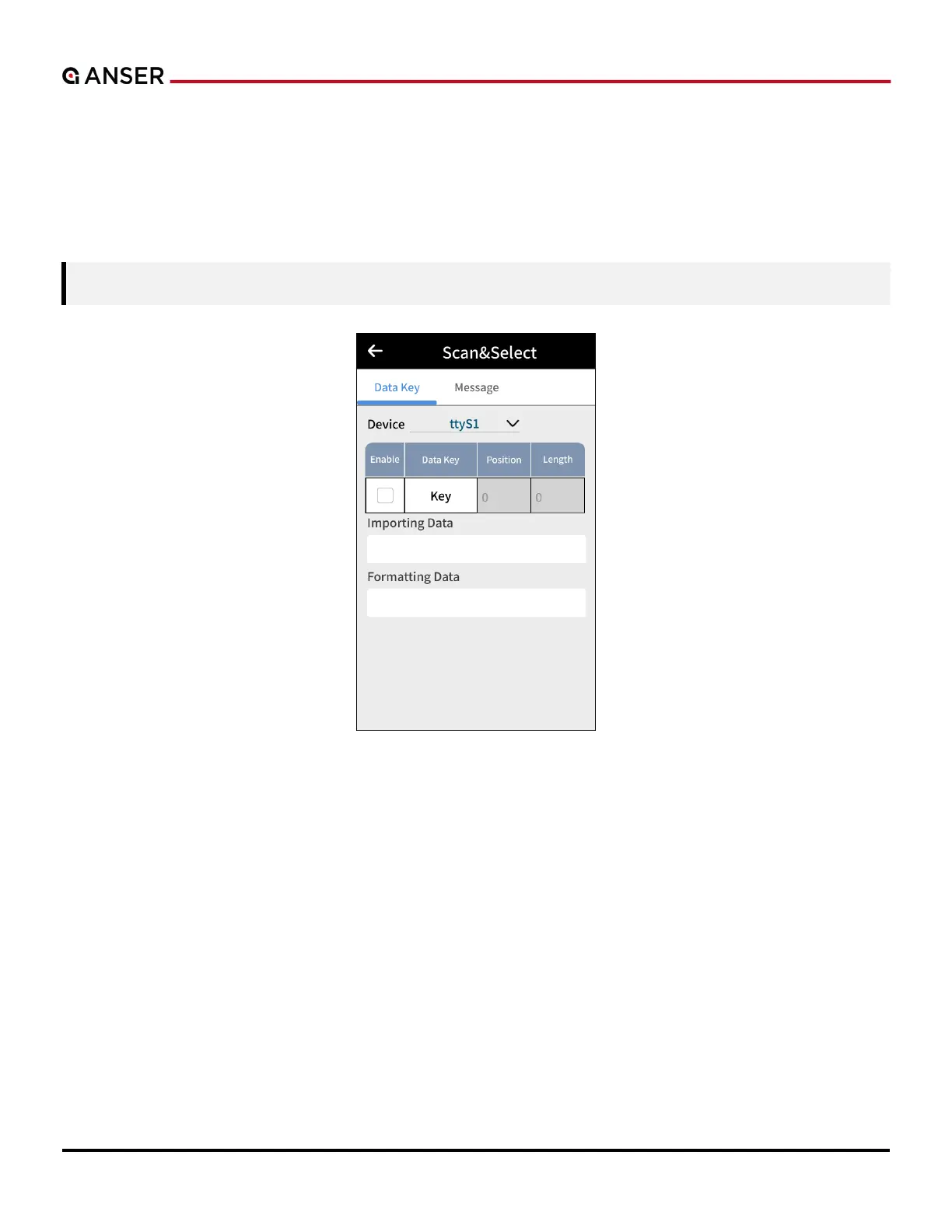
1.5.4.7 Scan & Select
Scan & Select module allows users to set a message to print mode by scanning a barcode.
Users define a rule that contains data key and the message to print. A1 compares whether the input data key is
presented in the scan data or not. If the key matches, then A1 will assign the linked message to the production line.
Note: A maximum of 1000 individual users’ rules can be created.
Figure 1-56. Scan & Select – Enable Data Key
Please refer to Section 1.5.4.6 Scan & Print to learn how to setup position and length for incoming scan data.



 To Next Page