ANSER CODING INC. 5 A1 User Interface
1.2.1 Create a Production Line
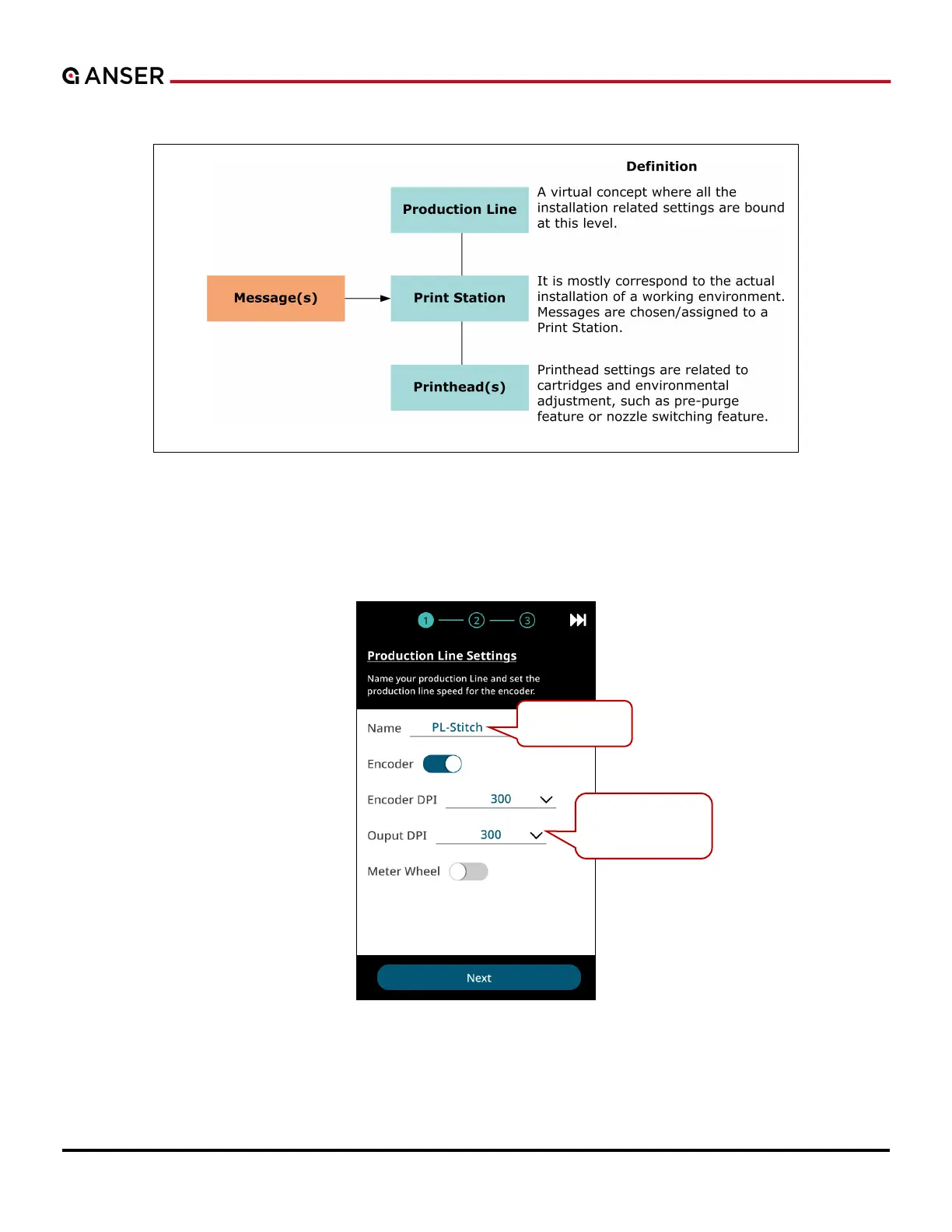
Figure 1-4. A1 Printing Setup Diagram
1.2.2 Production Line Settings
STEP 1: Enter a name for your production line and set encoder speed. Please refer to Section 1.5.1 for detailed settings.
Figure 1-5. Initial Setup – Production Line Settings (1)
Adjust message
size and density.
Press to edit.



 To Next Page