ANSER CODING INC. 76 A1 Operation
3.3.2 File Management
File Management can export and import one or multiple types of files such as messages, images, fonts, etc.
To Export
STEP 1: Select the files to export from the file manager.
STEP 2: Press the Export button, and select the USB directory to export.
Note: When exporting, files are exported to the directory “File_Management_xxxx”.
To Import
STEP 1: You will need a system file directory that can be generated through the Export operation mentioned previously.
After exporting, put one or multiple files under the corresponding subfolder, e.g., excel, font, logo....
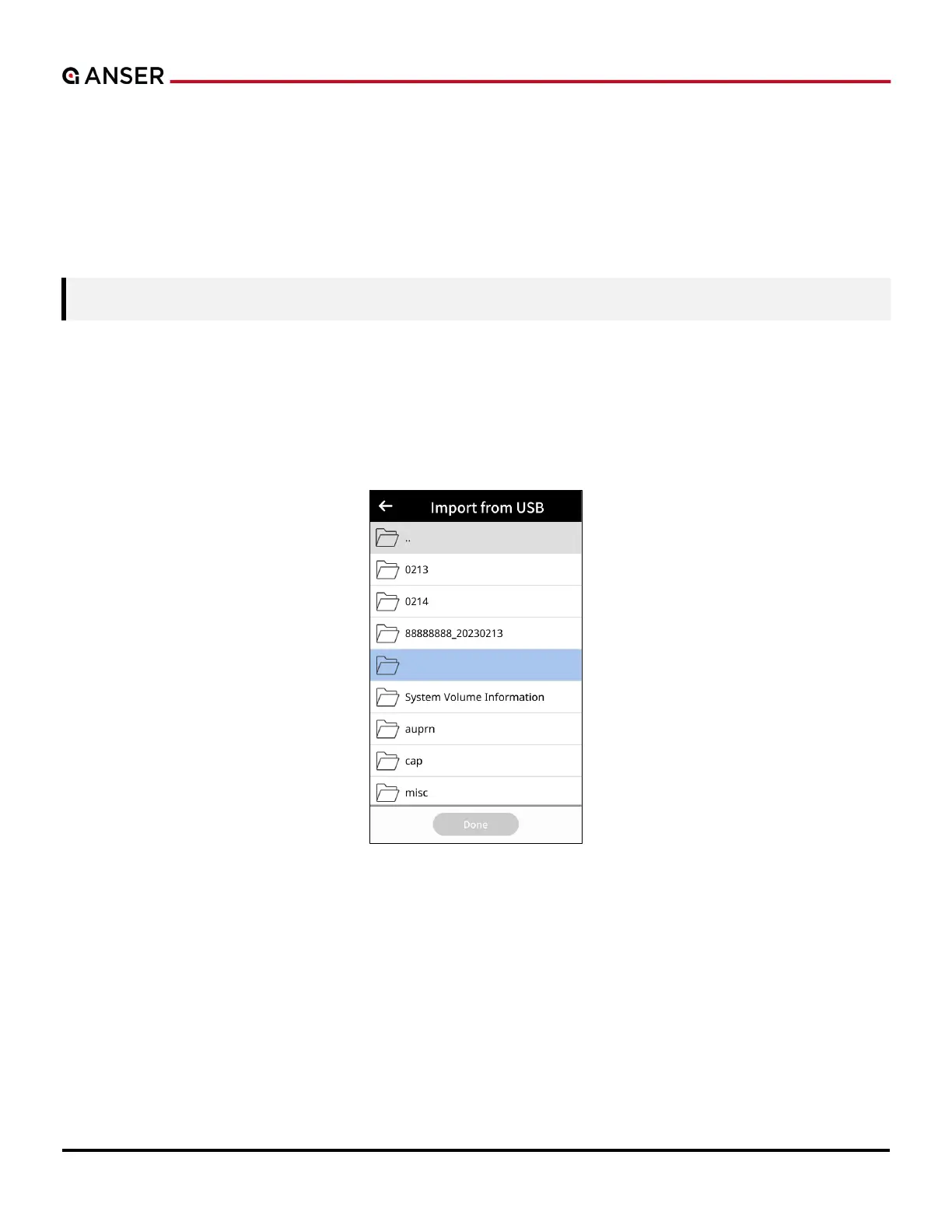
STEP 2: Insert USB into the USB port, click Import, and double-click the directory to locate the files to be imported, such
as “Backup_xxxx” or “File_Management_xxxx”.
Figure 3-5. Import from USB (1)



 To Next Page