ANSER CODING INC. 63 A1 Printing Setup
2.2 Print Station Setup
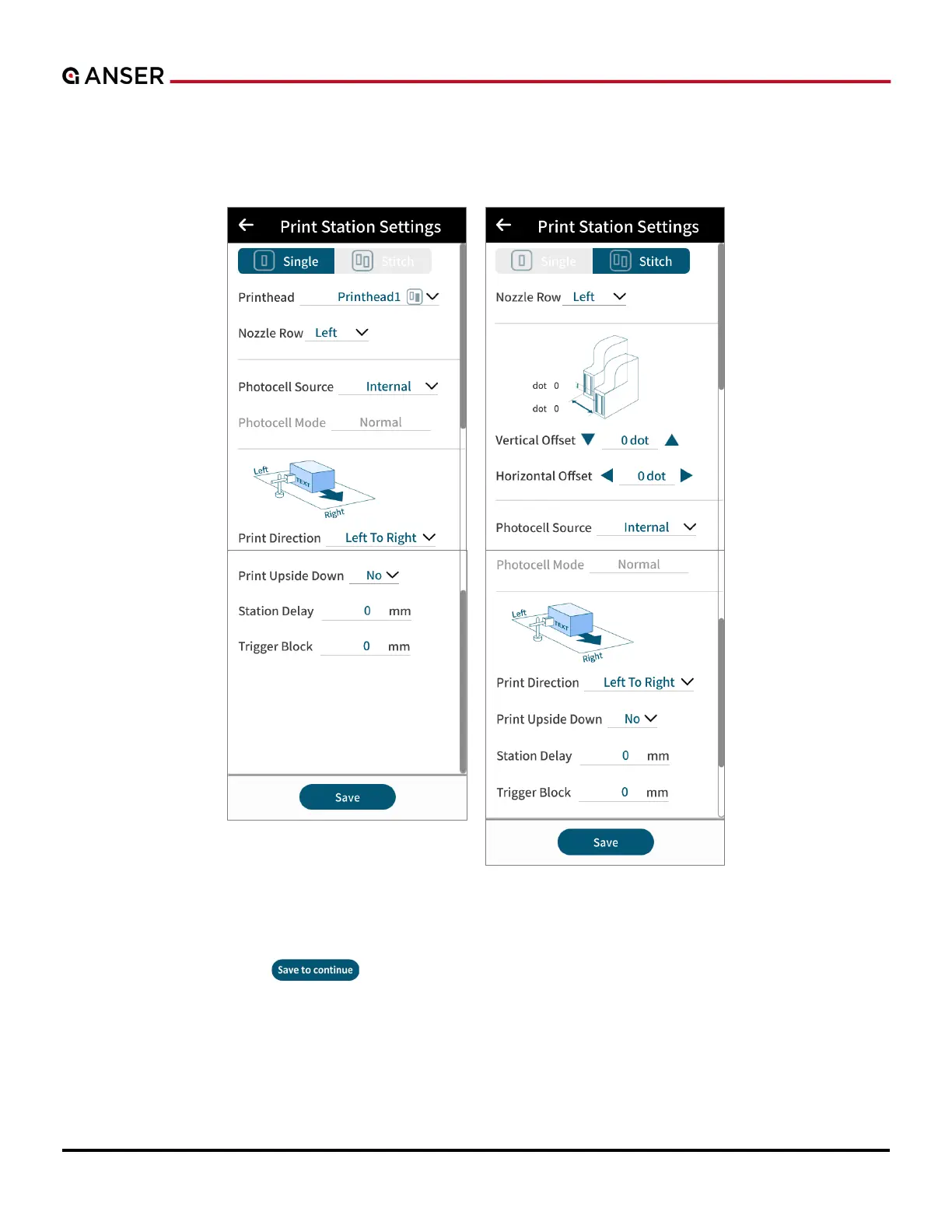
Print stations can contain one or two printheads combined in different modes. Please see Figure 2-3 below for the
settings page.
Figure 2-3. Print Station Settings
While in the production line settings page,
a. Press Save to continue “
” to enter print station settings page.
b. Select print station mode (single or stitch).
c. Move down by swiping up to select settings related to nozzle row, photocell sensor source, print direction, print
upside down, and station delay settings.
d. Press Save to go back to production line list.



 To Next Page