ANSER CODING INC. 47 A1 User Interface
1.5.4.2 Ethernet
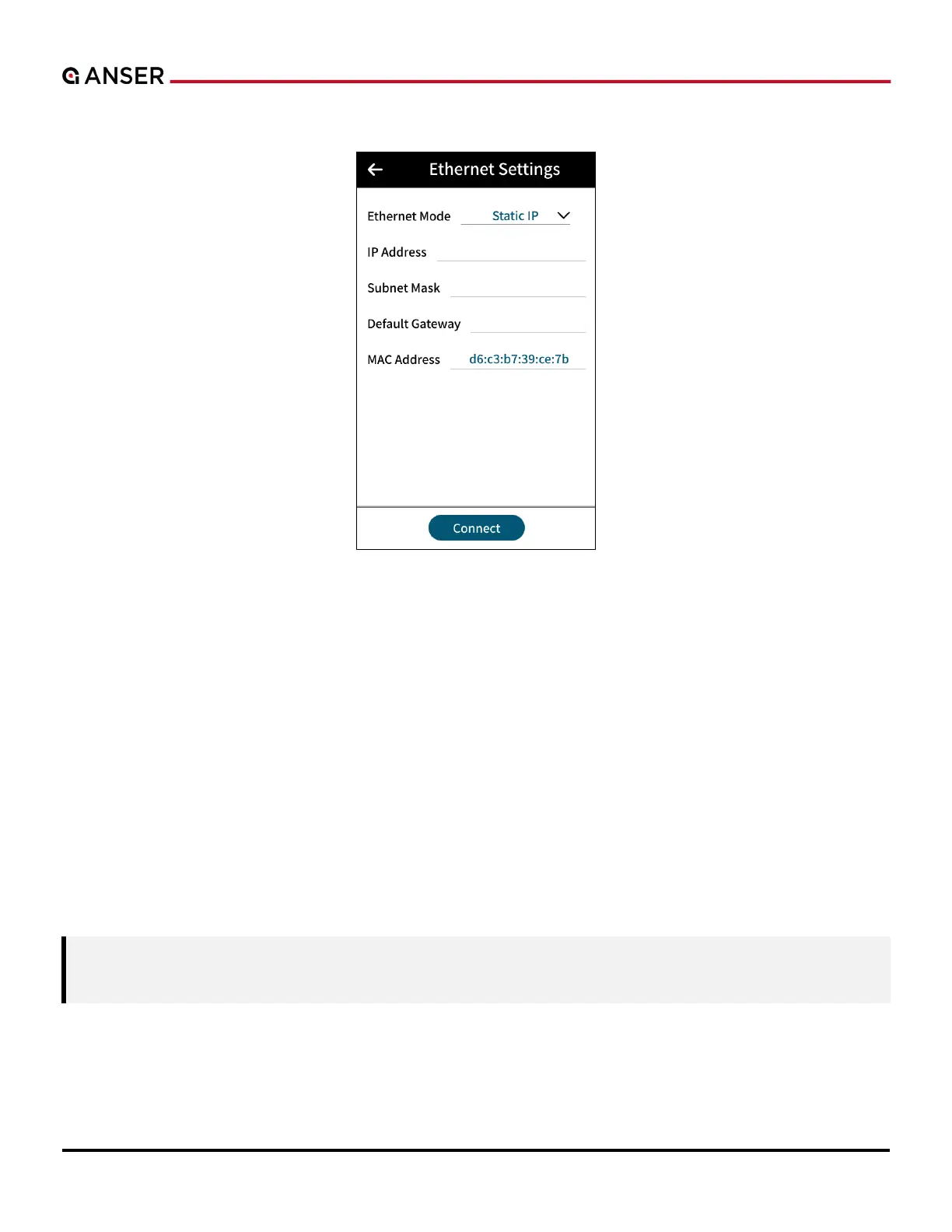
Figure 1-52. Ethernet Settings Page
Ethernet menu displays Ethernet port connection settings. DHCP or static IP mode is supported. A1 default IP is displayed
in the above figure. Connect an RJ-45 Ethernet cable to A1’s Ethernet port to remotely control and monitor using A1
Modbus TCP/IP communication protocol.
1.5.4.3 USB
USB page displays the port settings for USB devices such as barcode scanners. A1 uses the USB interface as a serial virtual
COM port to communicate with serial devices. Virtual COM port enables A1 to access a USB device as if it were a built-
in serial port.
When connecting barcode scanners, please make sure that the scanner is setup as virtual COM port and not as a Human
Interface Device (HID). Some barcode scanners might not have a virtual COM port option, instead, setup the scanner as
USB communication device class (CDC) which also works in A1.
Note: If you are using USB virtual COM for the first time, please connect the scanner to the PC, and install the
driver before connecting to A1.



 To Next Page