ANSER CODING INC. 19 A1 User Interface
Table 1-3. A1 Message Editor and Settings
Item Icon Description
1
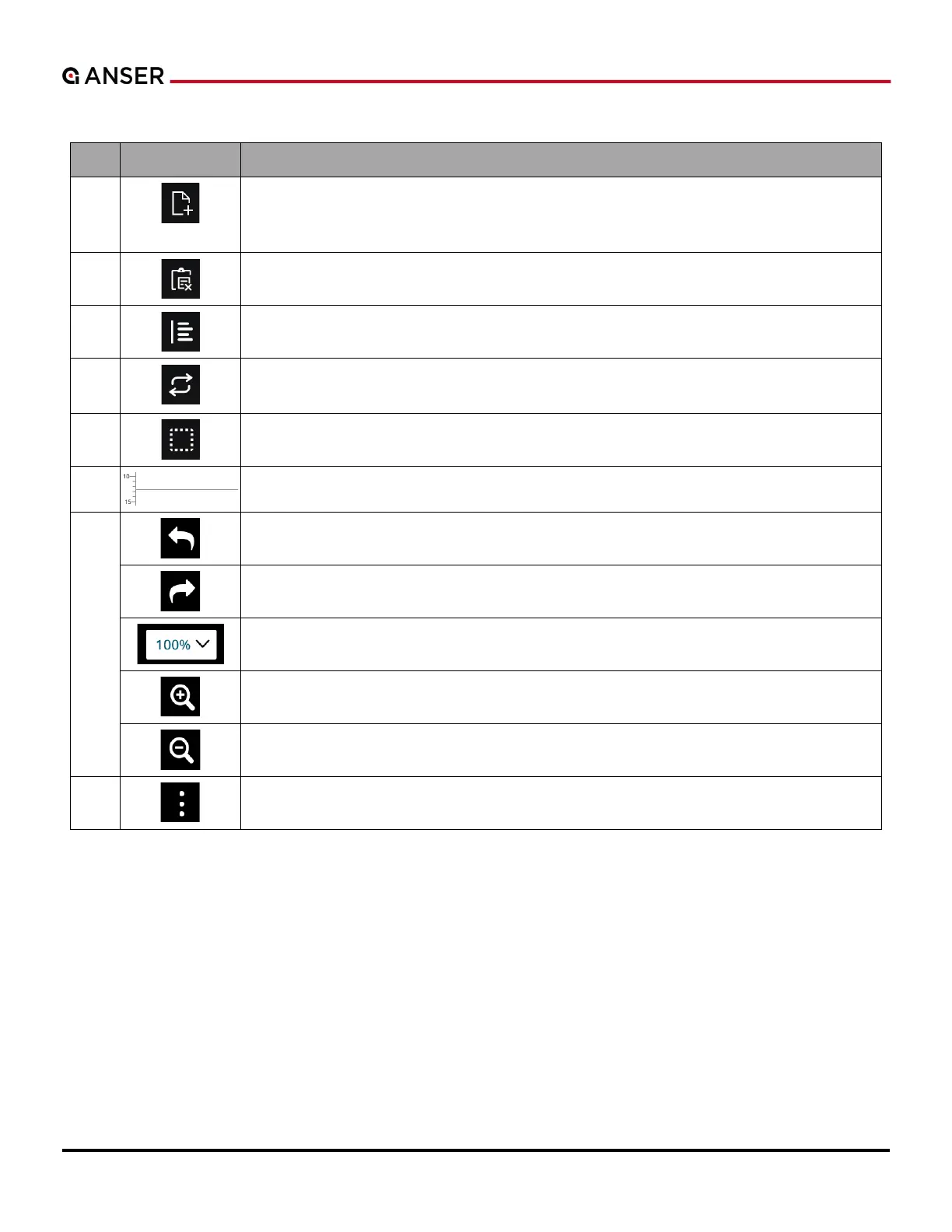
Add Object Button: Using it to create a message is highly recommended. It contains the
most commonly used objects: Text, Date/Time, Counter, Image, Barcode, Shape, Variables,
and Shift. Press each object to go to further settings.
2
Clipboard: To copy, paste, delete objects and fine tune their positions.
3
Alignment: To align objects in different directions and distributions.
4
Rotation: It allows users to set the orientation of objects: Mirrored, Upside down, or
Reverse color.
5
Select: To single select, select all, unselect all, or multiple select objects.
6
Printing Border: Mark the height and the printable area of a message.
7
Undo: To cancel or reverse the last action.
Redo: To restore and repeat the action that has just been undone.
Zoom Ratio: Select a zoom rate to view the editing area.
Zoom In: View the editing area in a closer and bigger look.
Zoom Out: View the editing area in a smaller and farther away look.
8
More Settings: Access Message Settings, Print Preview, Save/Save As File and Exit.



 To Next Page